



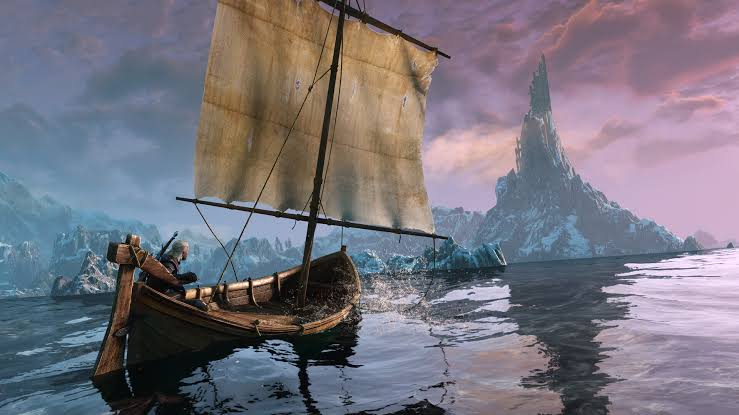
A new mod for The Witcher 3 Remastered gives you far more control over ray tracing, path tracing and upscaling by automatically changing graphics profiles depending on where Geralt is and what he is doing.
The mod, called Dynamic Region Graphics, is designed to address one of the main problems with keeping path tracing enabled throughout the game. While path tracing can significantly improve lighting in some areas, it also carries a heavy performance cost and does not necessarily produce the best visual result in every location.
Instead of forcing you to manually open the graphics menu whenever conditions change, the mod can switch settings automatically.
Graphics Profiles Can Change Between Individual Regions
Dynamic Region Graphics allows you to assign different rendering profiles to major locations across the game.
Supported areas include Vizima, White Orchard, Kaer Morhen, Novigrad, Velen, Skellige, Toussaint and special worlds.
Each region can use one of several graphics profiles, including the normal rendering mode, ray tracing or path tracing.
| Mod feature | What it does |
|---|---|
| Per region profiles | Assign different graphics settings to individual areas |
| Indoor profiles | Use separate settings inside buildings |
| Outdoor profiles | Apply different settings during open world exploration |
| Combat switching | Return to lower cost settings while fighting |
| Dynamic upscaling | Automatically change DLSS, FSR 2 or XeSS modes |
| In game configuration | Settings available through the Gameplay menu |
| Script Merger | Not required |
| Language support | 18 official game languages |
This means you could run path tracing in an area where the lighting benefits are particularly noticeable while using standard ray tracing or conventional rendering elsewhere.
Indoor and Outdoor Areas Can Use Different Settings
The mod also distinguishes between interior and exterior locations.
You can configure taverns, castles and other rooms separately from the open world.
That provides another layer of control because the performance cost and visual benefit of advanced lighting can differ considerably between enclosed environments and large outdoor areas.
Once configured, these profiles switch automatically as you move through the world.
There is no need to pause the game and manually change the graphics preset every time you enter a building or travel to another region.
Path Tracing Can Turn Off During Combat
One of the most practical options allows the mod to disable expensive graphics settings when combat begins.
You can set a baseline profile that the game immediately returns to during fights, prioritizing frame rate and responsiveness.
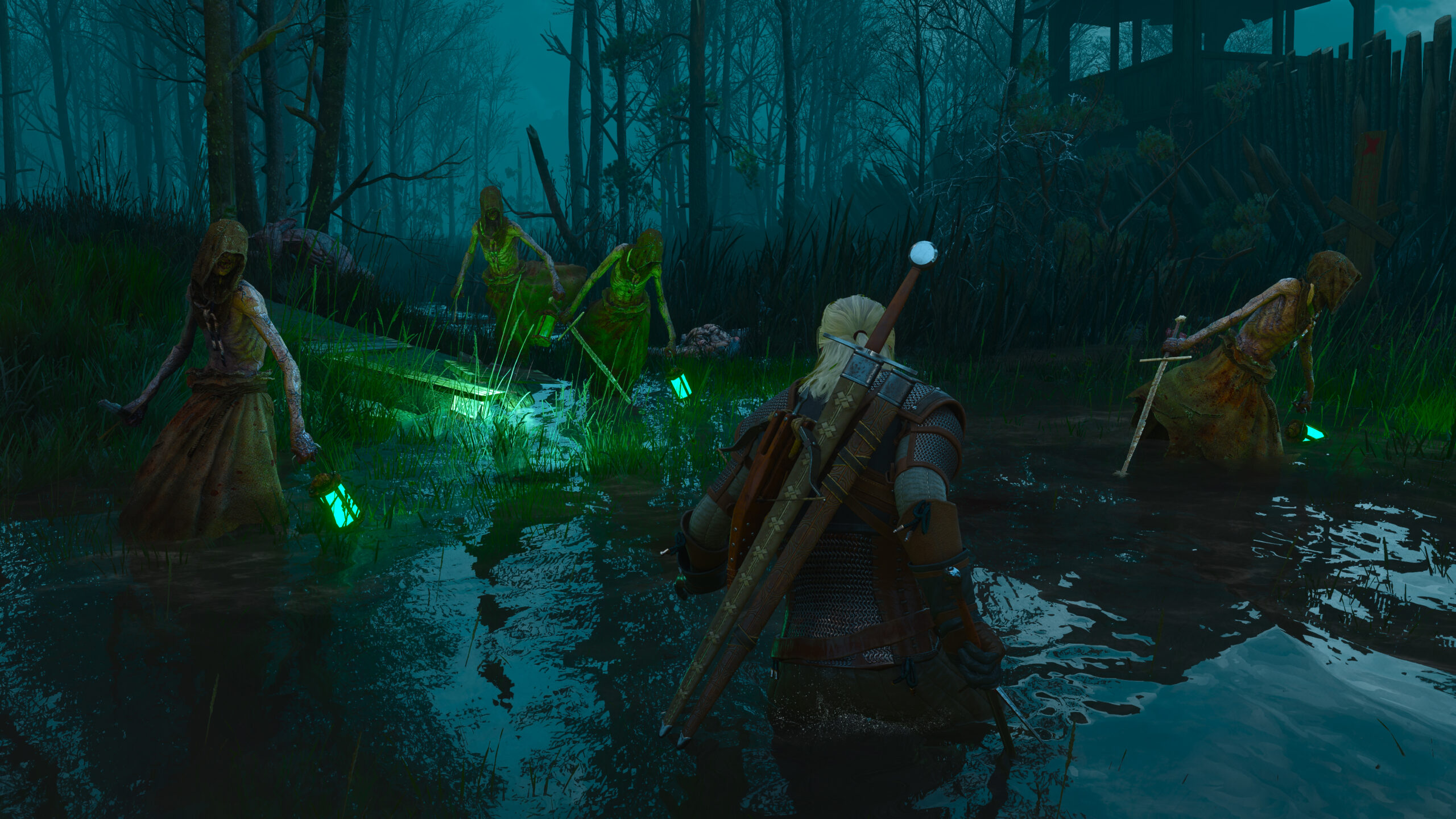
Once combat ends, the higher quality regional or location based graphics profile can return automatically.
For a game where path tracing can place a substantial load on the GPU, this could provide a better balance between image quality while exploring and performance during fast combat.
DLSS, FSR 2 and XeSS Can Change Automatically
Dynamic Region Graphics also manages upscaling settings.
The mod supports DLSS, FSR 2 and XeSS and can automatically switch between quality modes depending on whether ray tracing or path tracing is active.
For example, you could use native resolution or DLAA while conventional rendering is active, then automatically move to DLSS Quality or another upscaling preset when path tracing is enabled.
That makes the system more flexible than simply switching ray tracing effects on and off.
Everything Is Controlled Through the Game Menu
The mod adds its settings directly under Options, Gameplay, Dynamic Region Graphics.
It also uses native REDengine annotations rather than replacing the standard game scripts, so Script Merger is not required.
Support is included for all 18 official game languages.
The concept is similar to dynamic resolution scaling, but instead of adjusting only resolution, the mod changes entire rendering profiles depending on context.
For The Witcher 3 Remastered, that could be particularly useful because the visual benefit of path tracing varies between locations while its performance cost remains substantial.
Rather than choosing between leaving path tracing enabled everywhere or disabling it completely, Dynamic Region Graphics lets you decide exactly where the effect is worth using.



Discussion (0)
Be the first to comment.