




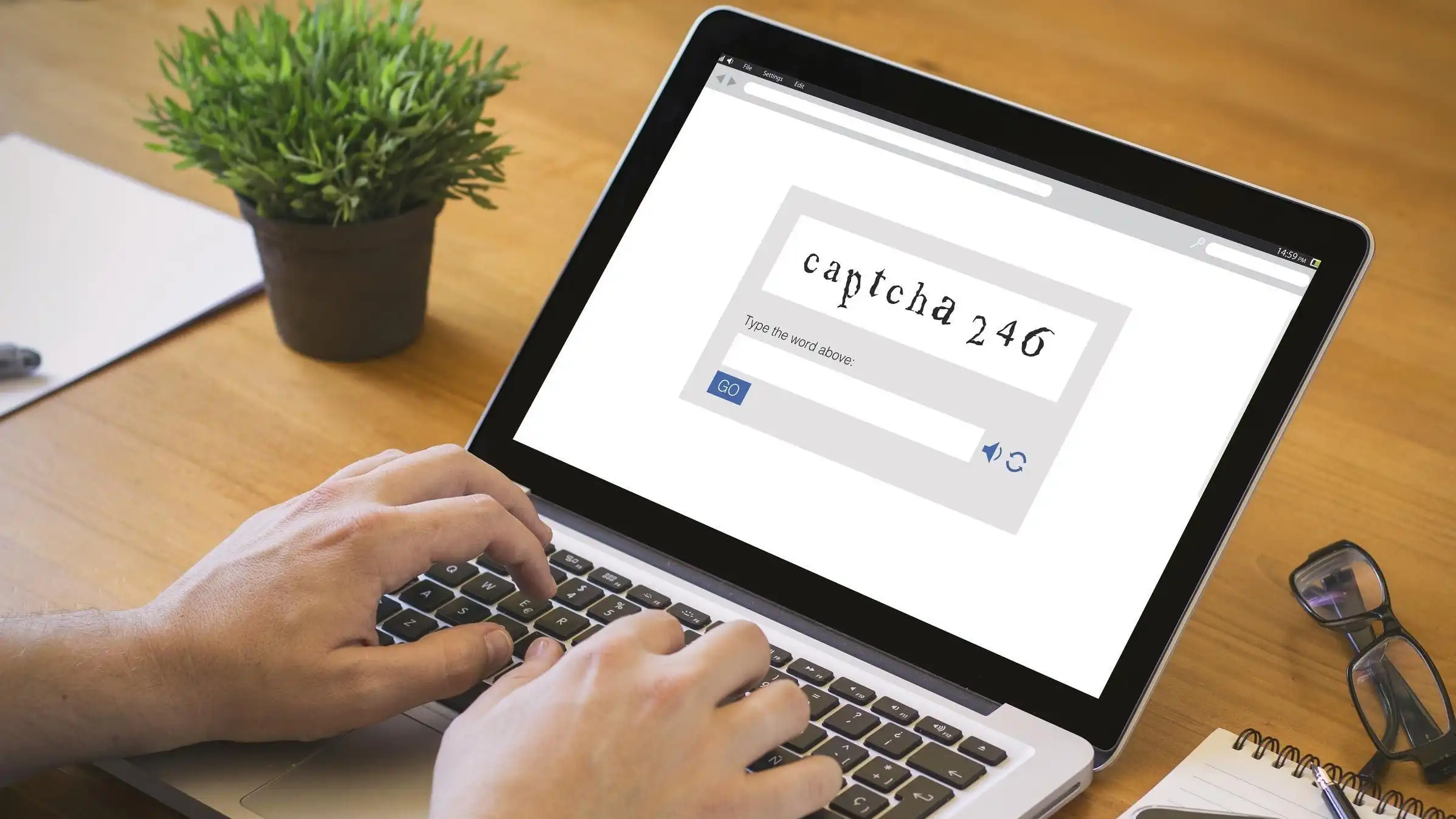
A new Windows malware campaign called TerminalFix is using fake CAPTCHA pages to persuade victims to launch PowerShell or Command Prompt and run malicious code themselves.
The technique is related to the earlier ClickFix campaign, which also relied on fake verification prompts. The difference is that TerminalFix directs people toward terminal tools that can execute longer and more complex scripts.
That makes the attack more capable of delivering a multi stage compromise instead of simply installing one piece of malware.
| Detail | Information |
|---|---|
| Campaign name | TerminalFix |
| Main trick | Fake CAPTCHA pages |
| Windows tools abused | PowerShell and Command Prompt |
| Main goal | Persistent proxy access to the infected system |
| Main risks | Data theft, malware spread, ransomware deployment |
| Primary targets | Enterprise environments |
| Best defense | Do not run commands from unexpected CAPTCHA prompts |
Fake CAPTCHAs Are Used to Build Trust
The attack begins with a page that looks like a normal verification screen.
Some versions imitate familiar services such as Cloudflare, which can make the instructions appear legitimate to someone who is not expecting a security attack.
Instead of simply asking you to click a checkbox or choose images, the fake page tells you to open PowerShell, Command Prompt, or another Windows interface and enter commands.
That should immediately be treated as suspicious.
A real CAPTCHA does not need you to manually execute operating system commands to prove that you are human.
TerminalFix Can Run More Complex Scripts
The key difference between TerminalFix and older ClickFix attacks is the way the malicious instructions are executed.
ClickFix often used the Windows Run dialog and focused on deploying a single information stealing program.
TerminalFix instead uses terminal tools that are better suited to running complex scripts over several lines.
That gives attackers more flexibility.
Once the victim follows the instructions, the script can begin a multi stage intrusion and establish persistent access to the computer.
The infected machine can then be used as a network proxy, allowing attackers to route traffic through it or use it as a starting point for additional attacks.
Business Networks Face the Greatest Risk
The campaign is especially concerning in enterprise environments.
If one employee compromises a poorly protected workstation, attackers may be able to use that machine to explore the wider corporate network.
From there, they could attempt to steal sensitive files, move malware to other systems, or deploy ransomware.
Persistent proxy access can also make malicious traffic look as if it is coming from a legitimate device inside the organization.
That can make detection more difficult and give attackers more time to operate.
Home users are not immune, but the campaign appears more useful against businesses where one compromised system can provide access to larger amounts of valuable information.
Several Windows Security Measures Can Reduce the Risk
Organizations can reduce exposure by limiting unnecessary access to PowerShell and other command execution tools.
Monitoring for suspicious DLL sideloading activity can also help identify parts of the attack chain.
Other recommended defenses include blocking outdated Flash components where they still exist and enabling cloud based protection in Microsoft Defender Antivirus.
The most important measure, however, remains awareness.
Employees should know that websites asking them to open PowerShell or Command Prompt as part of a CAPTCHA or verification process are highly suspicious.
For most people, there is almost never a legitimate reason for a website verification screen to require manual terminal commands.
TerminalFix relies heavily on social engineering, so the attack becomes much less effective when the victim recognizes the warning signs.
If a page suddenly asks you to open a terminal, paste commands, or run scripts to prove that you are human, closing the page is the safer response.


Discussion (0)
Be the first to comment.