



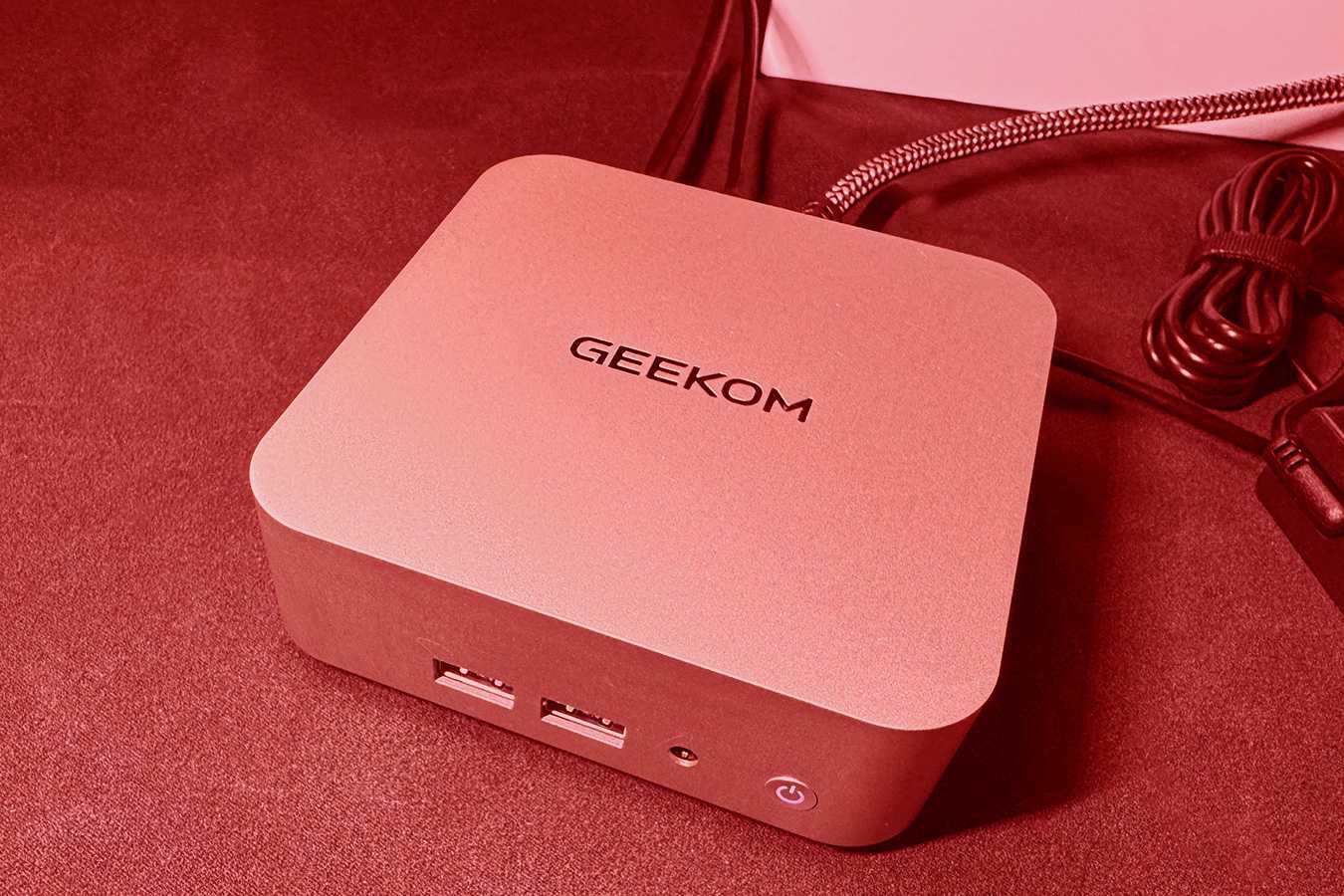
Owners of several Geekom mini PCs may need to reinstall Windows from scratch after malware was found in network drivers hosted on one of the company’s older support pages.
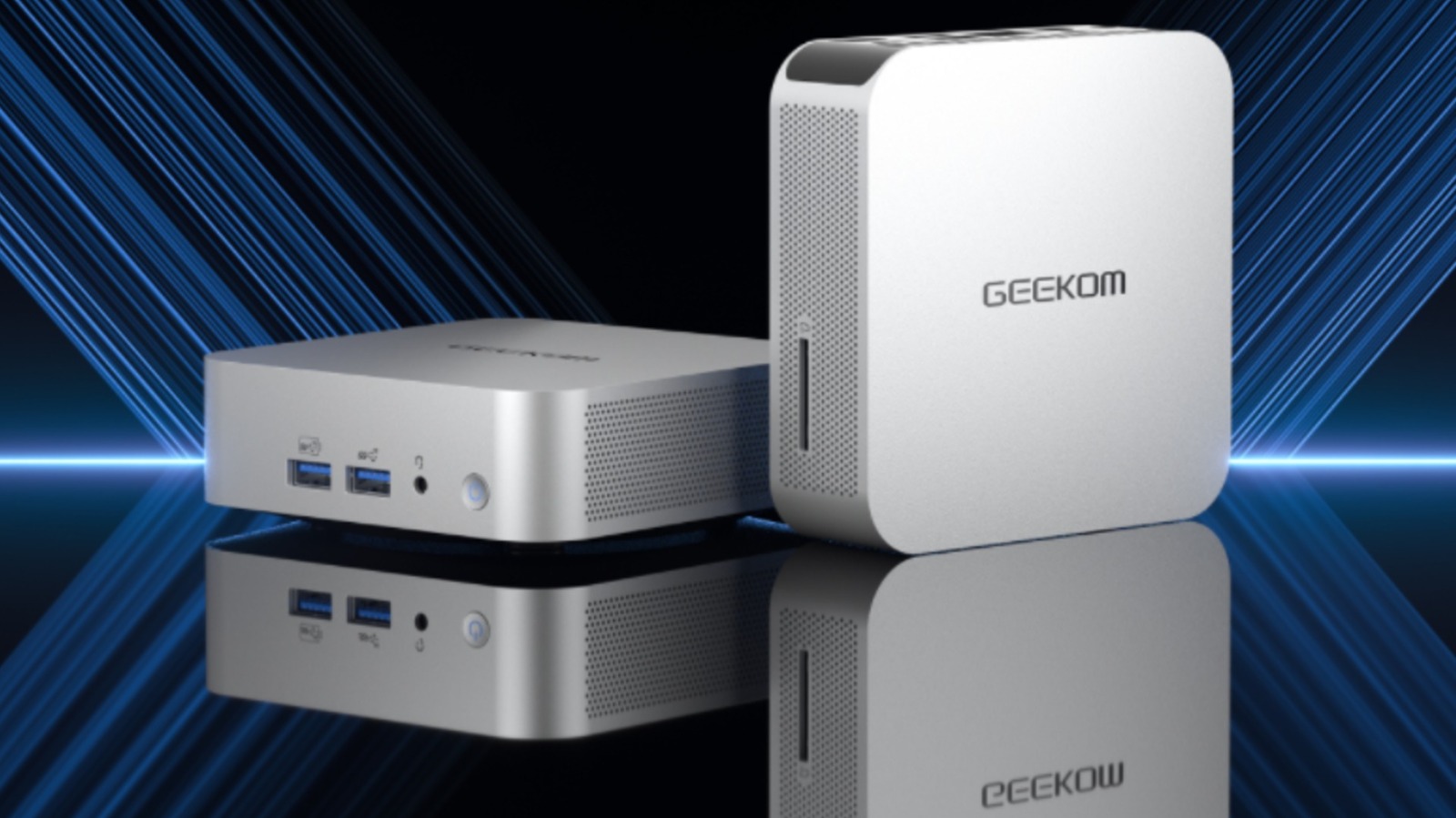
The affected models include the Geekom A7, A8, AE7, AE8, AX7 Pro, and AX8 Pro. The compromised driver package could allow attackers to maintain persistent access to an infected PC, monitor activity, redirect internet traffic, and interfere with Windows applications.
The problematic page was part of Geekom’s legacy support system. It was no longer linked from the company’s main website, but search engines could still surface it, which meant people looking for drivers could reach the page directly.
| Detail | Information |
|---|---|
| Affected brand | Geekom |
| Affected models | A7, A8, AE7, AE8, AX7 Pro, AX8 Pro |
| Problem | Malware found in network driver package |
| Main risks | Backdoor access, traffic redirection, spying and app interference |
| Recommended action | Clean Windows reinstall |
| Safer driver source | Windows Update or the hardware vendor |
| Network hardware vendor mentioned | Realtek |
The Malware Could Give Attackers Persistent Access
The issue is more serious than a conventional unwanted program.
Installing the affected network driver could place a backdoor on the PC. That type of malware can give an attacker continued access even after the initial installation process has finished.
Possible effects include monitoring activity, redirecting network traffic, interfering with software, and potentially stealing information stored on the computer.
Reports about suspicious files connected to the affected drivers appeared as early as December 2024, but the legacy support page remained accessible through search results.
The page was later removed after the problem received wider attention.
It remains unclear how the malicious files ended up in an official driver archive.
A Clean Windows Installation Is the Safer Response
If you installed one of the affected network drivers, simply deleting the driver may not be enough.
Because the malware could establish persistent access, the safer response is to back up important personal files and perform a clean installation of Windows.
That means removing the existing Windows installation rather than relying only on a repair process or attempting to delete individual suspicious files.
Before reinstalling, documents, photos, and other important personal data should be copied to a safe location.
After Windows is installed again, drivers should be obtained from trusted sources.
Windows Update Should Be the First Place to Check
For most hardware, Windows Update is the simplest and safest source for basic drivers.
If Windows does not provide the required driver, the next option should be the website of the company that actually manufactures the component.
For the affected Geekom mini PCs, the necessary network hardware is available through Realtek, allowing owners to obtain the driver directly from the component manufacturer instead of relying on an older archived download.
This approach can reduce the risk of installing outdated or compromised software.
Search Results Are Not Proof That a Support Page Is Safe
The incident also highlights a broader problem with finding drivers through search engines.
An old support page can remain indexed long after a company stops maintaining it. Someone searching for a driver may therefore land on a page that looks official but contains outdated, broken, or unsafe files.
That risk can be higher with smaller hardware companies that may have fewer resources dedicated to long term software maintenance and security verification.
For driver downloads, the safest order is generally to check Windows Update first, then use the hardware maker’s current support page, and finally go directly to the component manufacturer when necessary.
Anyone who owns one of the affected Geekom models and installed network drivers from the old support archive should treat the situation seriously.
A clean Windows installation is inconvenient, but it provides a much stronger level of assurance than trying to remove a backdoor from an already compromised system.



Discussion (0)
Be the first to comment.