



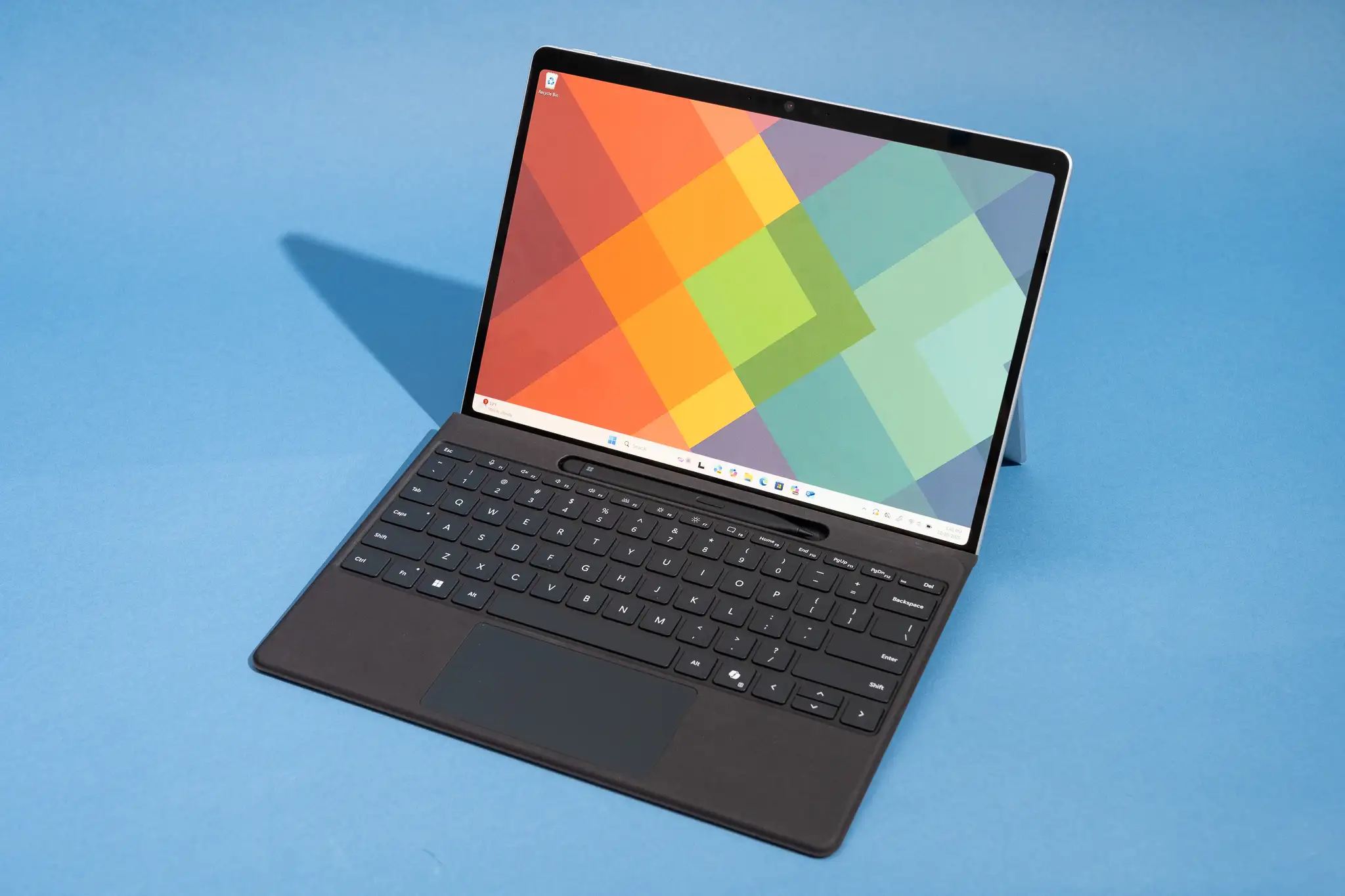
Microsoft’s Surface Laptop for Business 8th Edition has added an optional integrated privacy screen, giving Surface its first built in display privacy feature. It is available only on the 13.8 inch Surface Laptop 8, and it is aimed at business users who work in public places, offices, airports, cafes, and other shared spaces.
The idea is simple. When the privacy mode is turned on, people looking from the side should not be able to clearly see what is on your screen. That helps protect emails, documents, customer data, financial information, and other sensitive work from casual viewing.
Microsoft’s privacy screen keeps brightness and colors more stable than older laptop filters
Integrated privacy screens are not new. HP introduced Sure View in 2016 on EliteBook laptops, and Lenovo later added Privacy Guard to ThinkPads. Dell also introduced SafeScreen on some Latitude models in 2019. These systems helped reduce side viewing, but they often came with trade offs such as weaker image quality, lower brightness, reduced contrast, higher cost, or worse battery life.
| Brand | Privacy screen approach |
|---|---|
| HP | Sure View, first introduced in 2016 |
| Lenovo | Privacy Guard, later tied into ThinkShield |
| Dell | SafeScreen for select Latitude business laptops |
| Microsoft | New Surface Laptop 8 privacy screen using wide and narrow view pixels |
Microsoft’s approach appears different. According to Windows Central’s testing, the Surface Laptop 8 uses a pixel based method similar to Samsung’s Galaxy S26 Ultra. It switches between wide and narrow view pixels to create the privacy effect. The important part is that this method does not appear to hurt brightness, color reproduction, or contrast in the same way older privacy screens often did.
Testing showed the display could still reach 500 nits with privacy mode enabled. Color coverage also stayed the same, with 100 percent sRGB, 89 percent AdobeRGB, and 100 percent P3 measured with and without the privacy feature turned on.
That is a meaningful improvement because many older integrated privacy screens made the viewing experience worse even for the person using the laptop. If Microsoft can keep the screen bright and color accurate while blocking side views, it solves one of the biggest complaints about laptop privacy filters.
There are still problems. The privacy screen option is expensive, with compatible Surface Laptop 8 models starting at $2,549.99. Microsoft also does not allow buyers to combine the privacy screen with 5G connectivity, which feels strange because the people most likely to work anywhere may also be the people who need extra screen privacy.
The display finish is another compromise. The privacy screen version comes with an anti glare layer, while models without the filter use a better anti reflective finish. The Surface Laptop 8 also lacks Human Presence Detection, a feature used by some competitors to warn you when someone is looking at your screen or to lock and unlock the laptop automatically.
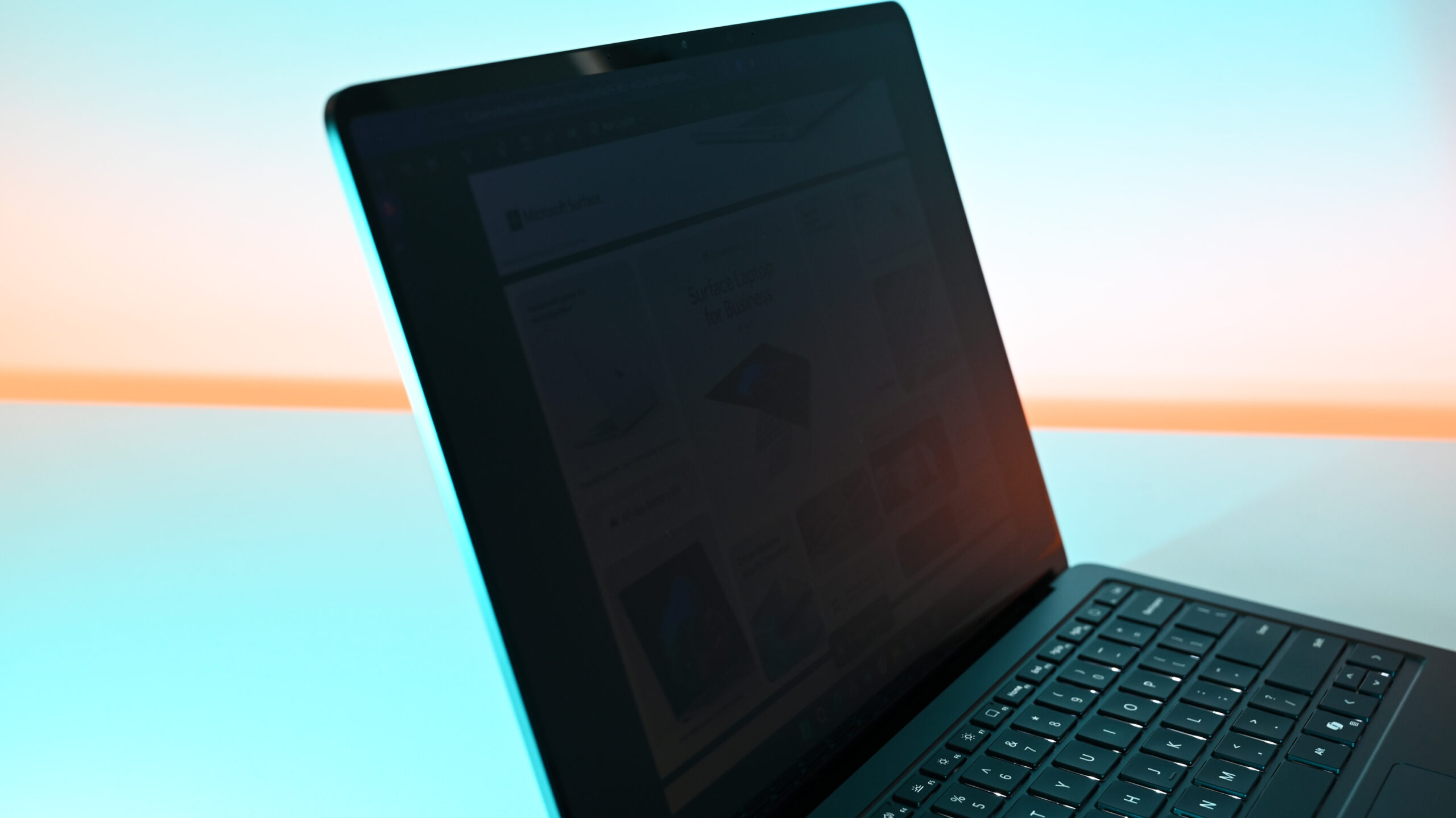
Even with those limitations, Microsoft’s implementation looks like one of the more polished privacy screen options in a laptop. HP, Lenovo, and Dell helped build this category, but Surface may have taken an important step by making privacy mode less damaging to the actual display experience.
For business buyers, the Surface Laptop 8 privacy screen could be a strong reason to upgrade. For everyone else, the price and configuration limits may make it harder to justify. The technology is impressive, but Microsoft still needs to make it more flexible and accessible in future Surface models.
Discussion (0)
Be the first to comment.