



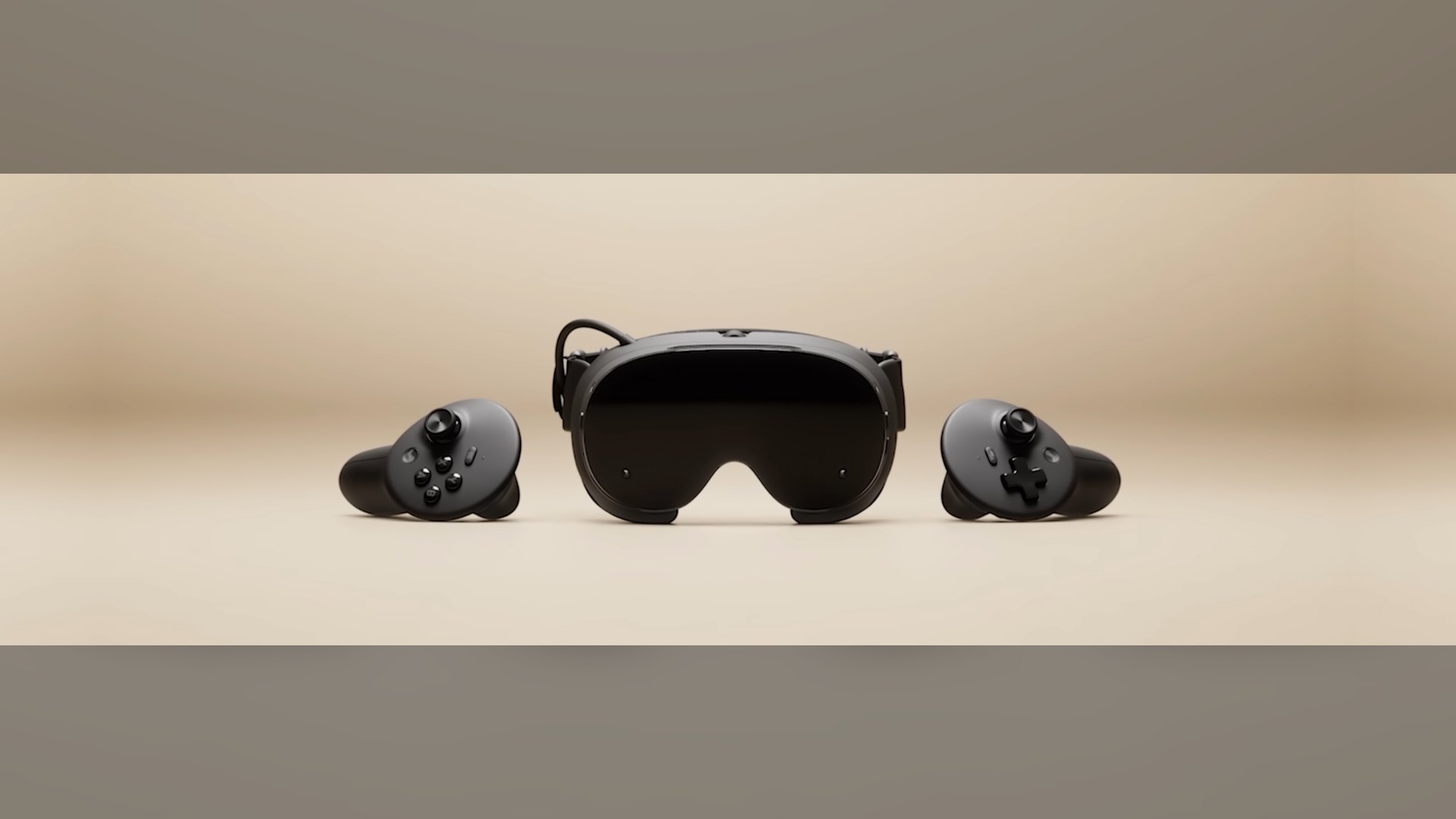
Valve has released SteamOS 0.3.0 for Steam Frame, the first public SteamOS update for its VR headset, with 12 changes split evenly across general, UX and developer categories. The most practical fix for owners is “substantially faster charging while unit is off / sleeping,” while developers get a looser resolution rule for Playable games.
Valve posted the patch notes on September 17, 2026, at 23:19 UTC, tagged for the stable channel. The build “has just been released for all users,” according to Valve’s announcement.
At the time of writing, it is the only SteamOS patch notes post on the Steam Frame’s own Steam news feed. That makes 0.3.0 the first public baseline for the headset’s software, after Steam Frame support first surfaced in the SteamOS 3.8.25 beta.
Digital Citizen has already covered the Steam Frame launch price and bundled Half-Life: Alyx, plus an early hands-on with the headset. This story sticks to the update and a new third-party install tool.
All 12 changes in SteamOS 0.3.0 for Steam Frame
Valve groups the changes into three sets of four. The table below uses Valve’s own wording for each item.
| Category | Change (Valve’s wording) |
|---|---|
| General | Substantially faster charging while unit is off / sleeping |
| General | Improved controller tracking while haptics are active |
| General | Improved system stability and reliability under high load |
| General | Fixed “garbled audio” microphone bug |
| UX | Fixed per-app Motion Smoothing -> “Force Always-On” setting (was getting ignored) |
| UX | Improved motion smoothing behavior in Alyx |
| UX | Added VR Settings control for “Game dimming when dashboard is visible” |
| UX | VR Settings -> Play Area no longer auto-shows bounds |
| Developer | Change Playable performance criteria to allow any resolution (was: 1440p) |
| Developer | Vulkan layer fixes for increased game compatibility |
| Developer | Multiple improvements to overall system / OS performance |
| Developer | Multiple improvements to graphics performance (Mesa) |
The UX list fixes a per-app Motion Smoothing setting that, according to Valve, “was getting ignored” before. It also improves motion smoothing in Alyx and adds a VR Settings control for dimming the game while the dashboard is open.
On the general side, Valve lists better controller tracking while haptics are active and a fix for a “garbled audio” microphone bug. The Play Area page in VR Settings also no longer shows the boundary automatically.
What the Playable resolution change means for developers
The first developer item changes the Playable performance criteria “to allow any resolution (was: 1440p)” in Valve’s wording. Those criteria belong to Valve’s Steam Frame Standalone Compatibility Review Process.
Under that process, Valve checks games “against a specific set of criteria” and assigns a Verified, Playable, Unsupported or Unknown badge. The old rule named 1440p, and the new one accepts any resolution, which extends Valve’s Steam Frame compatibility push.
Valve has not said whether the change affects any titles it has already reviewed. The remaining developer items cover Vulkan layer fixes for game compatibility, general OS performance and Mesa graphics performance.
FrameDrop automates Valve’s own Devkit path
A few hours after the update, developer CadeXR released FrameDrop, a free Windows tool for installing apps on Steam Frame from a PC. In an announcement on X, CadeXR said the tool was “built from what I’ve learned over the last 4 months of owning a Steam Frame” in the launch post.
FrameDrop accepts an Android APK, a Linux ARM64 zip or a Windows build, then “puts it in the library,” according to the FrameDrop website. It is donationware: free to use as-is, with Ko-fi donations meant to keep it maintained.
The tool works through a route Valve itself documents. Its About page says FrameDrop “uses Valve’s SteamOS Devkit path” and “the same tools as the SteamOS Devkit Client” to do its job.
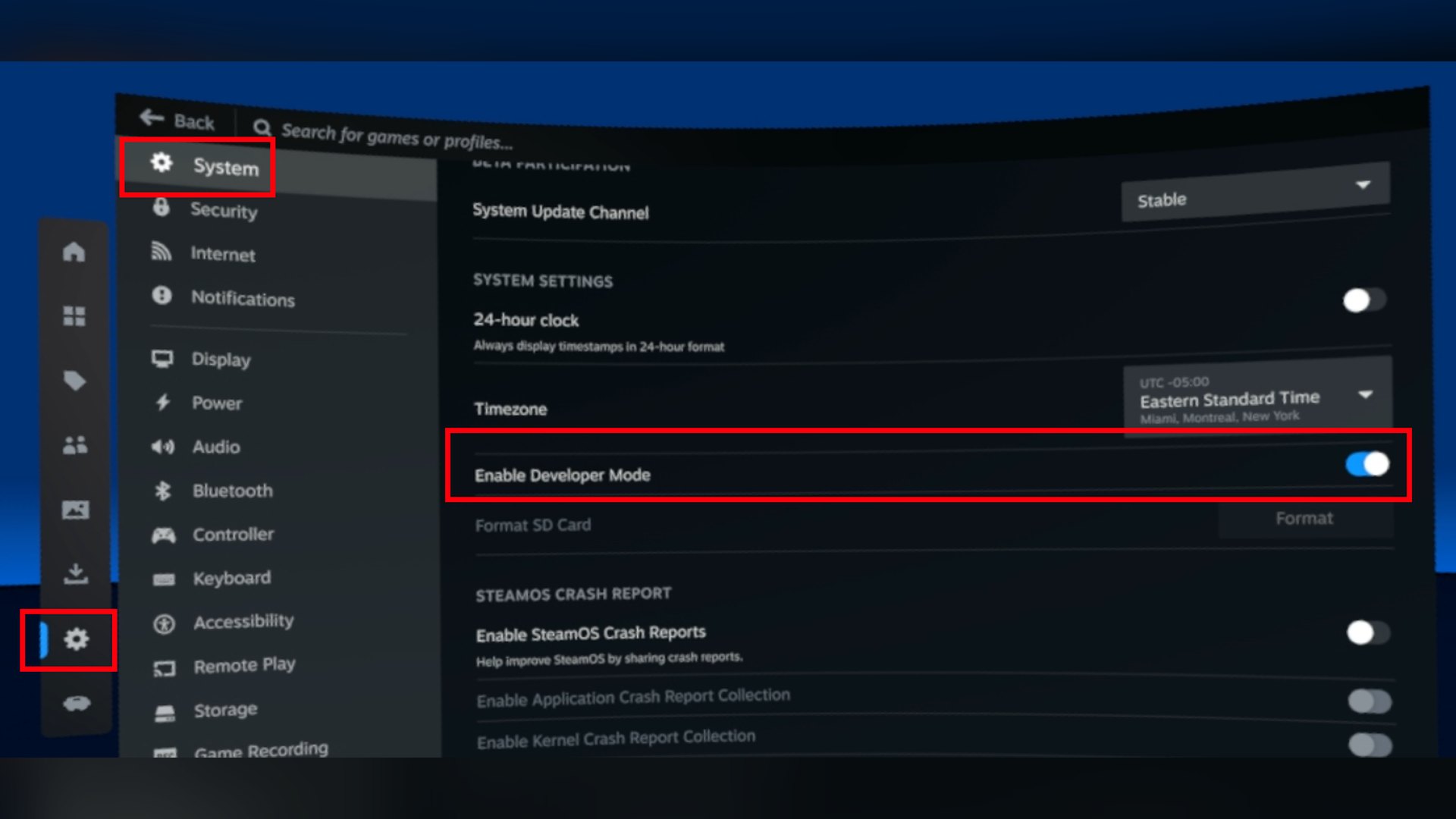
Valve’s Steamworks deployment guide describes that path: enable Developer Mode, pair the PC under Settings > Developer > Pair new host, then register the headset in the SteamOS Devkit Client. Developers then pick a runtime and a start command by hand, while FrameDrop “reads the file, picks the runtime, and writes those commands for you,” its developer says.
Sideloading is FrameDrop’s word, not Valve’s
FrameDrop brands itself as “Sideloading for your Frame” on its homepage. Valve’s Steamworks pages on setup, loading games and debugging never use the word “sideload” and instead talk about Developer Mode and the SteamOS Devkit Client.
Valve does list “native ARM64 and Android-based APKs” among the headset’s supported execution models. Developer Mode also lets users “ssh, adb, and rdp” into the headset, according to Valve.
FrameDrop’s how-to page sets clear limits. APKs must be “arm64-v8a or a universal APK that includes it,” and Windows .exe files need ARM64 Proton already installed on the Frame.
The current release, version 1.0.18, runs on Windows only. Linux and possibly Mac versions of the client have been reported as planned, but FrameDrop’s own site does not mention them.
Valve has not published any statement on FrameDrop or on third-party install tools in general. FrameDrop also lists no download count and no timeline for other platforms, and Valve has not said when the next Steam Frame build will arrive.



Discussion (0)
Be the first to comment.