



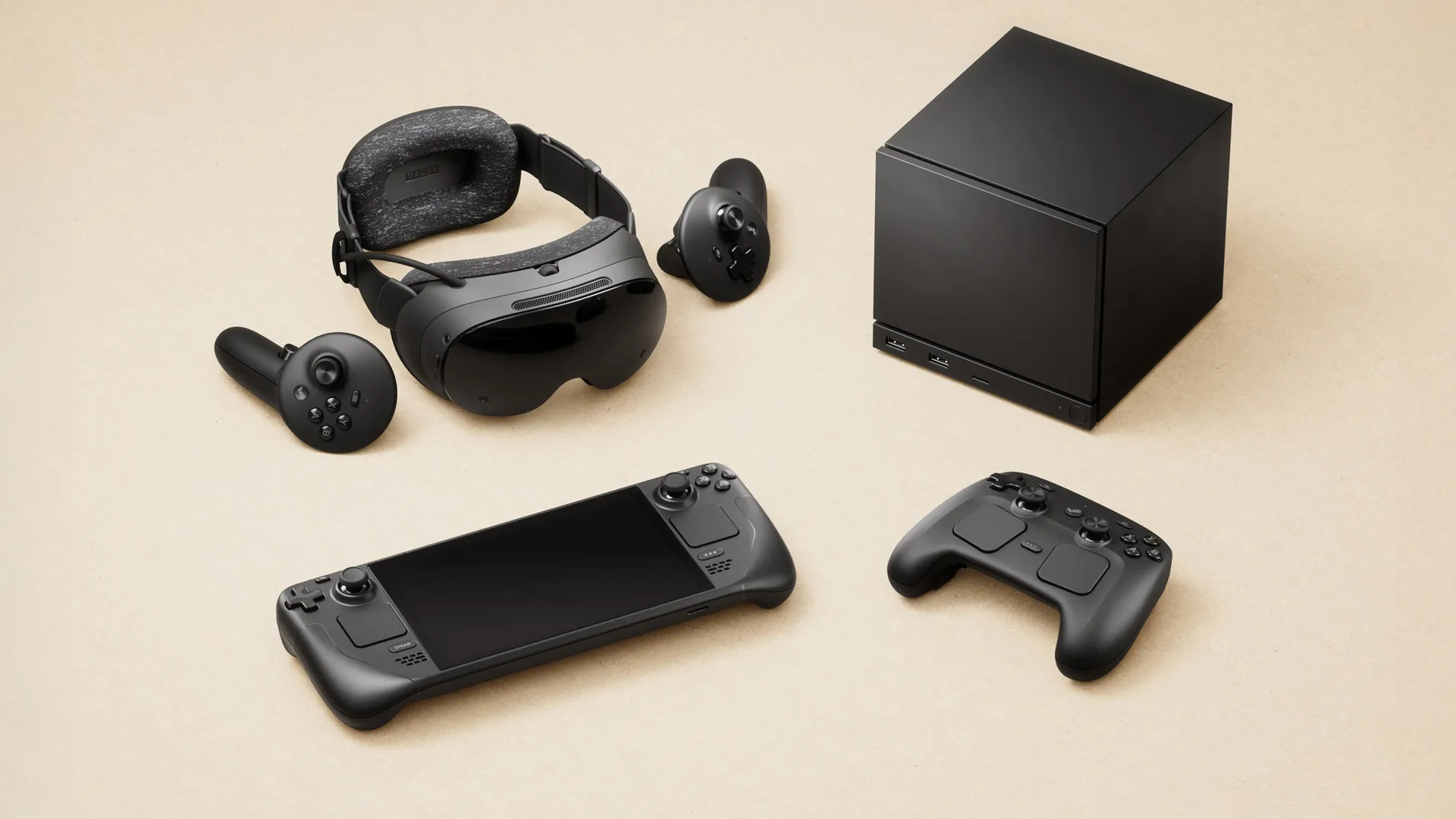
Valve’s upcoming Steam Frame headset could include its own performance settings menu, giving players quick access to VR specific controls without leaving the main interface. The menu is said to appear in the Quick Access Menu, following a similar approach to the Steam Deck while adding options designed for virtual reality.
The reported interface could allow players to adjust settings such as eye tracked foveated rendering, ARM memory compatibility, game resolution, and desktop rendering techniques. These controls would give Steam Frame owners more freedom to balance visual quality, performance, and battery use depending on the game or application they are running.
The feature has not been formally detailed by Valve, but the reported menu suggests Steam Frame may offer more hands on control than a typical standalone VR headset. That could appeal to people who enjoy adjusting settings for each game instead of relying entirely on automatic performance profiles.
Eye Tracked Foveated Rendering Could Be a Key Option
One of the most interesting reported settings is support for eye tracked foveated rendering. This technology uses eye tracking to identify where a person is looking and can focus rendering power on that area of the display.
The headset may reduce detail in parts of the image outside the player’s direct focus, where the difference is less noticeable. In theory, this can improve performance while preserving image quality where it matters most.
Support will likely depend on individual games. A compatible title would need to recognize the feature and make use of the headset’s tracking hardware. Even then, performance results could vary based on the game, graphics settings, and the complexity of a scene.
| Reported setting | Possible purpose |
|---|---|
| Eye tracked foveated rendering | Focuses graphics detail around where you are looking |
| ARM memory compatibility | Helps improve support for software designed around different memory behaviour |
| Game resolution controls | Lets players choose how sharply a game is rendered |
| Desktop rendering options | Adjusts how desktop content is displayed inside VR |
| Quick Access Menu placement | Allows faster changes without opening deeper settings menus |
Steam Frame Could Follow the Steam Deck Customization Approach
The Steam Deck has become popular partly because it offers practical performance controls that are easy to reach. Players can adjust frame rate limits, refresh rates, power settings, and other options on a game by game basis.
Steam Frame could bring a similar philosophy to VR. Rather than treating every title the same way, the headset may let you create a better setup for a demanding game, a lightweight indie title, a streamed PC experience, or a desktop application.
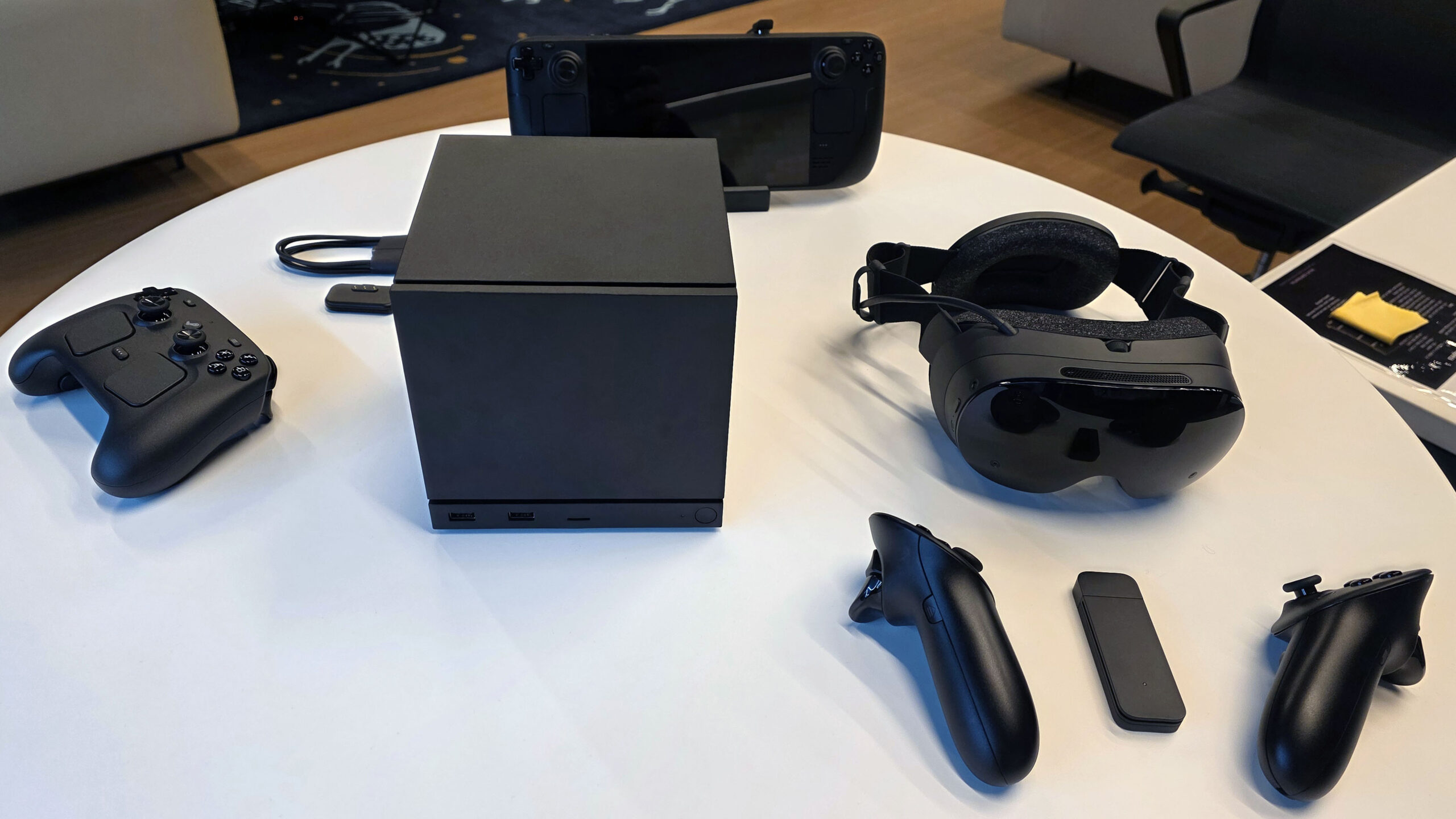
Resolution controls may be particularly useful in VR because rendering at a higher resolution can improve clarity but also put greater pressure on the hardware. Some people may prefer the sharpest image possible, while others may choose lower settings for smoother frame rates or longer battery life.
More Details Are Still Needed Before Launch
The reported performance menu gives an early indication of how Valve could handle Steam Frame settings, but important questions remain. It is not yet clear which options will be available at launch, how broadly eye tracking features will be supported, or whether all settings will work across standalone and PC connected experiences.
Still, a dedicated performance menu would fit Valve’s broader approach to hardware. The company has often given people meaningful control over their experience instead of hiding every advanced option behind automatic presets.
For Steam Frame, that could make the headset more flexible for players who want to fine tune VR performance without navigating complicated desktop menus.



Discussion (0)
Be the first to comment.