



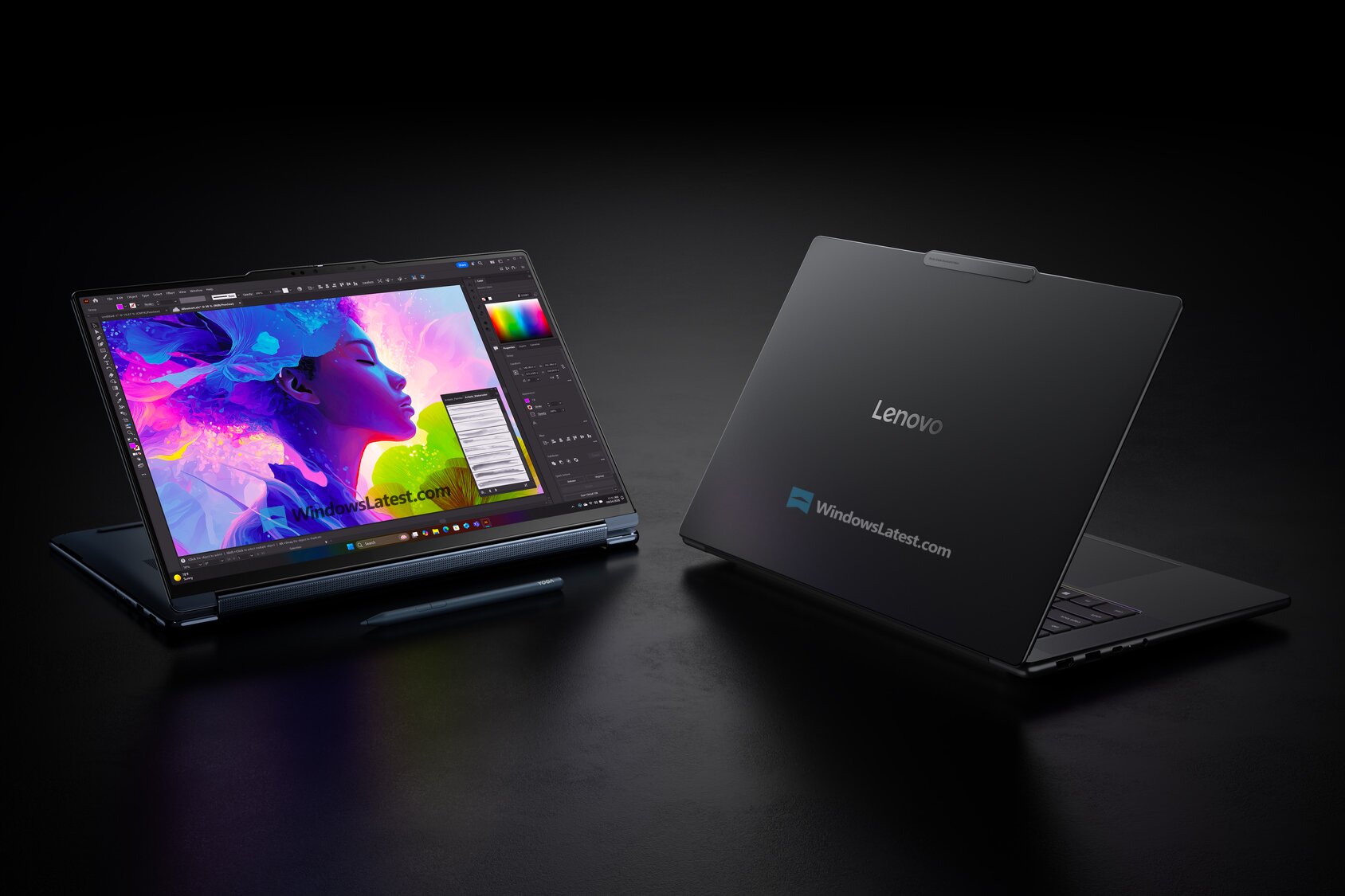
A modified NVIDIA driver setup has enabled unofficial external GPU support on a Snapdragon X2 Elite laptop, allowing a desktop GeForce RTX 5070 Ti to run games through a USB4 connection.
The result addresses one of the main weaknesses of Snapdragon X2 Elite systems. While the processor delivers strong CPU performance, its integrated graphics remain limited in demanding games. An external graphics card can provide a major performance increase, although the current method is unsupported and may stop working after future driver updates.
The setup reportedly produced more than 200 frames per second in Overwatch at 1440p and playable results in several games at 4K. However, inconsistent GPU usage shows that driver support is still incomplete.
Unofficial Support Uses the RTX Spark Developer Driver
The method relies on NVIDIA’s RTX Spark Developer Driver rather than a standard GeForce notebook or desktop driver package.
A desktop RTX 5070 Ti was connected to the Snapdragon laptop through a USB4 external GPU enclosure. Windows initially detected the graphics card as a Microsoft Basic Display Adapter, after which the driver was installed manually through Device Manager.
| Required component | Purpose |
|---|---|
| Snapdragon X2 Elite laptop | Host system |
| USB4 port | Connection to the external GPU |
| eGPU enclosure | Holds and powers the graphics card |
| Desktop NVIDIA GPU | Provides gaming performance |
| RTX Spark Developer Driver | Enables unofficial driver compatibility |
| Extraction software | Opens the driver package for manual installation |
The process involves extracting the driver installer, opening Device Manager, locating the basic display adapter, and manually selecting the NVIDIA desktop device driver from the extracted files.
This is not an official NVIDIA or Qualcomm installation method. It could cause driver errors, system instability, or compatibility problems.
Overwatch Reaches Up to 300 FPS
The most impressive result came from Overwatch running at 1440p.
The system reportedly reached around 300 FPS in the training area and between 180 FPS and 220 FPS during an active match. Those numbers show that the RTX 5070 Ti can deliver strong competitive gaming performance even when connected to an ARM based laptop through USB4.
| Game | Resolution | Reported performance | GPU usage |
|---|---|---|---|
| Overwatch | 1440p | 300 FPS in training | Not stated |
| Overwatch | 1440p | 180 to 220 FPS in matches | Not stated |
| Persona 3 Reload | 4K | 60 to 100 FPS | Around 20% |
| Trails in the Sky 1st Chapter | 4K | Around 100 FPS | 100% |
The Snapdragon X2 Elite reportedly stayed below 4.30GHz during testing. It is unclear whether this was caused by temperature limits, software behaviour, power management, or a restriction in the current platform.
Even with that limitation, the Overwatch result suggests that the processor can keep up with high frame rate gaming in at least some competitive titles.
Persona 3 Reload Shows Driver Limitations
Persona 3 Reload reportedly ran between 60 FPS and 100 FPS at 4K, but the RTX 5070 Ti showed only around 20 percent utilisation.
That low usage indicates that the graphics card was not being fully used. The cause could be the unofficial driver, ARM compatibility, game translation overhead, USB4 bandwidth, or another software bottleneck.
A desktop RTX 5070 Ti should normally deliver much higher utilisation in a demanding game when no frame rate cap is active.
The performance is still usable, but it highlights the experimental nature of the setup. Results may vary significantly between games depending on how well each title and driver component work on Windows on ARM.
Trails in the Sky Uses the GPU Properly
Trails in the Sky 1st Chapter reportedly reached around 100 FPS at 4K with DLSS set to Performance.
In this test, GPU utilisation reached 100 percent while CPU usage remained close to 10 percent. This is a more typical result for a graphically demanding workload at a high resolution.
The test suggests that the external graphics card can operate close to its expected behaviour when the game, driver, and translation layers work correctly.
| Performance factor | Possible effect |
|---|---|
| USB4 bandwidth | Can limit communication with the GPU |
| ARM game compatibility | May add translation overhead |
| Unofficial driver | Can cause low utilisation or instability |
| CPU performance | Can limit very high frame rates |
| DLSS | Improves performance at high resolutions |
| eGPU enclosure | Affects power delivery and connection quality |
External GPUs usually perform below the same card installed directly in a desktop PCIe slot. USB4 has less available bandwidth than a full desktop graphics connection, particularly when data must travel in both directions.
Snapdragon Graphics Remain the Main Weakness
Snapdragon X2 Elite laptops are designed around efficiency, long battery life, and strong CPU performance. Their integrated graphics can handle normal desktop tasks, media playback, and lighter games, but they remain behind modern discrete GPUs.
An external graphics card gives owners a possible upgrade path when they are working at a desk.
A laptop could use its integrated graphics while travelling and connect to an eGPU enclosure at home for gaming or creative workloads. This approach provides flexibility without requiring a separate desktop PC.
The practical cost is high, however. A powerful desktop GPU, enclosure, and suitable power supply can cost as much as a complete gaming computer.
The Installation Carries Several Risks
Manual driver installation can create problems if Windows selects an incompatible device profile or if the driver package lacks full support for the Snapdragon platform.
Potential issues include black screens, failed updates, sleep problems, crashes, poor game compatibility, and incorrect GPU utilisation.
| Risk | Possible outcome |
|---|---|
| Unsupported driver | Crashes or failed installation |
| Windows update | Driver may be replaced |
| NVIDIA update | Compatibility could be removed |
| ARM translation | Some games may not launch |
| USB4 controller limits | Reduced performance |
| Enclosure compatibility | GPU may not be detected |
| Anti cheat software | Competitive games may reject the system |
Some multiplayer games use kernel level anti cheat systems that do not support Windows on ARM. A working graphics driver does not guarantee that every game will run.
NVIDIA could also change the RTX Spark driver and remove the compatibility that makes this method possible.
Official eGPU Support Would Be More Useful
The experiment proves that Snapdragon X2 Elite laptops can communicate with a desktop NVIDIA graphics card through USB4.
What remains missing is formal support from NVIDIA, Qualcomm, Microsoft, and laptop manufacturers. Official drivers would improve installation, stability, game compatibility, power management, and updates.
The current results are encouraging for enthusiasts willing to troubleshoot unsupported hardware. Overwatch performance above 200 FPS shows that the combination can deliver a strong gaming experience under the right conditions.
However, the low GPU utilisation in Persona 3 Reload confirms that performance is not consistent. The setup should be viewed as an early technical demonstration rather than a reliable consumer feature.
With proper driver support, external GPUs could solve the limited gaming performance of Snapdragon laptops. For now, the RTX Spark workaround shows that the hardware is capable, but the software ecosystem still needs significant work.



Discussion (0)
Be the first to comment.