



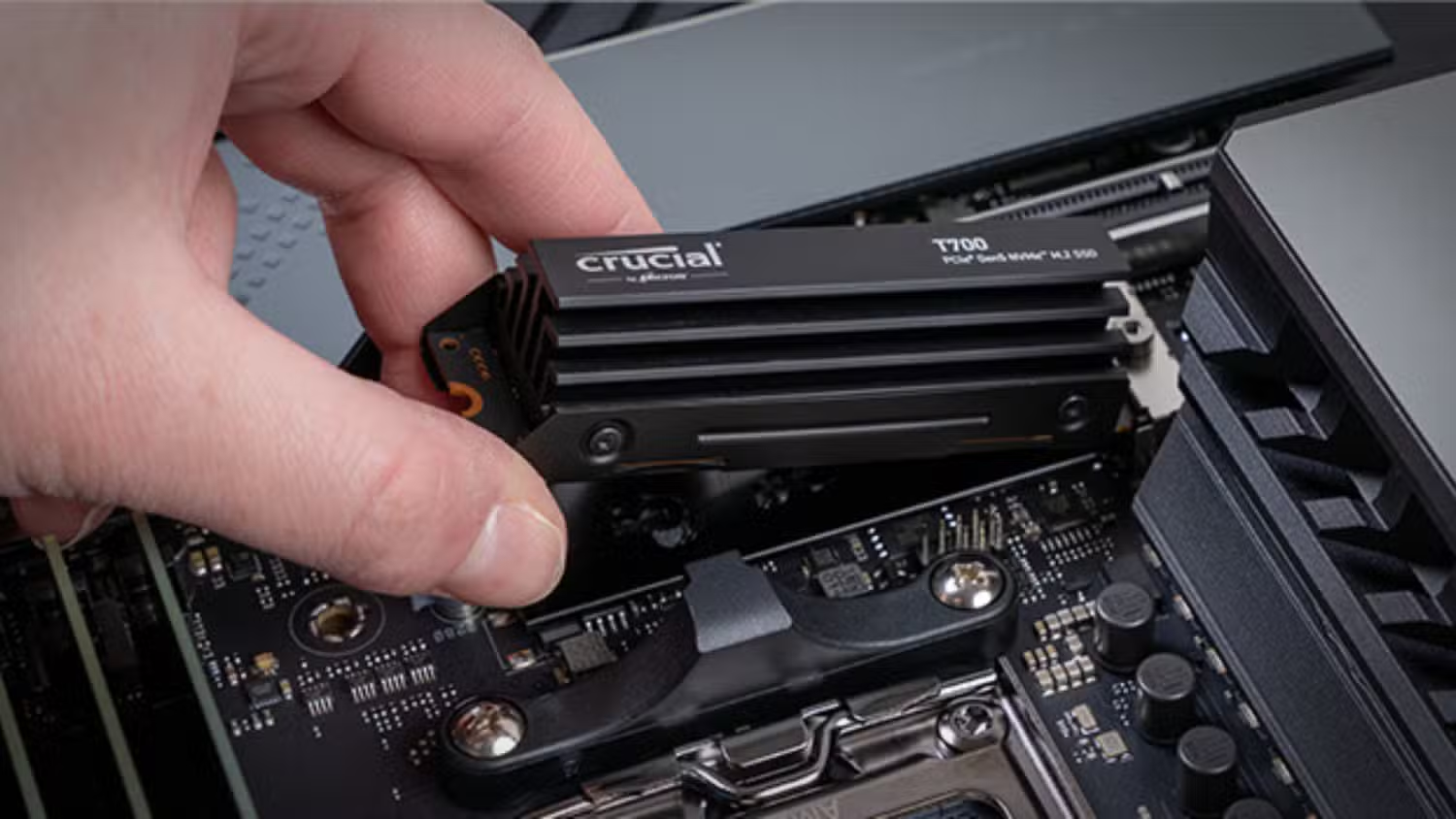
Using a single DDR5 memory module reduces gaming performance, but the loss may be smaller than many PC builders expect. Recent testing found that one fast DDR5 stick generally produced frame rates about 8 percent to 10 percent lower than a two stick configuration.
The difference was even smaller with AMD’s Ryzen 7 9800X3D. That processor lost only 2.8 percent of its average gaming performance across the full test suite, showing how its large 3D V Cache can reduce dependence on system memory bandwidth.
A two stick DDR5 kit remains the better option for maximum performance. However, one DDR5 module may provide a practical temporary solution for builders facing high memory prices. It can also offer a clearer upgrade path than buying two smaller modules that may need to be replaced later.
Performance Depends Heavily on the Processor
The Ryzen 5 7600X showed the largest average decline in the 13 game test, losing 10.9 percent when moving from two 16GB modules to one 16GB module.
Intel’s Core Ultra 7 270K Plus lost 8.7 percent, while the Core i5 14600K dropped by 8.3 percent. The Ryzen 7 9800X3D performed much better, with an average reduction of just 2.8 percent.
| Processor | Average loss with one DDR5 stick |
|---|---|
| Ryzen 5 7600X | 10.9 percent |
| Core Ultra 7 270K Plus | 8.7 percent |
| Core i5 14600K | 8.3 percent |
| Ryzen 7 9800X3D | 2.8 percent |
The results also varied considerably between games. Doom: The Dark Ages reduced performance on the Ryzen 5 7600X by 17.3 percent, while the Core Ultra processor lost 14 percent. The Ryzen 7 9800X3D dropped by only 4.2 percent in the same title.
Starfield produced a similar pattern. The Core i5 14600K lost 10.6 percent with one DDR5 stick, but the Ryzen 7 9800X3D declined by just 1.6 percent.
In less memory sensitive games, the gap was smaller. Counter Strike 2 showed only moderate losses despite running at more than 600 frames per second in some configurations.
Single Stick DDR5 Can Beat Dual Channel DDR4
One of the more useful findings is that a single fast DDR5 module can outperform a proper dual channel DDR4 setup.
With the Core i5 14600K, one DDR5 module was 6.8 percent faster than dual channel DDR4 in 007 First Light. It was also 6.9 percent faster in Starfield.
This result is partly explained by DDR5’s internal design. A single DDR5 module contains two independent 32 bit data subchannels. These allow the module to handle two separate memory operations during each cycle.
DDR4 uses one wider data channel per module. Adding a second DDR4 stick is therefore important because it gives the processor another independent channel. DDR5 already divides each module into two subchannels, so using one stick is less restrictive than it was with older memory generations.
Two DDR5 modules still double the available operations and provide more total bandwidth. The results simply show that one DDR5 stick does not create the same severe bottleneck associated with one DDR4 module.
The Test Favored Fast Memory and a Dedicated GPU
The systems were tested at 1080p using an Nvidia GeForce RTX 5090 to reduce GPU limitations and expose differences in memory performance.
Intel systems used DDR5 running at 7200 MT per second, while the AMD platform used DDR5 6000. XMP or EXPO profiles were enabled for all configurations.
The single module setups had 16GB of total memory, while the two module systems had 32GB. The smaller capacity did not create a major problem in the selected games, but 16GB could become limiting when running several applications beside a demanding title.
The findings also apply to systems with dedicated graphics cards. Integrated graphics depend heavily on system memory bandwidth, so using only one module can have a much larger effect when the processor’s built in graphics are responsible for rendering games.
Adding a Matching Stick Later May Be Difficult
Starting with one 16GB DDR5 module leaves a free slot for a future upgrade to 32GB. However, buying a second module later does not guarantee perfect compatibility.
Even two sticks carrying the same brand name, speed, and timings can use different memory chips or internal revisions. This may lead to instability, lower speeds, or problems enabling XMP and EXPO profiles.
Buying the same model gives you the best chance of success, but a matched two stick kit remains safer because both modules have been sold and tested together.
After installing another module, it is sensible to test the system first at standard JEDEC settings. Games, common applications, and a memory testing utility can help identify crashes or errors. XMP or EXPO can then be enabled and tested separately.
For a new gaming PC, two DDR5 modules remain the preferred configuration. One fast stick is still a reasonable temporary choice when prices are high, especially with an X3D processor. The performance loss is measurable, but it is often modest enough to keep games running smoothly until a second module becomes affordable.



Discussion (0)
Be the first to comment.