


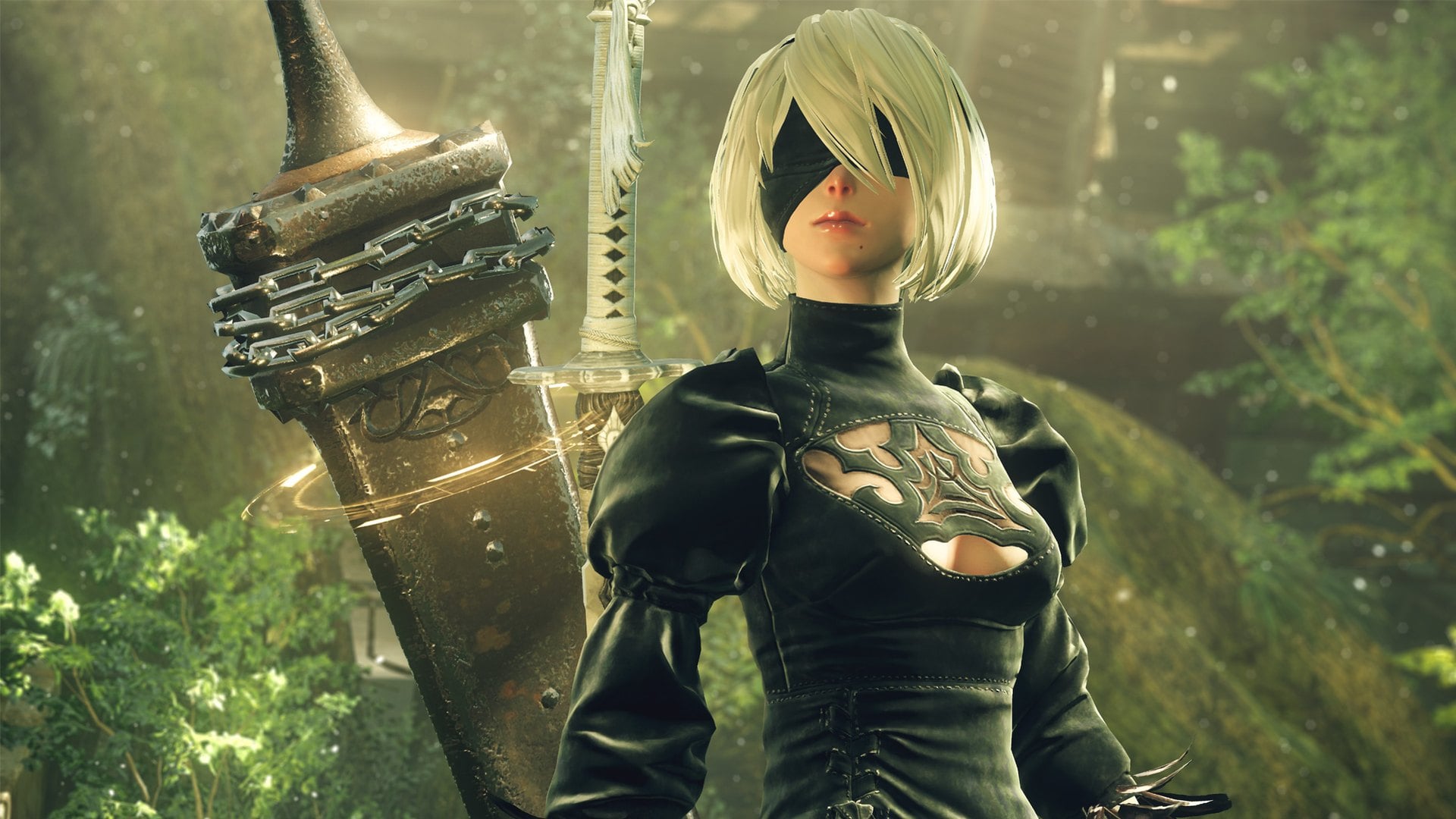
NieR: Automata's first Steam patch in more than five years was only meant to add three languages. Instead, players downloading it after the November 6 update found Steam asking for roughly 366 GB of free space. That is more than seven times the 50 GB listed on the store page.
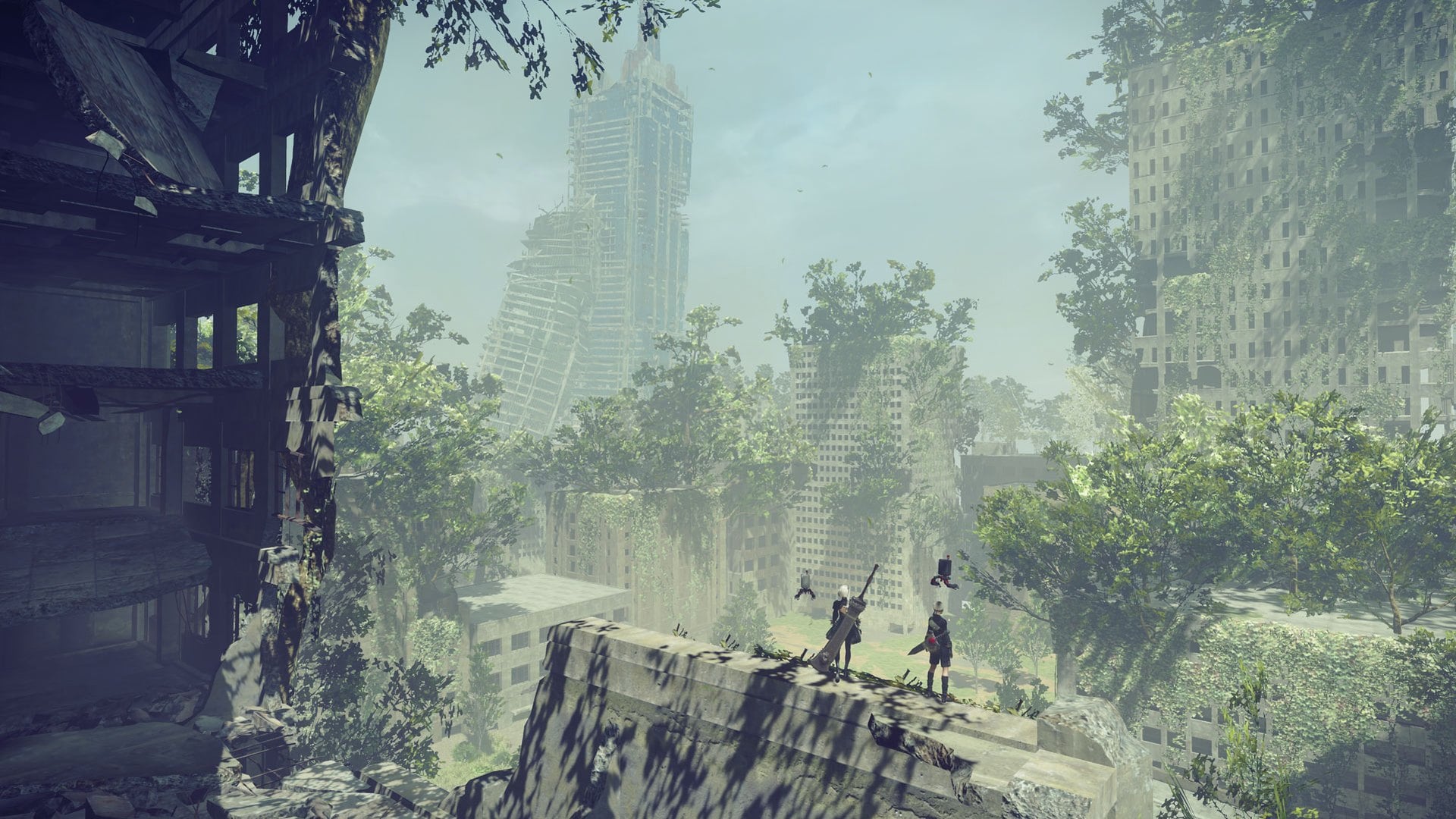
Square Enix acknowledged the problem on November 6 in a Steam announcement, saying installation "requires significantly more storage space than intended" and that it is investigating the cause. It has not given a date for a fix, so anyone installing the 2017 action RPG needs a way around the bug in the meantime. Square Enix has supplied one.
What the NieR: Automata November 6 update was supposed to change
The patch notes list a single change: Simplified Chinese, Traditional Chinese and Korean language options. The update is dated November 6 in Japan, where Square Enix is based.
It is the first Steam patch Square Enix has announced for the game since July 2021. That earlier upgrade, which arrived more than four years after launch, added borderless window mode, HDR detection, sharper 4K interface textures and 60 fps cutscenes. Fans waited years for that one.
Late updates for old PC games are not unusual, as Torchlight 2's first major beta in nine years showed. This one stands out because it created a new problem, and the game's add-ons sit at the center of it.
Why Steam asks for 366 GB to install NieR: Automata
Square Enix has not explained the cause. Players posting Steam reviews report that every add-on now shows up at around 40 GB, roughly the size of the full game. Those extra copies add up to the 366 GB prompt.
That makes the bug stranger than it first looks. NieR: Automata has eight DLC items on Steam, and only one, the $9.99 3C3C1D119440927 expansion, adds anything to play. The other seven are music: the Original Soundtrack, arranged and orchestral albums, two piano collections and a concert CD released in January 2026, priced from $12.90 to $18.99.
If the player reports are right, buying a piano album now costs you about as much disk space as a second copy of the game.
How to install NieR: Automata on Steam without 366 GB of space
The workaround comes from Square Enix. In your Steam library, right-click NieR: Automata, choose Properties, open the DLC section and untick every DLC item. Steam should then download the base game using the intended amount of storage, which the store page puts at 50 GB.
Anything you untick stays off your drive until you tick it again, so remember to turn the add-ons back on once Square Enix confirms a fix. Until then, the soundtrack albums and the expansion simply wait.
There is no reason to clear out hundreds of gigabytes or buy a bigger drive for this. The extra space is a bug rather than a requirement, and storage is not cheap at the moment, as the early Black Friday SSD deals show. It also runs against the direction other big games are taking, with Sea of Thieves promising to cut its install size by at least half.
How the storage bug hit NieR: Automata's Steam reviews
The fallout shows up in the game's reviews. In the week before the update, NieR: Automata drew zero to two negative Steam reviews a day. On November 6 alone it drew 62, nearly matching the 69 positive ones, and many of them mention the 366 GB prompt by name.
Negative reviews kept coming, with 16 on November 7 and 17 more by the evening of November 8. Recent reviews have slipped to 80 percent positive across 820 posted in the last 30 days. Over the game's life, 90 percent of almost 51,000 English-language reviews are positive, so its overall rating is still Very Positive.
When Square Enix will fix the NieR: Automata install bug
Square Enix says it is working to resolve the issue but has not said when a fix will arrive, and it had posted nothing further on Steam as of November 8. Until it does, untick the DLC, install the base game at its normal size, and leave the add-ons for later.
For a game that sells for $39.99 and has waited five years for a patch, the bigger test is whether the next update arrives in days rather than years.

Discussion (0)
Be the first to comment.