



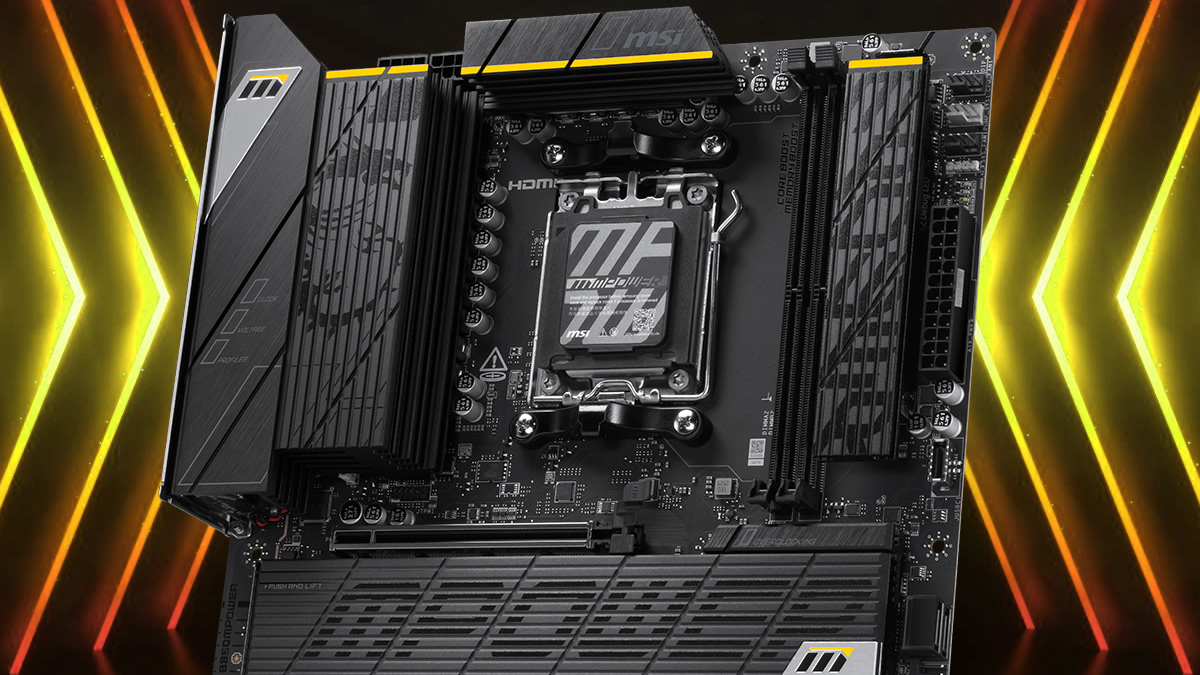
MSI has introduced a new BIOS feature called High Efficiency Mode that aims to reduce DDR5 memory latency on standard AMD EXPO kits. The company says the feature can deliver results close to more expensive EXPO ULL memory without requiring you to replace your existing modules.
EXPO ULL, or Ultra Low Latency, is an enhanced memory profile designed to tighten DDR5 timings beyond the settings used by standard EXPO kits. It can improve performance in games and other workloads that respond well to lower memory latency, even when the memory clock remains unchanged.
The main disadvantage is price. EXPO ULL kits can cost noticeably more than conventional DDR5 memory with similar rated speeds. MSI’s feature attempts to narrow that performance gap by adjusting memory timings through the motherboard BIOS.
| Feature | Details |
|---|---|
| Name | MSI High Efficiency Mode |
| Platform | MSI AM5 motherboards |
| Location | Overclocking section in Click BIOS X |
| Available presets | Tightest, Tighter, Balance and Relax |
| Main purpose | Reduce DDR5 latency |
| Required update | Latest supported motherboard BIOS |
Standard DDR5 approached EXPO ULL latency in MSI testing
MSI tested High Efficiency Mode using two G.Skill DDR5 6000 kits. One used a standard EXPO profile with timings of CL30 38 38 96, while the other used an EXPO ULL profile with tighter CL30 38 38 32 timings.
The test system used an MSI B850MPOWER motherboard and an AMD Ryzen 7 9800X3D processor.
Without High Efficiency Mode enabled, the standard EXPO kit recorded 79.4 nanoseconds of memory latency. The EXPO ULL kit produced a much lower result of 71.4 nanoseconds.
After enabling High Efficiency Mode, latency on the standard kit dropped to 71.6 nanoseconds. That placed it within 0.2 nanoseconds of the EXPO ULL result.
The EXPO ULL kit reached 71.1 nanoseconds with the feature enabled, showing only a small additional improvement. MSI therefore says the mode provides its greatest benefit when paired with conventional EXPO memory.
| Memory configuration | High Efficiency Mode off | High Efficiency Mode on |
|---|---|---|
| DDR5 6000 standard EXPO | 79.4 ns | 71.6 ns |
| DDR5 6000 EXPO ULL | 71.4 ns | 71.1 ns |
These figures come from MSI’s own testing and may not represent every processor, memory kit or motherboard. Stability and performance can vary depending on the quality of the memory chips, BIOS version and selected preset.
Four presets provide different timing levels
High Efficiency Mode includes four options called Tightest, Tighter, Balance and Relax.
The Tightest setting is expected to apply the most aggressive timing adjustments. It may provide the lowest latency, but it could also place more pressure on the memory controller and modules.
The Balance option should offer a more moderate approach, while Relax is likely intended for systems that need greater stability. MSI has not provided a full technical explanation of every timing changed by each preset.
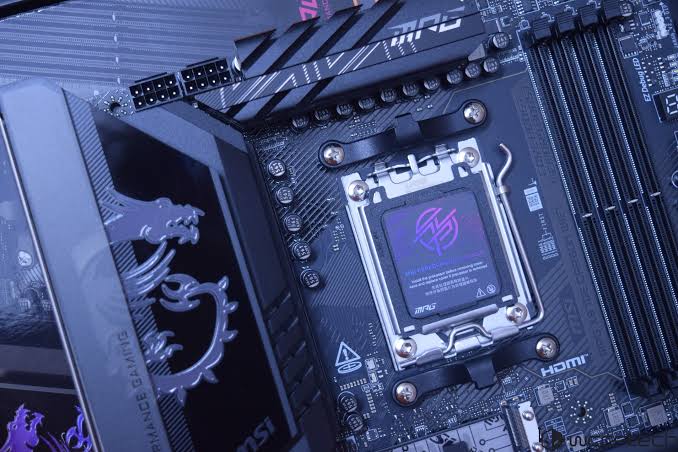
You may need to test more than one option to find the best setting for your system. A configuration that works with one DDR5 kit may cause crashes, failed boots or memory errors with another.
Memory stability should be tested after enabling the feature. Games alone may not expose every problem, so dedicated memory tests and longer workloads can provide a clearer result.
A BIOS update is required
High Efficiency Mode is available through MSI Click BIOS X on supported AM5 motherboards. You can find it inside the overclocking section after installing a BIOS version that includes the feature.
Updating a motherboard BIOS should be done carefully. Interrupting the process or using the wrong firmware file can prevent the system from starting correctly.
Once the update is complete, enabling one of the High Efficiency presets may offer a simple way to improve memory latency without manually changing many secondary and tertiary timings.
The feature does not increase the rated memory speed. Its performance gains come from reducing the delay between memory operations.
MSI’s early results suggest that standard DDR5 6000 EXPO memory can approach EXPO ULL latency when paired with the right motherboard settings. This could make conventional kits a more practical choice for buyers who want strong performance without paying a large premium for specialised low latency memory.



Discussion (0)
Be the first to comment.