



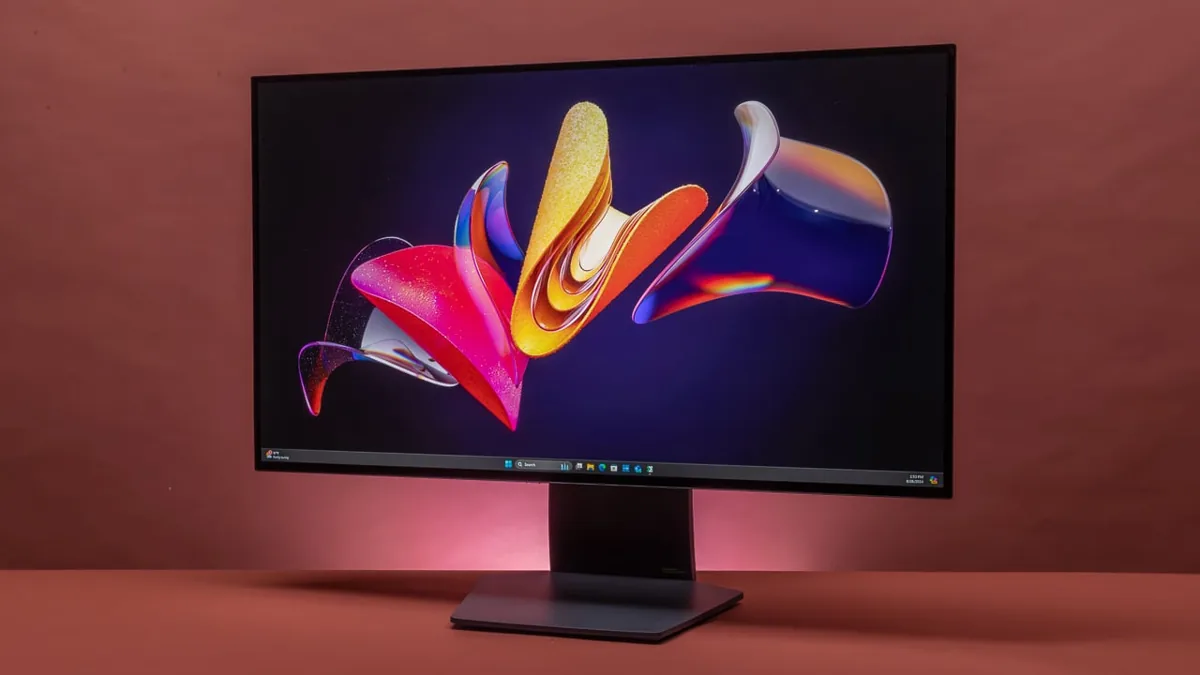
Microsoft has contacted LG after complaints that the company’s monitor software was showing repeated McAfee trial promotions on Windows PCs. LG has agreed to disable the pop-up while both companies review how device related applications are delivered and presented.
The issue involved LG Monitor App Installer, a utility that can be added automatically after a compatible LG display is connected to a Windows computer. The app is distributed through Microsoft’s device metadata system, which allows hardware manufacturers to associate software with connected products.
Some owners said they did not knowingly request the utility before it appeared on their systems. After installation, the program could display a McAfee advertisement during startup, creating an unwanted promotional experience for people who had only connected a monitor.
The complaint was not that McAfee antivirus software installed itself without permission. LG said a separate approval was still required before the security software could be installed. The concern was that the advertisement appeared without being requested.
McAfee Promotion Appeared During Most System Starts
Testing on an LG UltraGear 34GX900A B reportedly reproduced the promotion during 31 of 32 system boots. That frequency made the message difficult to treat as an occasional product recommendation.
A monitor utility may reasonably provide firmware updates, display controls, color settings, and other device features. Repeated third party advertising is harder to justify when the application arrived automatically through a system process associated with drivers and hardware support.
Pavan Davuluri, Microsoft’s executive vice president for Windows and Devices, confirmed that Microsoft had spoken with LG. He said LG would disable the McAfee pop-up immediately while the companies worked on improving the experience.
| Issue | Confirmed detail |
|---|---|
| Application involved | LG Monitor App Installer |
| Delivery method | Windows device metadata process |
| Advertisement | McAfee trial promotion |
| Automatic McAfee installation | No |
| User approval needed to install McAfee | Yes |
| LG’s immediate response | Disable the pop-up |
| Reported test frequency | Appeared on 31 of 32 boots |
LG also said its monitor utility did not collect or transmit personal information. That addresses one possible privacy concern, but it does not resolve the broader issue of software and advertising appearing through an automatic device setup process.
The App Can Arrive Through Windows Update
Windows can download applications connected to newly detected hardware. This system is intended to simplify setup by delivering drivers and supporting utilities without requiring people to search for them manually.
The same convenience can become a problem when manufacturers include promotions or unrelated software inside those utilities. People may assume that anything delivered through Windows Update is necessary for the device to function, even when the software is optional.
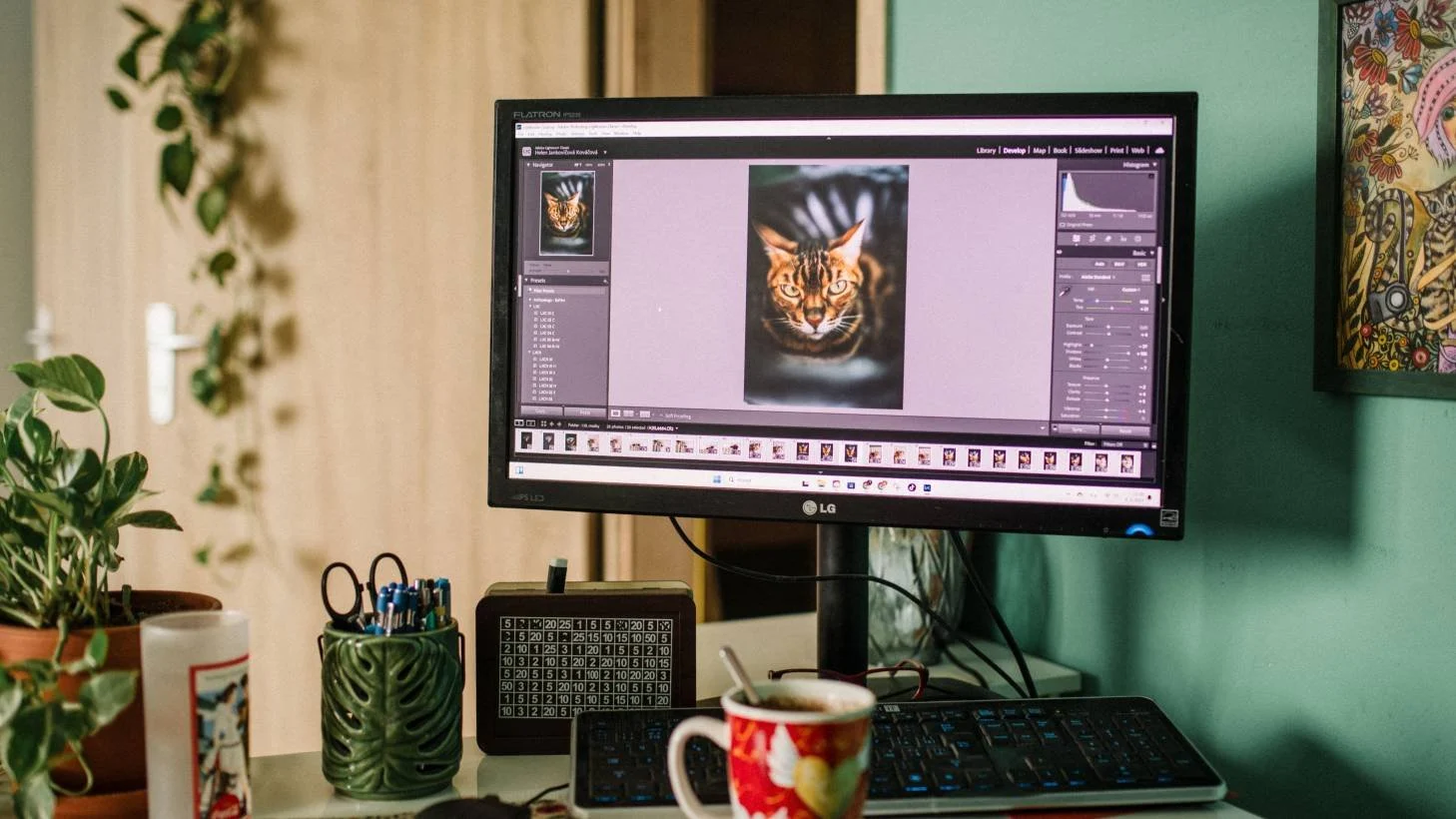
In this case, connecting a compatible LG monitor could lead Windows to retrieve the Monitor App Installer through device metadata. The utility could then present the McAfee offer even though the owner had not asked for antivirus software.
Microsoft’s intervention suggests that hardware associated apps distributed through Windows are still expected to follow certain experience standards. Automatic delivery gives manufacturers direct access to a large number of systems, so unwanted promotions can quickly affect many customers.
LG Monitor App Installer Can Be Removed
Windows owners who already have the utility installed can remove it through the Settings app. It should appear under Apps and Installed apps, where it can be uninstalled like other software.
Automatic downloads of applications linked to hardware can also be controlled through Group Policy. However, that option is not available in every edition of Windows, which limits its usefulness for many home systems.
Disabling all device associated app downloads may also prevent useful utilities from being installed automatically. The better solution is for manufacturers to keep these applications focused on the hardware they support and avoid unrelated promotions.
LG’s decision to remove the McAfee pop-up should address the most visible complaint. The incident still raises questions about how much control hardware companies should have when distributing optional software through Windows.
A person connecting a new monitor expects display support, not repeated security software advertising. Microsoft and LG now need to ensure that device setup remains useful without turning trusted system delivery channels into a place for unwanted promotions.



Discussion (0)
Be the first to comment.