




Microsoft has released PowerToys version 0.100, marking the 20 year anniversary of its popular Windows utility suite with one of its most useful updates yet. The new version adds a dynamic Shortcut Guide, improves Command Palette, introduces an Extension Gallery, and makes the overall app faster and smaller.
PowerToys has become one of the best ways to add practical features to Windows without waiting for Microsoft to build them directly into the operating system. The toolset includes utilities for window management, app launching, keyboard shortcuts, file tools, screen features, and productivity tweaks. Version 0.100 continues that direction with changes aimed at speed, reliability, and easier customization.
The update is also symbolic because PowerToys has now reached its 20 year milestone. What started as a collection of advanced Windows tools has become a modern utility hub for everyday users, power users, and developers.
PowerToys gets a new Shortcut Guide that changes based on the app you use
The biggest new feature in PowerToys 0.100 is the updated Shortcut Guide. It now shows keyboard shortcuts for the current app in a dynamic sidebar, making it easier to discover useful commands without searching online or memorizing everything manually.
The guide automatically detects which app is open and displays relevant shortcuts. That could be useful for people who use many productivity apps, creative tools, browsers, or Windows features throughout the day.
| PowerToys 0.100 feature | What it adds |
|---|---|
| Shortcut Guide | Shows app specific keyboard shortcuts in a sidebar |
| Command Palette | Adds improvements and better extension access |
| Extension Gallery | Lets you browse and install community extensions |
| Performance Monitor | Adds battery display and other improvements |
| Multi monitor support | Improves Dock behavior and monitor detection |
| Installer size | Reduced by 15 percent |
| Startup performance | Faster launch on many systems |
The Shortcut Guide is especially useful because keyboard shortcuts are one of the fastest ways to work in Windows, but many people only know a small number of them. PowerToys now makes those shortcuts easier to find in context.
Command Palette becomes easier to expand
PowerToys 0.100 also improves Command Palette, one of the suite’s most important productivity tools. Command Palette works like a fast launcher and command center, letting you search, run actions, and open tools quickly.
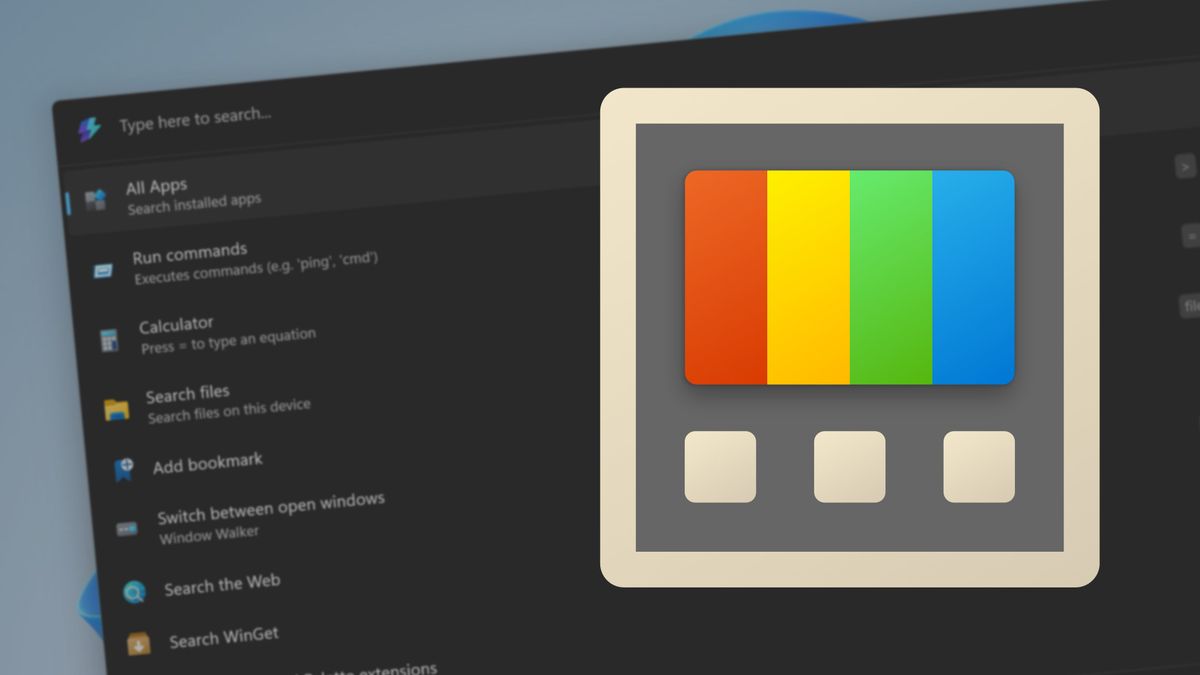
The new Extension Gallery makes it easier to browse and install extensions created by community developers. Instead of manually tracking down add ons, users can open the gallery and install compatible tools from one place.
That helps PowerToys become more flexible. Microsoft can keep building the core experience, while community developers can add specialized extensions for different workflows.
PowerToys is now faster and lighter
Microsoft says the full PowerToys package is now more efficient. Startup is faster on many systems, monitor detection is more reliable after restarting a PC, and the installer is 15 percent smaller because of the move to .NET 10.
These changes may not sound as exciting as new features, but they matter for an app that many people leave running every day. A smaller installer, faster startup, and smoother performance make PowerToys feel less like an extra layer on top of Windows and more like a natural part of the desktop experience.
The update also brings smaller usability improvements. The flyout menu can now be closed with the Escape key, sliders can be adjusted using the mouse wheel, and displays are automatically rescanned when a PC wakes from sleep.
PowerToys continues to fill gaps in Windows
PowerToys has become important because it often solves problems before Windows itself does. Many of its tools feel like features that could eventually belong in the operating system, but Microsoft keeps them in PowerToys so they can be developed faster and updated more often.
That approach gives Windows users more control without forcing every feature into the main Windows settings app. It also allows Microsoft to test ideas with power users before deciding whether they should become part of Windows more broadly.
Version 0.100 shows why that model works. The new Shortcut Guide helps users learn faster. Command Palette improvements make the desktop more efficient. Performance and reliability updates make the whole suite feel more polished.
PowerToys 0.100 is a strong anniversary update
PowerToys reaching version 0.100 during its 20 year anniversary is a fitting moment for the project. The update does not completely reinvent the suite, but it strengthens the parts people use every day.
The new Shortcut Guide may be the most visible addition, while the Extension Gallery could become more important over time as developers build more add ons. The performance improvements also show that Microsoft is paying attention to the basics, not just adding more tools.
For Windows users who already rely on PowerToys, version 0.100 looks like an easy upgrade. For anyone who has never tried it, this update is a good reason to start. PowerToys remains one of the simplest ways to make Windows more flexible, faster to navigate, and better suited to how you actually work.



Discussion (0)
Be the first to comment.