



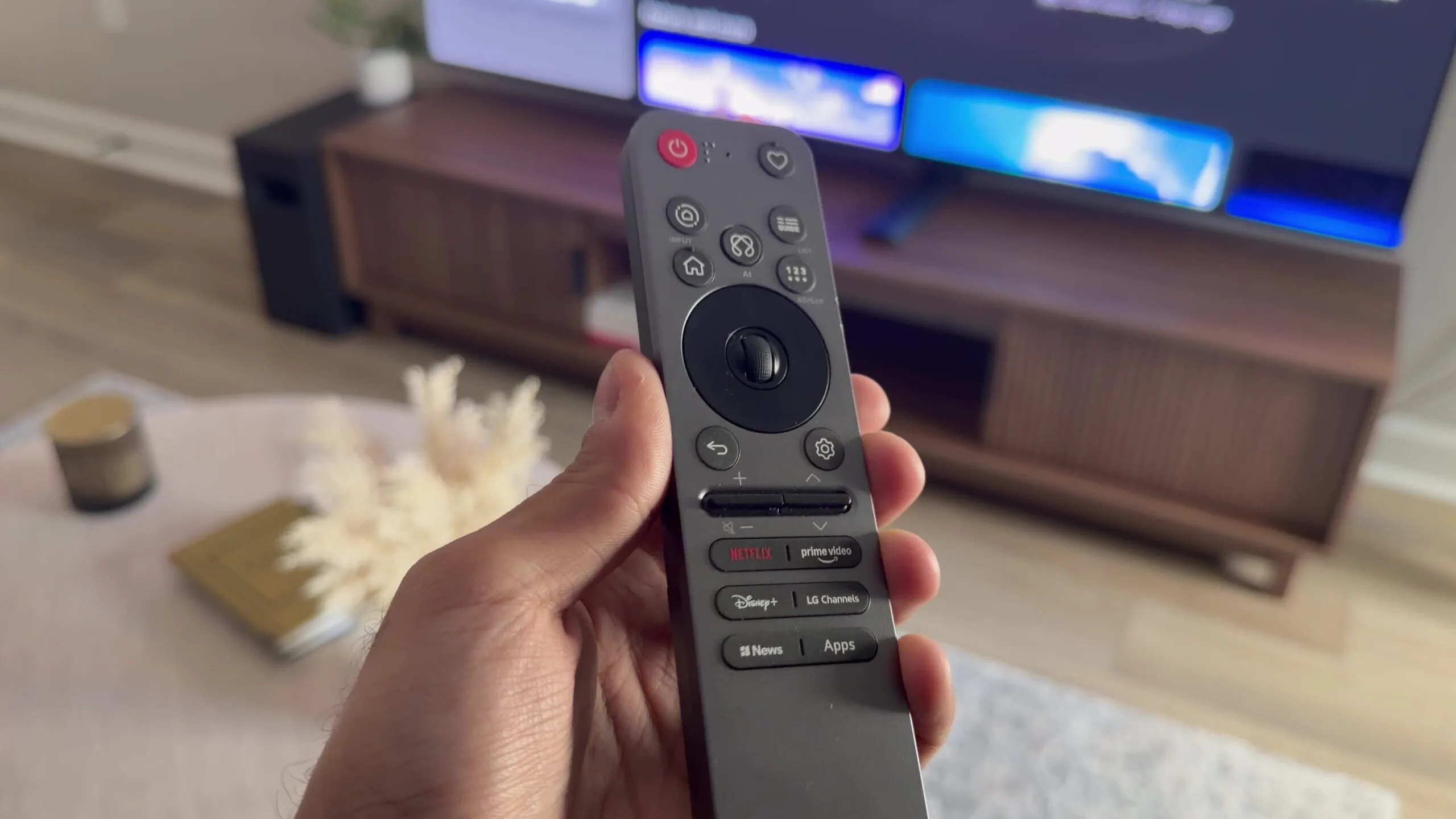
LG is facing criticism over privacy controls on its smart TVs and the automatic installation of software linked to some of its computer monitors.
The concerns cover two separate product categories. Newer LG smart TVs include microphone based functions and data collection features that may require careful review. Some LG monitors can also trigger Windows to install the LG Monitor App Installer, which may display recommendations for additional software.
Neither issue proves that LG is secretly recording every conversation or carrying out malicious activity. However, the broad permissions, unclear installation process and advertising prompts have raised questions about how much control you retain after connecting a display.
| Product | Main concern | Action you can take |
|---|---|---|
| LG smart TVs | Microphone functions and data collection | Disable voice recognition and review privacy settings |
| LG monitors | Automatic installation of LG software | Block device associated app downloads in Windows |
| LG Monitor App | Promotions for other applications | Remove the app or disable its notifications |
| Windows systems | Drivers and apps may arrive through Windows Update | Review installed programs after connecting the monitor |
LG smart TV terms place responsibility on the owner
LG’s smart TV terms explain that people near a television may be recorded when microphone related functions are active. The company also places responsibility on the television owner to obtain any consent required under local privacy and recording laws.
The wording does not necessarily mean that the television continuously stores every nearby conversation. Smart TVs often use microphones for voice controls, assistants and content searches. Even so, the warning shows that voice features may capture audio from more than the person directly using the remote or television.
This creates a practical concern when visitors, family members or workers are near the device. They may not know that microphone functions are enabled or that their speech could be processed.
You can reduce the risk by disabling voice recognition, microphone access, personalised advertising and automatic content recognition. The exact options vary by model and software version. Some televisions also include a physical microphone switch on the device or remote.
Turning off these functions may remove useful features. Voice searches, personalised recommendations and some smart services may stop working. This tradeoff is part of a wider problem across the smart TV market, where lower hardware prices can be supported by advertising and data collection.
Some LG monitors can install software through Windows
Privacy concerns have also reached LG’s UltraGear monitor range. On some Windows computers, connecting a supported monitor can cause Windows Update to download the display driver and an LG Monitor App Installer.
The software may then show prompts recommending other LG applications or third party products such as antivirus software. Owners have criticised this behaviour because they may not expect a monitor to trigger the installation of promotional software.
The installer reportedly receives broad system permissions. There is no clear evidence in the reference material that the software is malicious, but its automatic installation has made some owners uncomfortable.
A monitor driver may be necessary for correct identification, colour profiles and certain device features. A separate application that displays promotions is harder to justify, particularly when the installation process is not clearly explained beforehand.
Not every LG monitor appears to be affected. Behaviour may depend on the model, firmware, Windows version and driver package supplied through Windows Update.
Windows includes a setting that can block associated apps
Windows Pro editions include a Group Policy option that can prevent the automatic download of applications associated with new devices.
You can open the Group Policy Editor by entering gpedit.msc, then navigate to:
Computer Configuration > Administrative Templates > System > Device Installation
From there, find the policy that prevents the automatic download of applications associated with device metadata and set it to Enabled.
The wording may differ slightly between Windows versions. This setting can also block useful companion applications for other hardware, so you should consider the wider effect before enabling it.
Another option is to uninstall the LG application after it appears and check whether it returns following a driver update. Disabling the Microsoft Store may also block certain installations, but that approach is less practical because it affects unrelated apps.
The larger issue is transparency. A television or monitor should clearly explain which information it collects, which software it installs and which features require broad system access. Owners should not have to search through policy editors or lengthy legal terms to understand what happens after turning on a display.

Discussion (0)
Be the first to comment.