




Chrome Music Lab offers a free, interactive suite of tools that make it easy to explore and create music. Whether you're a beginner looking to experiment with sound or an educator seeking an engaging way to teach music, this guide will show you how to use Chrome Music Lab effectively.
1) Getting Started with Chrome Music Lab
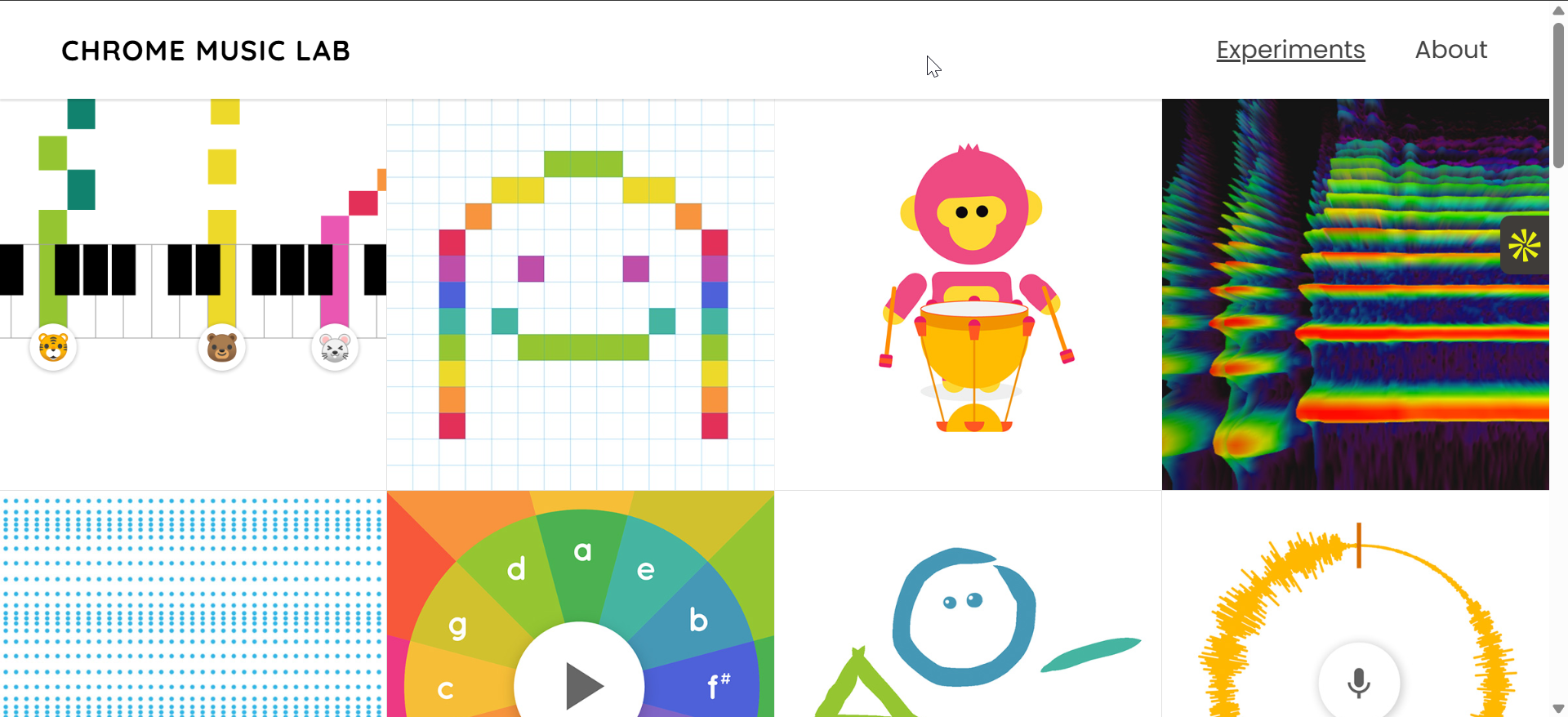
To start, simply open Chrome Music Lab in your web browser. No account or login is required, so you can dive right into the experiments. The platform is compatible with most modern browsers, making it easy to access from almost any device.
2) Overview of Available Tools
Song Maker

Song Maker allows you to create melodies and rhythms using a grid-based layout. You can experiment with different sounds, adjust tempos, and create simple compositions. It’s ideal for those new to music creation.
Rhythm
The Rhythm tool helps you explore rhythm patterns by creating beats. You can customize the tempo and drum patterns to understand how rhythm plays a vital role in music.
Spectrogram
With the Spectrogram tool, you can visualize sound waves and frequencies. It gives you a unique view of sound, allowing you to see how different tones and frequencies look as they change.
Chords
The Chords tool lets you explore the relationship between different notes. By selecting a root note, you can learn how various chords are built and understand basic harmony.
Arpeggios
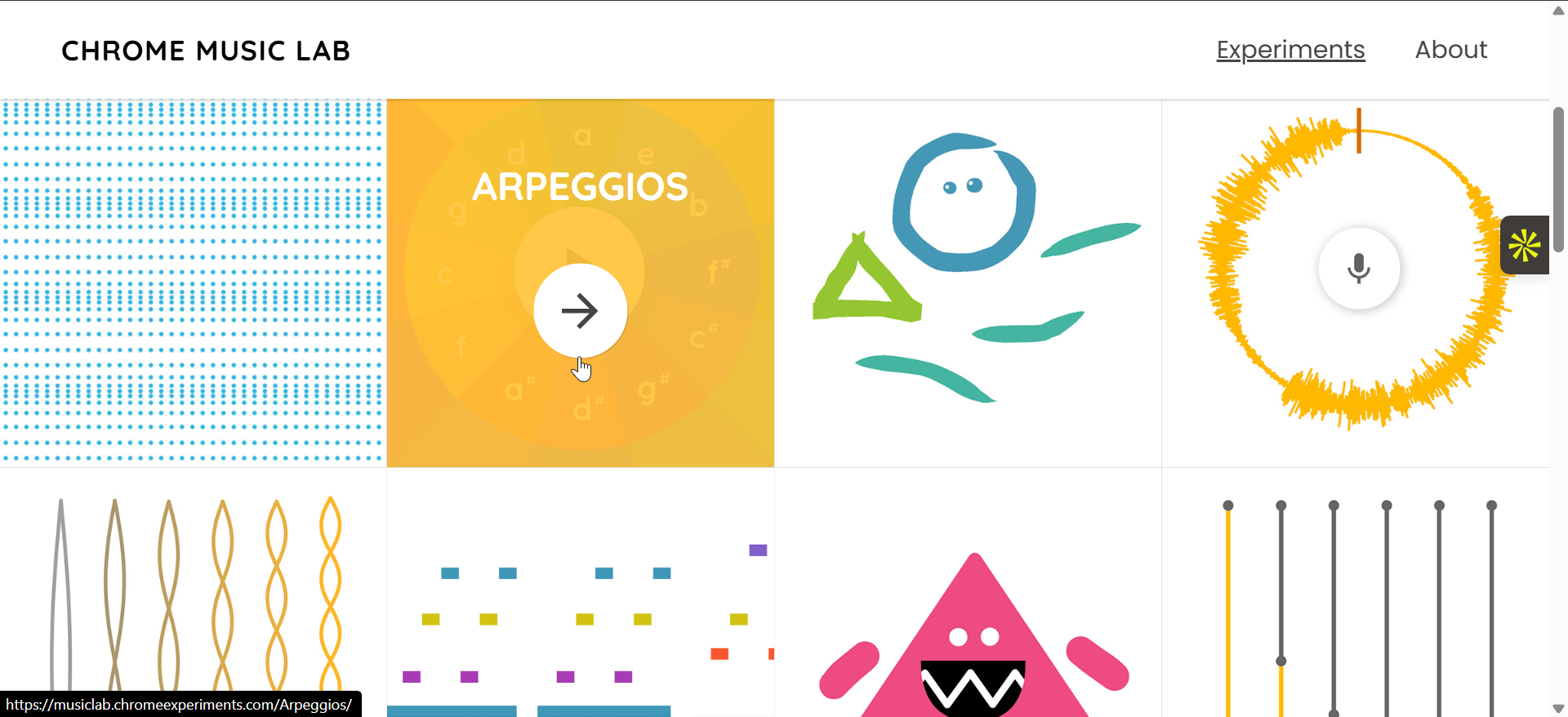
Arpeggios breaks down chords into individual notes played in succession. The tool lets you manipulate these notes to create flowing, musical patterns.
Voice Spinner
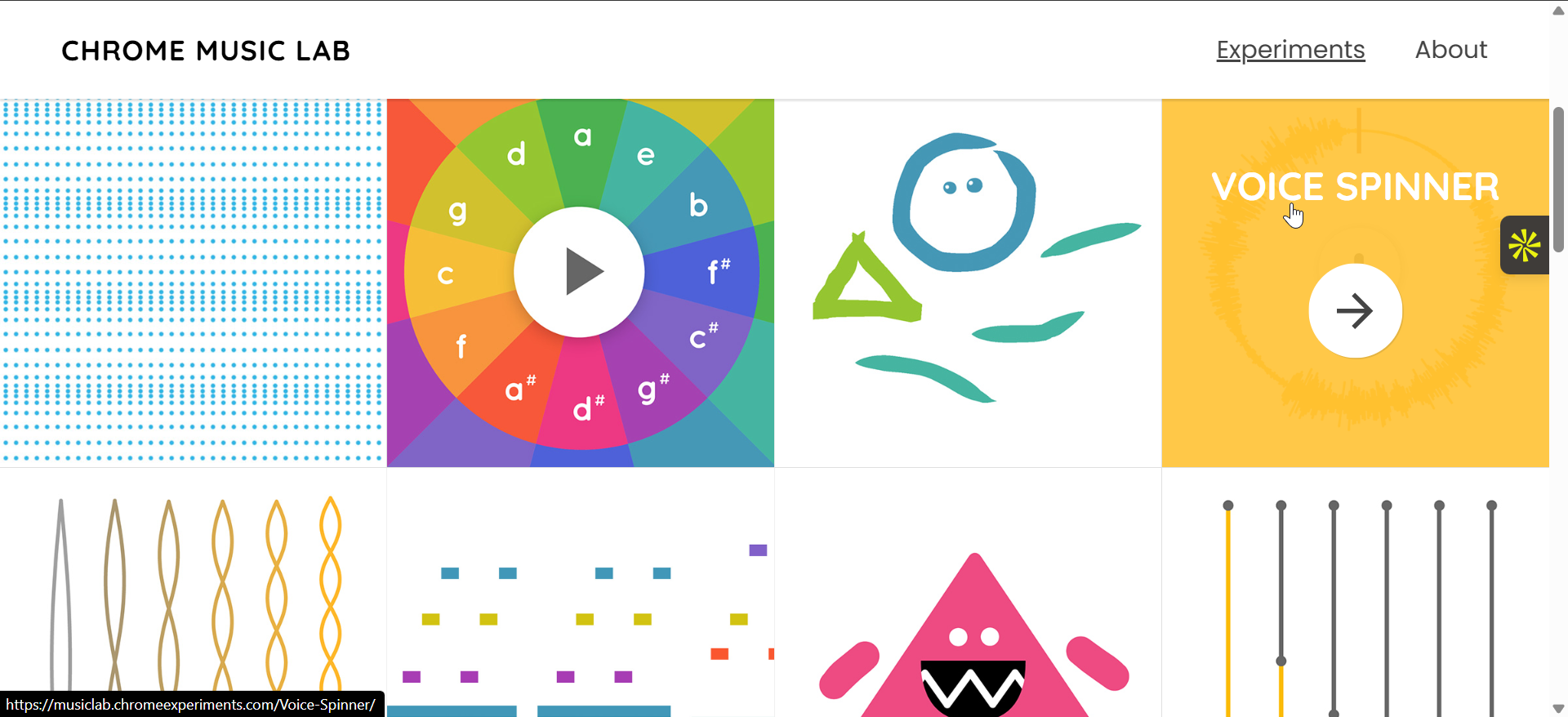
Voice Spinner allows you to manipulate vocal samples with spinning effects. You can upload your voice or other sounds and twist them to create unique effects.
Melody Maker
Melody Maker helps you create melodies from scratch or using preset patterns. It's a perfect tool for beginners to learn how melodies are structured.
Using Chrome Music Lab
Using Song Maker for basic composition
To get started with Song Maker, simply click on the grid and place notes where you want them. You can adjust the tempo by moving the slider, and experiment with different sounds for each note. Play around with the rhythm to create your unique song.
Creating complex rhythms with the Rhythm tool

Select your preferred drum sounds and start placing beats on the grid. Adjust the tempo to set the pace of your rhythm, and modify the patterns to create your desired effect. The tool’s simple interface makes it easy to experiment with rhythm and timing.
Exploring sound with the Spectrogram tool
To use the Spectrogram, simply generate a sound using one of the other tools. The Spectrogram will visualize the frequencies and sound waves in real time, helping you understand how the sound looks. Adjust the frequency range to explore different visual representations.
Understanding Chords and Harmony
Select a root note, and Chrome Music Lab will show you the related chords. You can see how changing one note affects the harmony of the chord. This tool helps you visualize basic music theory and how chords work together in a progression.
Building patterns with Arpeggios
Start by selecting a chord in the Arpeggios tool, and it will break the chord into individual notes played sequentially. You can adjust the speed and timing to create beautiful, flowing patterns. It’s a great way to experiment with how chords can evolve in a musical piece.
Manipulating vocals with Voice Spinner

Upload a sound file or record your voice, and use the Voice Spinner to manipulate the sound. The tool offers several spinning effects, allowing you to change the pitch and tone of your sample. This is perfect for sound design or creative vocal manipulation.
Creating melodies with Melody Maker
Choose a key and begin placing notes on the grid. You can use the preset patterns or start from scratch to build your own melodies. Adjust the tempo and try different combinations to find a melody that fits your style.
Tips for Effective Use of Chrome Music Lab
- Combine different tools to create a more complex musical piece. For example, you could use the Rhythm tool to make a beat, then add a melody using Song Maker.
- As you explore the tools, pay attention to how each component works and how they fit together to form a complete piece of music.
- Currently, Chrome Music Lab doesn't offer a built-in save feature, but you can capture your creations by taking screenshots or recording your screen. This way, you can revisit and share your music projects later.
Troubleshooting common Chrome Maker Lab issues
- No sound or slow playback: If you're experiencing issues with sound or slow playback, check that your browser’s sound settings are correctly configured. Try refreshing the page or switching browsers if the issue persists.
- Unresponsive tools: If any of the tools are not responding, clear your browser cache or try accessing the platform on a different browser. Updating your browser or disabling extensions may also help resolve technical issues.
Conclusion
Chrome Music Lab is a fun and accessible platform for anyone interested in music. Whether you're just getting started or looking to experiment with sound, the tools are simple to use and provide an interactive way to learn and create. Enjoy exploring the world of music with Chrome Music Lab!


Discussion (0)
Be the first to comment.