



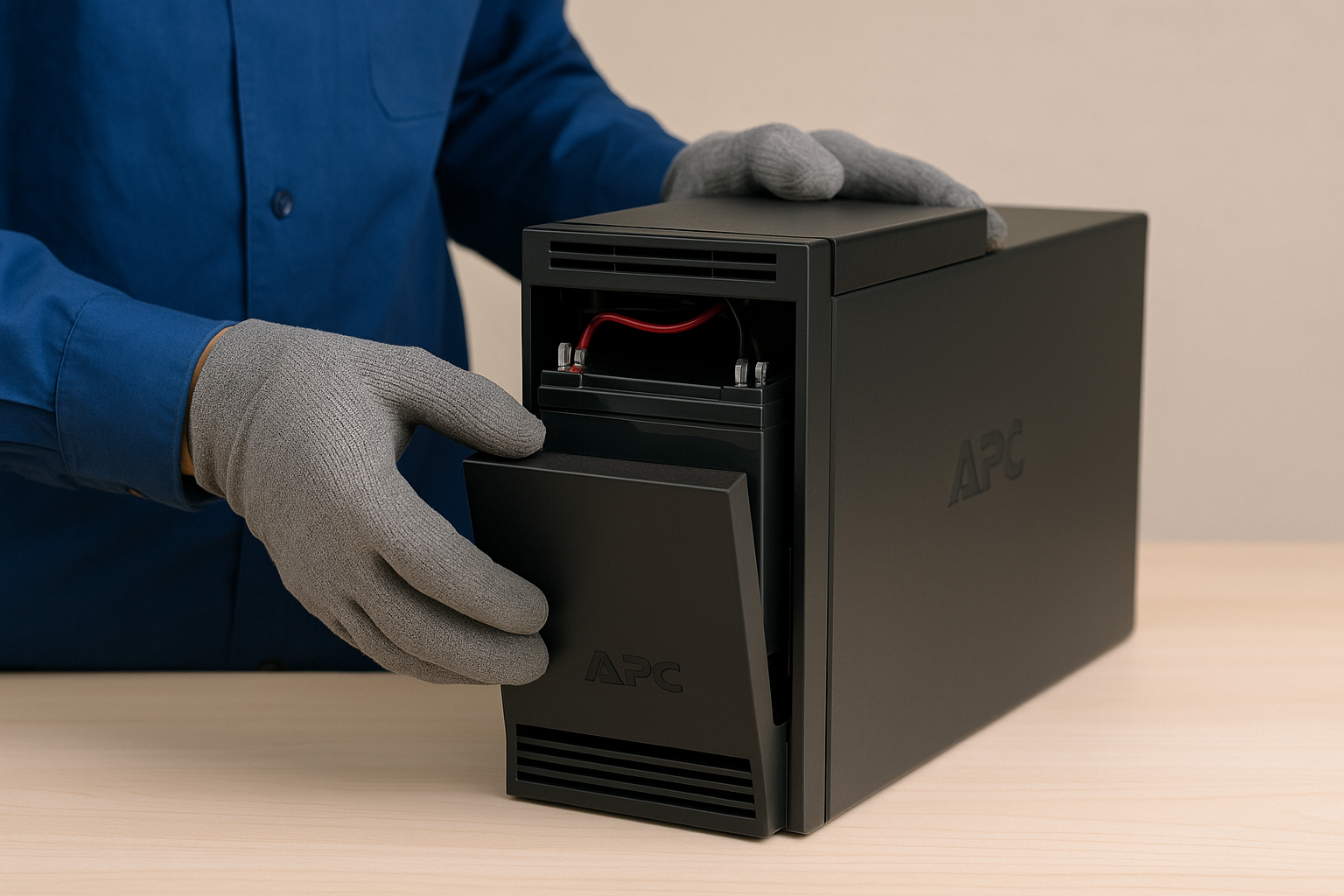
A dead APC UPS battery cuts your backup power and leaves your devices unprotected. Most APC units let you swap the battery in minutes with basic tools. This guide shows clear steps for Back-UPS and Smart-UPS models, plus tips to choose the correct replacement, run a self-test, and fix common issues.
Before you start, unplug all devices from the UPS and disconnect its AC input. This prevents electrical spikes and ensures a safe working environment. Also, wear gloves and keep the area ventilated. Most importantly, handle the cartridge carefully because it contains lead-acid material.
Lastly, prepare a Phillips screwdriver. Some Smart-UPS models require a plastic prying tool to remove the front panel.
Step 1: Identify the correct replacement battery (RBC)
APC batteries come in standardized RBC cartridges. Matching your model lets you buy the right cartridge and avoid compatibility problems.
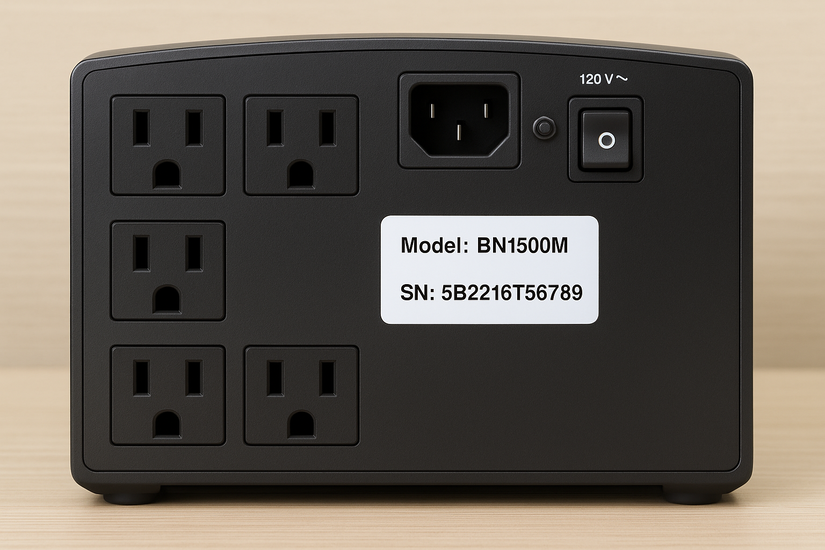
Check the rear or underside of the unit for a white sticker with the model number and serial number. Use the model code to identify the correct RBC cartridge. Also, check the APC model-to-RBC compatibility table to confirm the right part.
Add a short table in the final draft to match common Back-UPS and Smart-UPS models with the correct RBC number.
Step 2: Power down and disconnect all cables
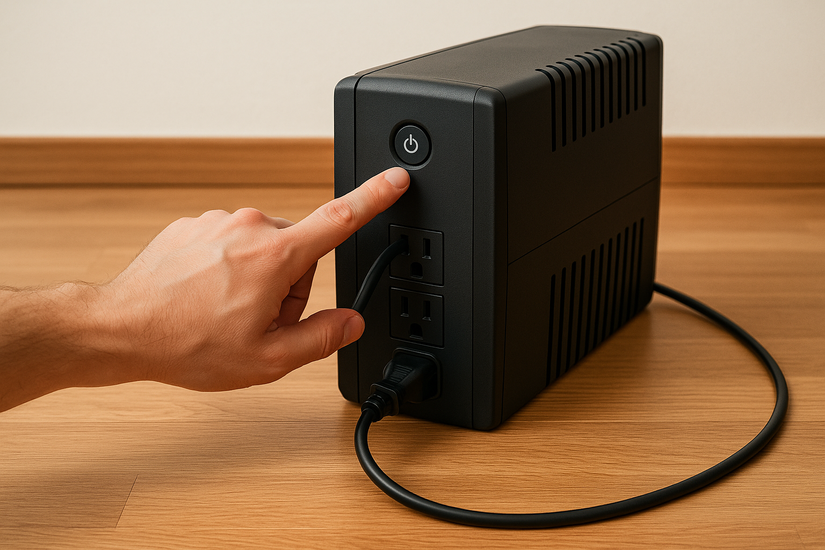
Turn off the UPS, unplug it from the wall, and remove all connected devices. This gives you a clean starting point.
Step 3: Open the battery compartment
Back-UPS models use a bottom or rear cover, while Smart-UPS units use a removable front bezel. Remove the screws or release the clips.
Step 4: Remove the old battery cartridge
Slide the RBC out and disconnect the red and black terminals. Lift the battery straight out to avoid strain on the connectors.
Step 5: Install the new battery
Connect the terminals tightly, match polarity, and insert the new cartridge. Push it fully into the slot until it sits flush.

Step 6: Close the compartment and reconnect power
Reattach the cover, plug the UPS back in, and power it on. Let the unit charge for a few minutes.
Step 7: Run a self-test after installation
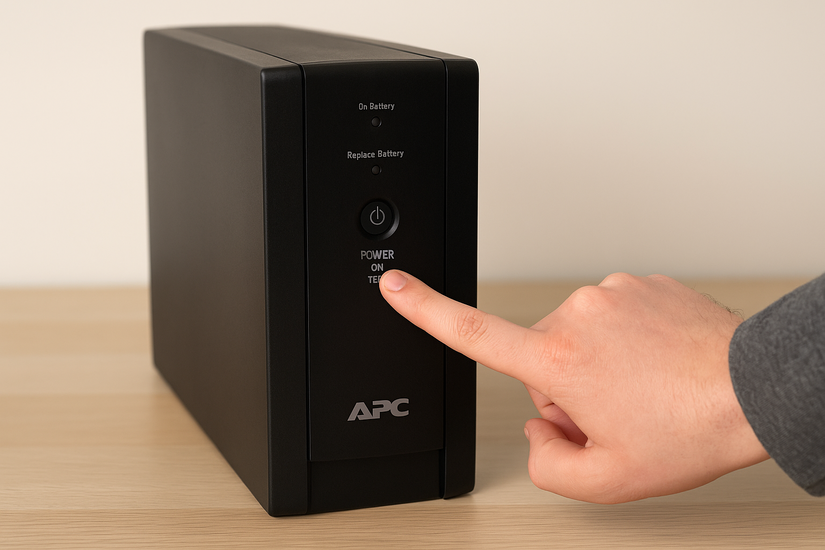
Press and hold the power or test button until you hear a beep. Smart-UPS units typically run a short diagnostic cycle. A healthy battery stops alarms, turns off the Replace Battery indicator, and restores runtime estimates.
Proper disposal and recycling
APC batteries contain sealed lead-acid material. Take the old battery to an approved recycling drop-off point. Avoid household trash because disposal laws restrict lead-acid batteries.
Troubleshooting after replacing the battery
- Replace Battery light stays on: Start a second self-test and confirm the terminals sit firmly on the battery. If the light remains, recalibrate the runtime in the UPS software.
- UPS won’t power on after replacement: Check the fuse, cable polarity, and compartment seating. A misaligned battery prevents the UPS from completing its startup sequence.
- Runtime is still short: Condition the new battery by running a full discharge-to-charge cycle. Reduce high-watt loads to improve backup duration.
Tips for extending your new APC battery’s life
- Ideal charging and load conditions: Keep the UPS connected to stable power and avoid deep discharges. Heavy loads drain the battery faster.
- Proper environment and maintenance: Place the UPS in a cool, dust-free area and run a periodic self-test. Heat reduces battery lifespan more than anything else.
FAQs
How long do APC batteries last? Most APC batteries last 3–5 years, depending on temperature, load, and usage patterns.
Can I use third-party RBC replacements? You can use compatible replacements if the specs match, but accuracy and lifespan vary.
Is hot-swapping safe? Smart-UPS units support hot-swapping in specific models. Back-UPS models require a full power-down.
Why does my UPS beep after battery replacement? Most beeps indicate calibration or overload issues. A quick self-test usually clears them.
Summary
- Identify your APC model and correct RBC.
- Disconnect power and remove all loads.
- Open the battery compartment.
- Remove the old battery and install the new one.
- Run a self-test to clear warnings.
- Recycle the old battery safely.
Conclusion
Replacing an APC UPS battery takes only a few minutes and restores reliable backup protection for your electronics. A proper installation improves runtime, prevents alarms, and keeps your system ready for outages.


Discussion (0)
Be the first to comment.