



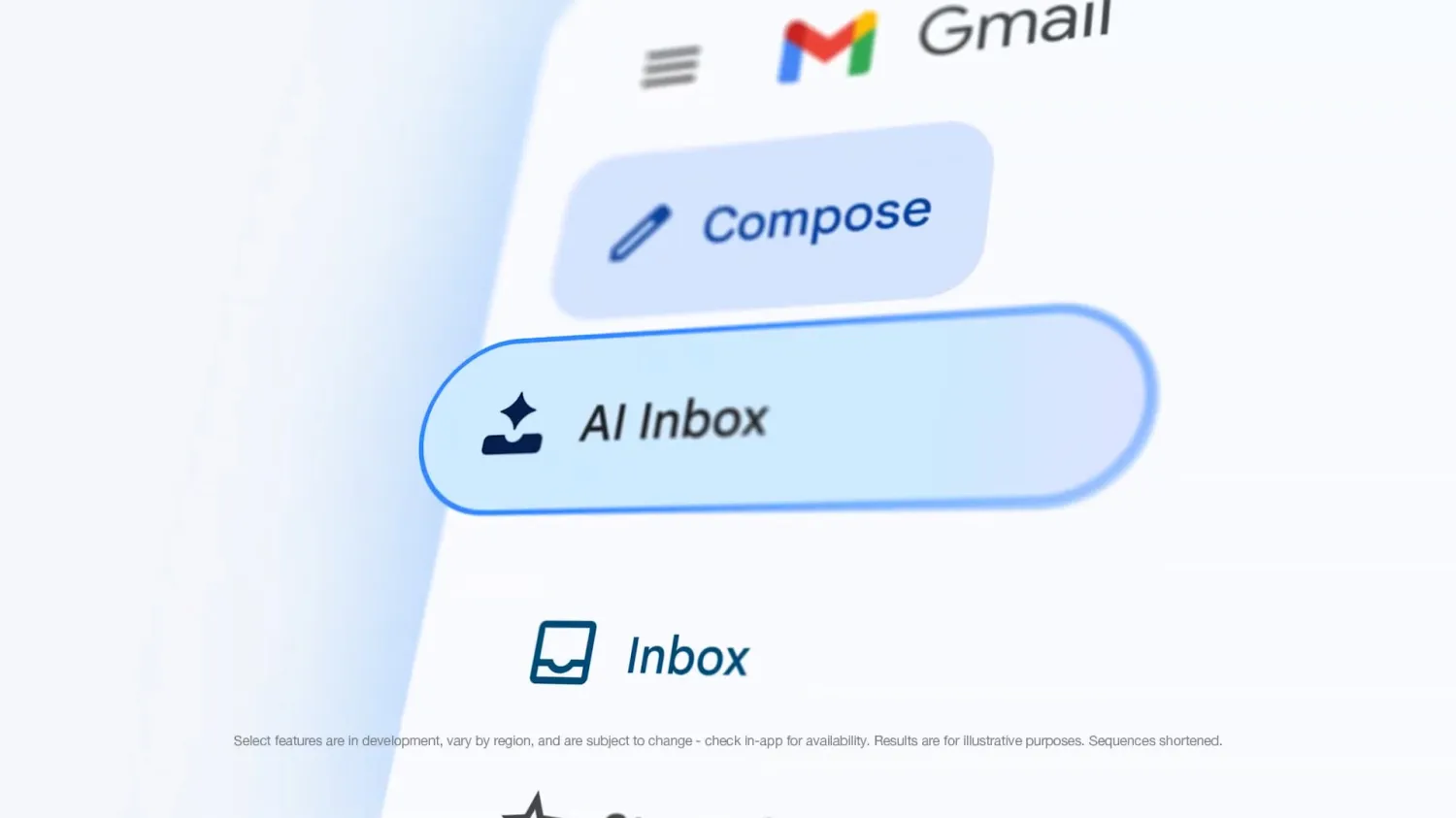
Google is updating Gmail’s “Help me write” feature so AI generated emails can sound more like your own writing.
The tool can now look at your previous emails to better understand your tone and style. That should make drafts feel less generic and more natural, especially if you use Gmail for work messages, client replies, or regular personal emails.
Google is also giving “Help me write” more context. The feature can now pull relevant information from your Gmail inbox and Google Drive when creating suggestions. That means it may be able to draft replies with better details instead of relying only on a short prompt.
For example, if you are replying to a work thread or writing about a document stored in Drive, Gmail’s AI may be able to use that information to produce a more useful draft.
The rollout started on May 5 and may take up to 15 days to reach everyone who is eligible.
There is one important limit. The improved “Help me write” feature is not available to all Gmail users. You need a Google AI Plus, Pro, or Ultra subscription, or access through a business or enterprise plan.
Here is a quick look at what is changing:
| Feature | What it does |
|---|---|
| Style matching | Uses previous emails to better match your tone |
| Inbox context | Pulls useful details from Gmail when writing drafts |
| Drive context | Can use information from Google Drive |
| Rollout | Started May 5, with up to 15 days for full availability |
| Availability | Google AI Plus, Pro, Ultra, and business plans |
The update could make Gmail’s AI writing feel more useful because it gives the tool two things it often lacked: personal tone and better context.
Still, it also means the feature is working with more of your personal content. If you use it, it is worth checking your Google AI and Workspace settings so you understand what data the tool can access and how it is being used.


Discussion (0)
Be the first to comment.