




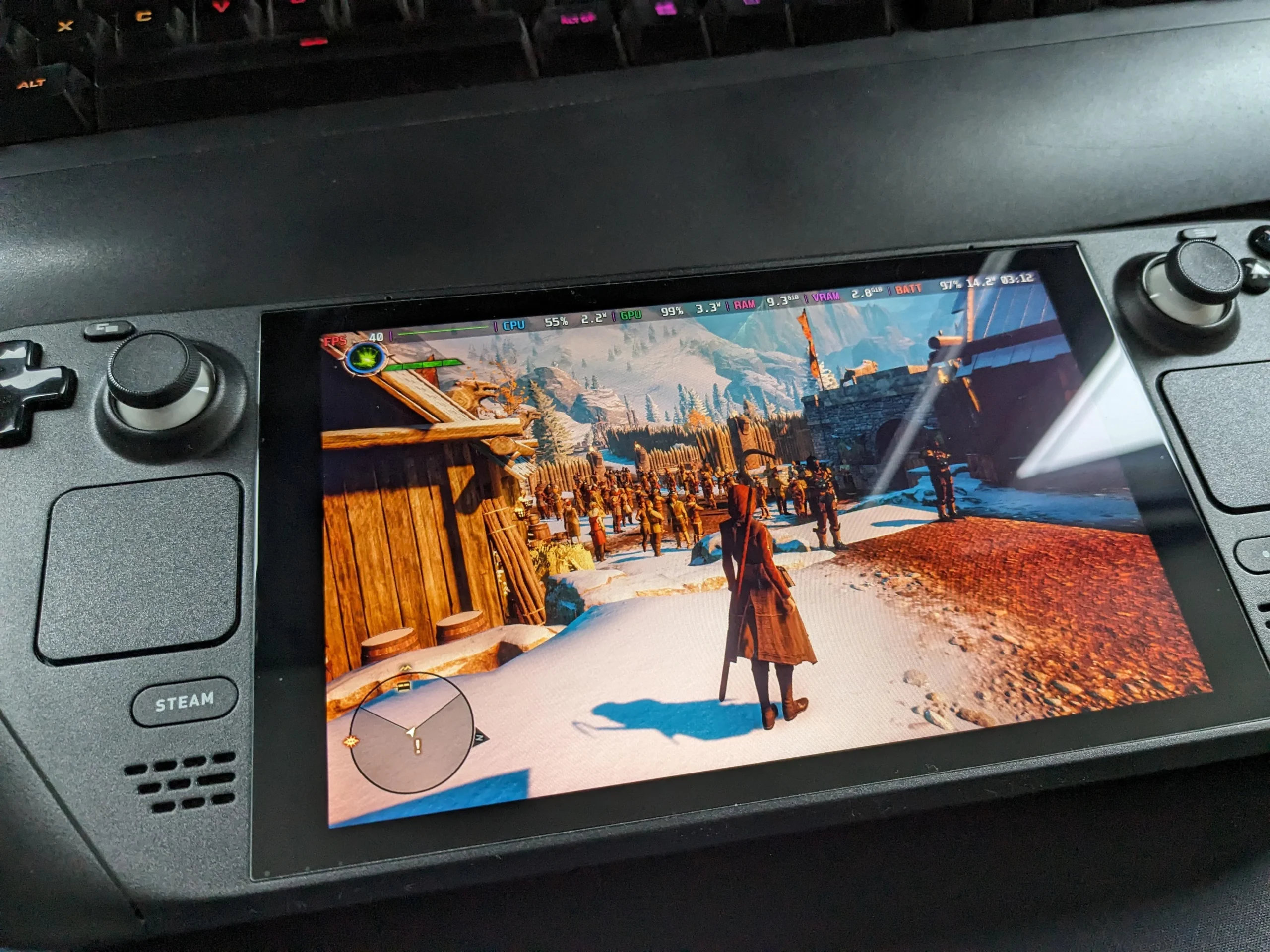
Gears of War: E Day is too demanding for a comfortable Steam Deck experience, but the more powerful Steam Machine handles the game much better.
Testing shows that the game can run at 4K, 2K, and 1080p on the Steam Machine, although the best results depend heavily on FSR 4 upscaling and graphics settings.
The strongest balance appears to be 2K resolution with FSR 4 Quality, High settings, and a 30 FPS target. Players who prefer higher frame rates can reach 60 FPS by reducing image quality.
| Resolution | Settings | Upscaling | Target |
|---|---|---|---|
| 4K | Low | FSR 4 Balanced | Around 30 FPS |
| 4K | Medium | FSR 4 Ultra Performance | Above 30 FPS |
| 2K native | Low | None | 30 FPS |
| 1080p native | High | None | 30 FPS |
| 2K | High | FSR 4 Quality | 30 FPS |
| 1080p | Ultra | FSR 4 Quality | 30 FPS |
| 2K | Low | FSR 4 Performance | 60 FPS |
| 1080p | Medium | FSR 4 Balanced | 60 FPS |
4K is possible with compromises
The Steam Machine can run Gears of War: E Day at 4K, but native rendering is not practical.
FSR 4 is required to keep performance at a usable level.
Using FSR 4 Balanced with Low settings delivers around 30 FPS and is the recommended 4K setup.
The higher internal rendering quality helps maintain a sharper overall image, while the Low preset still looks good enough to make the tradeoff worthwhile.
Another option is to increase graphics settings to Medium and switch FSR 4 to Ultra Performance.
That setup can keep performance above 30 FPS, but image quality takes a larger hit because of the more aggressive upscaling.
TSR produces similar results
TSR upscaling was also tested.
Its performance is broadly similar to FSR 4 in demanding scenes, and it does not provide enough extra headroom to make high frame rate 4K practical.
A 30 FPS target remains necessary because some sections of the game push the Steam Machine too hard.
For that reason, FSR 4 Balanced at Low settings is the preferred 4K configuration.
Native 2K and 1080p both work
The Steam Machine can also run the game without an upscaler at lower resolutions.
At 2560x1440, native rendering is possible with Low settings and a 30 FPS cap.
At 1080p, the hardware has enough headroom to move up to High settings while maintaining the same 30 FPS target.
However, even dropping to the lowest settings at native resolution is not enough to achieve a stable 60 FPS.
That makes upscaling important for anyone who values smoother gameplay.
2K with FSR 4 Quality offers the best balance
The recommended setup is 2K resolution with FSR 4 set to Quality.
With this configuration, High graphics settings can be used while targeting 30 FPS.
This provides a strong balance between visual quality, resolution, and performance.
For players using a larger display, this setup is likely to look noticeably better than native 1080p while avoiding the more aggressive compromises required for 4K.
1080p Ultra offers the best visual quality
If maximum graphics quality matters more than resolution, 1080p provides another strong option.

At 1080p with FSR 4 Quality enabled, the game can run at Ultra settings with a 30 FPS cap.
According to the testing, this produces the best looking overall result on the Steam Machine.
The lower output resolution gives the hardware enough performance headroom to use the highest graphics preset without sacrificing stability.
60 FPS is possible at lower settings
Players who prefer smoother gameplay can reach 60 FPS.
At 2K, the Steam Machine can achieve 60 FPS using Low settings with FSR 4 set to Performance.
The image quality is lower, but the setup provides the higher frame rate while retaining the sharper 2K output.
At 1080p, 60 FPS is possible with Medium settings and FSR 4 Balanced.
The tester preferred the 2K option because the increase in resolution provided a better overall image despite the lower preset.
Steam Machine handles the game far better than Steam Deck
The Steam Deck does not have enough performance for a recommended Gears of War: E Day experience.
The Steam Machine, however, provides substantially more flexibility.
You can prioritize high visual quality at 30 FPS, choose a sharper 2K presentation, or reduce settings to reach 60 FPS.
There is also enough performance available to experiment with 4K, although upscaling and reduced graphics settings are necessary.
For the strongest overall experience, 2K with FSR 4 Quality, High settings, and a 30 FPS target stands out as the most balanced configuration.


Discussion (0)
Be the first to comment.