



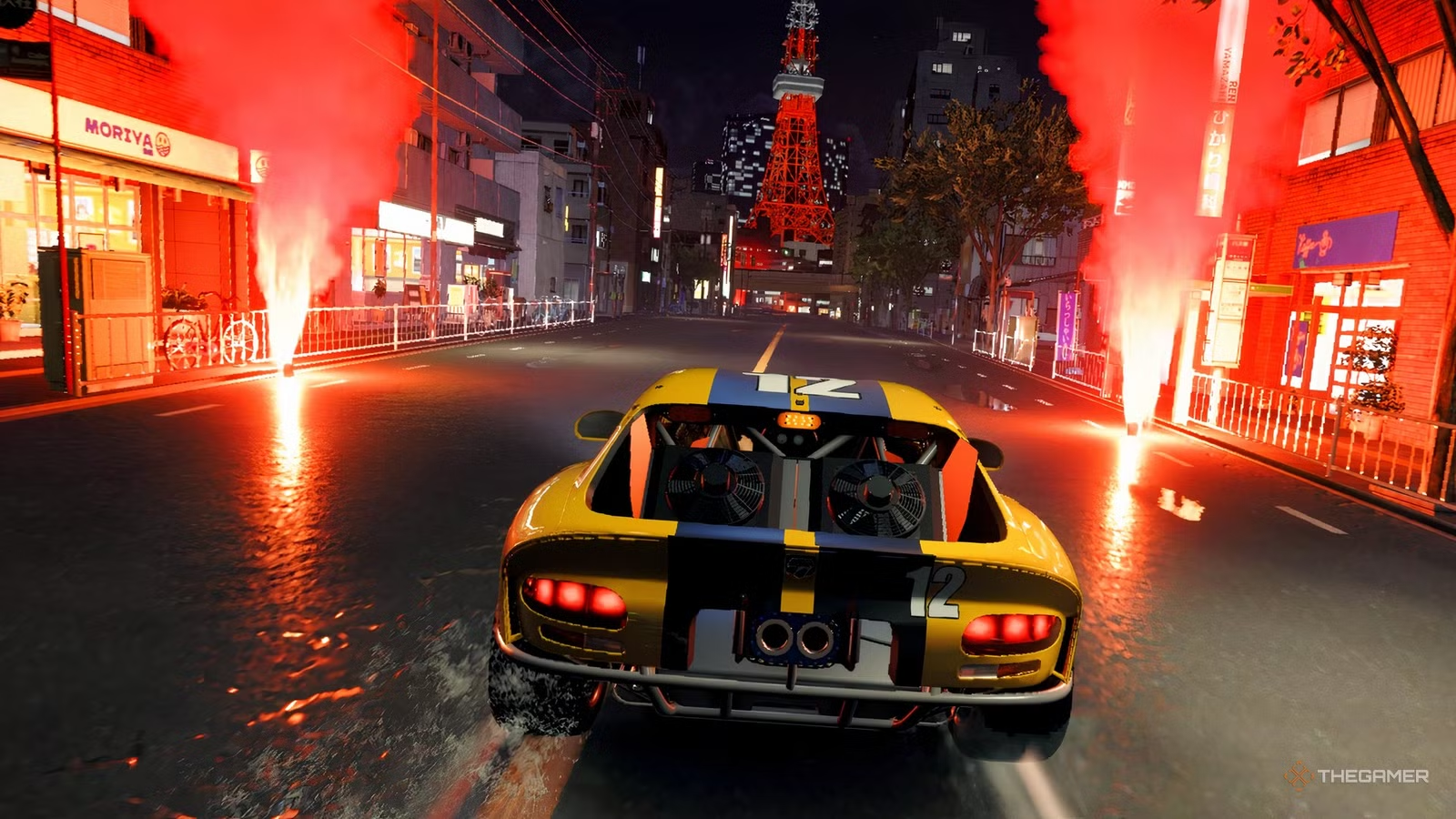
Forza Horizon 6 is a strong PC release with a deep graphics menu, modern upscaling support, ultrawide support, uncapped frame rates, ray traced reflections, and ray traced global illumination. But early testing also shows that the best experience may come from tuned settings rather than simply choosing the Extreme preset and leaving everything maxed out.
This is not repeated news. It connects to earlier Forza Horizon 6 launch coverage, but the focus here is different. This report is about PC performance, stuttering, ray tracing cost, and the best graphics settings for smoother gameplay.
Optimized settings can improve performance without making the game look much worse
Wccftech’s testing found that Forza Horizon 6 is mostly polished on PC, but not flawless. The game can stutter during the first 30 minutes because of shader compilation, and occasional traversal stutters can still appear later. There are also some CPU limited moments, especially in dense city areas where traffic, crowds, lighting, and world streaming increase the workload.
The game includes a shader compilation step, but it does not appear to catch everything. That means some players may feel the opening stretch is rougher than expected before performance settles down.
| Area | Finding |
|---|---|
| First 30 minutes | Shader compilation stutters can appear |
| Open world driving | Occasional traversal stutters remain |
| CPU behavior | Dense areas can become CPU limited |
| Ray tracing | Looks better in some scenes, but adds cost and noise |
| Best general setup | Optimized non ray tracing settings |
| Best high end setup | Optimized ray tracing settings if GPU power is strong |
The article tested the game on a high end PC with an Intel Core i7 14700K, RTX 4090, 32GB DDR5 memory, and an NVMe SSD. Even with that kind of hardware, ray tracing had a noticeable cost. In CPU testing, the Extreme plus ray tracing preset caused a 14 percent drop in average FPS compared with the normal Extreme preset.
The bigger issue is that ray tracing does not always feel essential in a fast racing game. Ray traced reflections and global illumination can improve certain scenes, especially slower moments, photo mode, wet roads, garage views, and open world roaming. But while racing at high speed, the visual benefit is often harder to notice.
RTGI also has a problem with visible noise, especially on foliage and at lower internal resolutions when upscaling is used. The game does not currently include DLSS Ray Reconstruction or FSR Ray Regeneration, which could have helped clean up noisy ray traced effects.
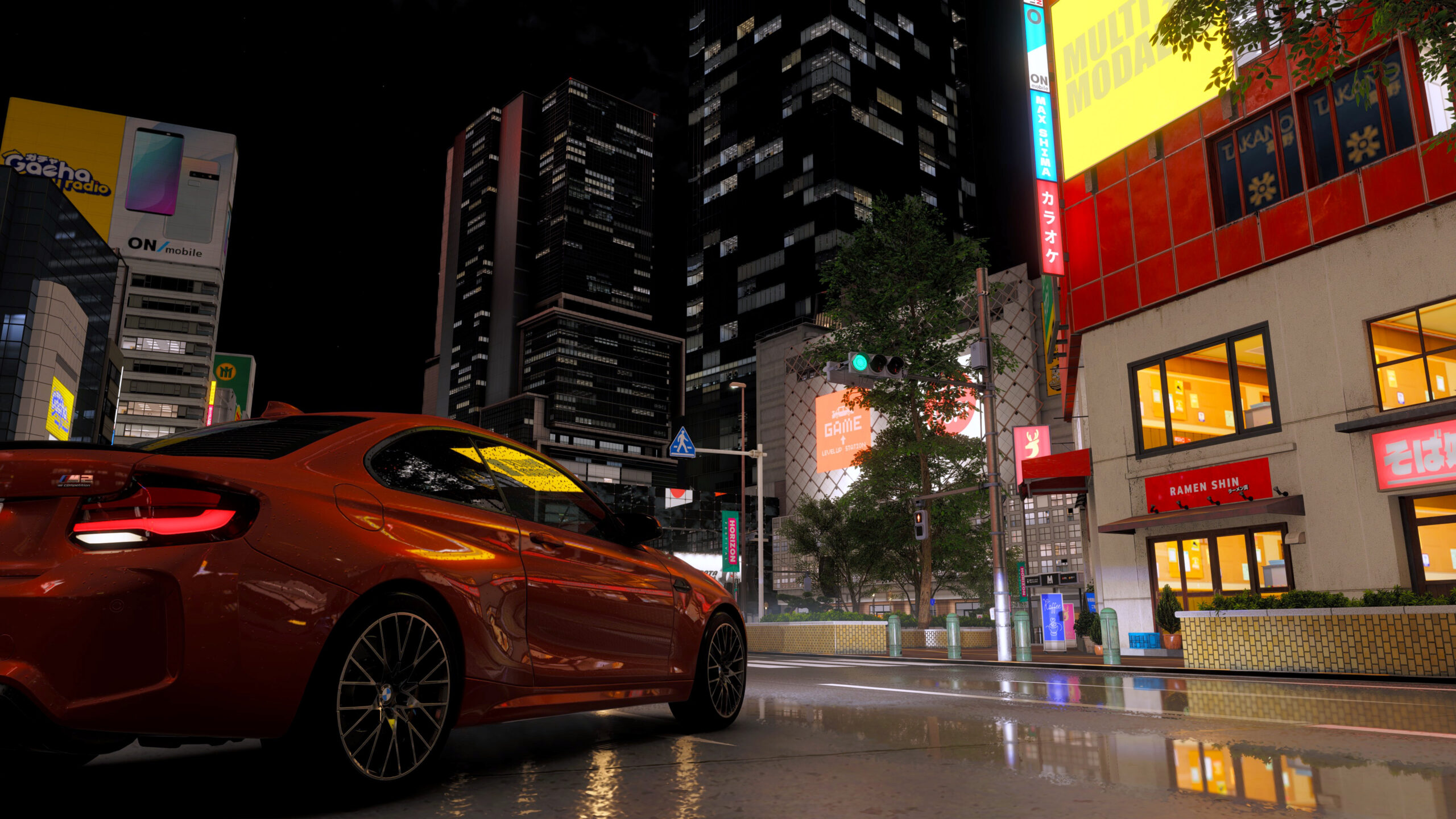
For most players, the optimized non ray tracing settings may be the better option. Wccftech’s optimized non RT setup improved average FPS from 152 to 175 in one night race test, a 15 percent gain. The optimized RT setup improved average FPS from 103 to 127 in an open world roaming test, a 23 percent gain.
The recommended non RT settings keep car reflections at Ultra, shadows at Ultra, night shadows at Ultra, shader quality at Extreme, deformable terrain at Extreme, particles at Ultra, volumetric fog at High, and screen space GI at Medium. This keeps most of the game’s visual identity while reducing unnecessary cost.
For ray tracing, the guide recommends keeping ray traced reflections at Low and RTGI at Medium, or High if you are sensitive to noise. Screen space reflections and screen space GI should be turned off when ray tracing is enabled.
The guide also recommends using the best upscaling method for your GPU. RTX owners should use DLAA or DLSS Super Resolution. RDNA 4 users should use FSR 4 or 4.1. Intel Arc users should use XeSS. Other modern GPUs can use FSR 3.1.5. FidelityFX CAS is not recommended because it does not hold up as well in motion.
There are still missing features. The PC version supports DLSS Frame Generation and Multi Frame Generation on newer Nvidia cards, but it does not include AMD FSR Frame Generation or Intel XeSS Frame Generation at launch. The report also says Nvidia Reflex did not appear to work properly on its own during testing, which is something Playground Games should fix.
Forza Horizon 6 still looks excellent on PC, especially with its Japan setting, dense environments, car rendering, lighting, and dynamic weather. But the best takeaway is simple: ray tracing should be treated as a luxury setting, not a default choice. Most players will likely get the smoothest and most balanced experience by using optimized non RT settings, while high end GPU owners can try the optimized RT profile if they are willing to accept the extra cost and occasional noise.


Discussion (0)
Be the first to comment.