


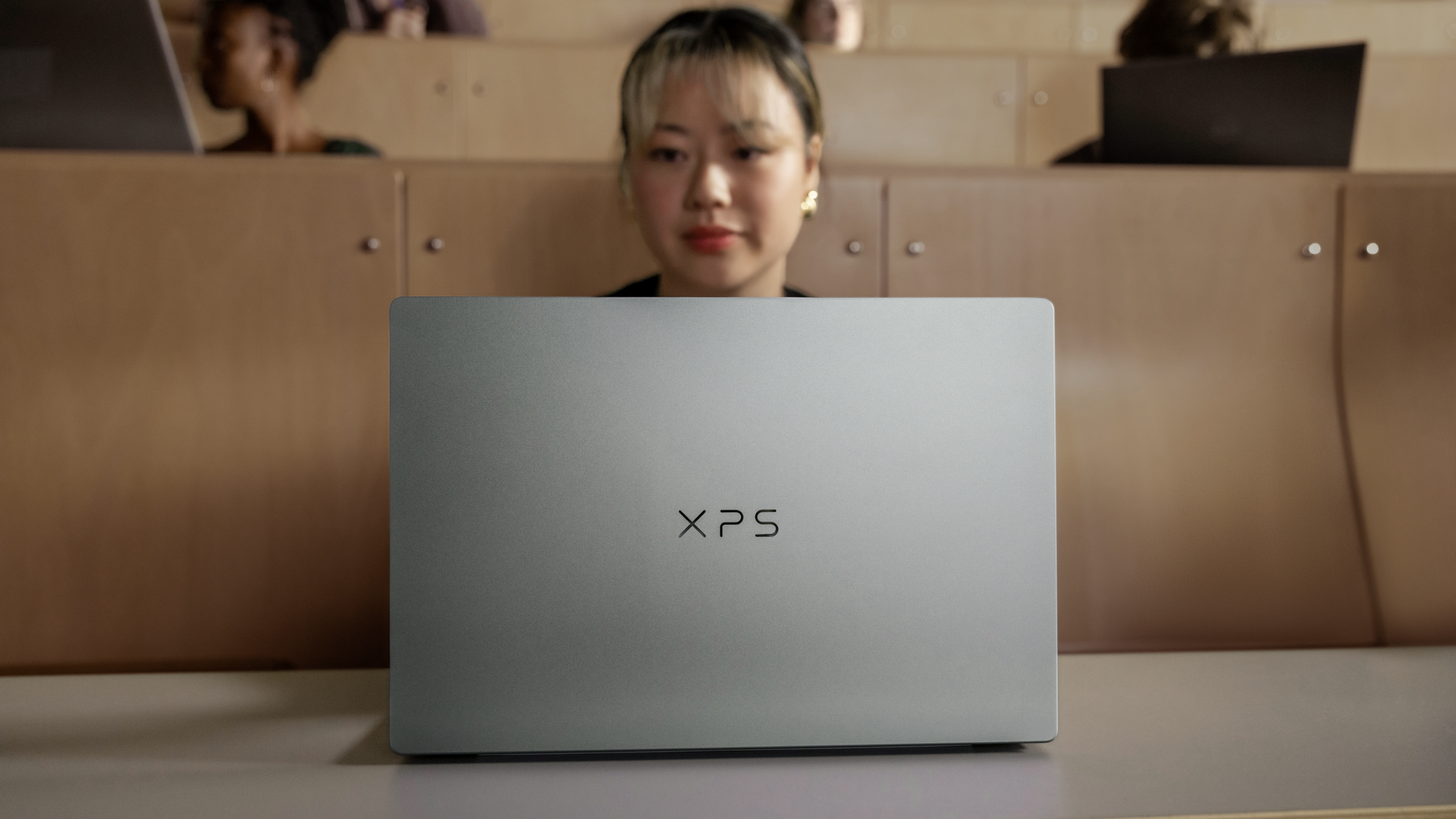
Dell has introduced a new XPS 13 laptop with a starting price of $699.99, bringing several features commonly associated with premium Windows laptops to a more affordable price range.
The latest model features a CNC machined aluminum chassis, a 13.4 inch touchscreen with 2.5K resolution, quad speakers, and support for WiFi 7.
Dell is also offering different Intel processor configurations, with advertised battery life reaching up to 17 hours on the standard model and 20 hours on configurations equipped with a Series 3 Intel Core Ultra processor.
Despite its compact design, the laptop weighs as little as 2.2 pounds and measures just 12.7 mm thick.
The combination of premium materials, modern connectivity, and long advertised battery life makes the XPS 13 an option for students, professionals, and people looking for a portable Windows laptop under $1,000.
However, the advertised battery figures come from Dell's internal testing, and actual results will depend on the configuration and workload.
Dell XPS 13 Features a Lightweight Aluminum Chassis
The new XPS 13 uses a CNC machined aluminum chassis instead of the plastic construction often found on lower priced laptops.
This manufacturing process allows Dell to create a rigid enclosure with precise dimensions while keeping the overall design compact.
The laptop measures approximately 12.7 mm thick and starts at 2.2 pounds, or around one kilogram.
Its lightweight construction makes it easier to carry between classrooms, offices, and other locations.
Dell has also included a backlit chiclet keyboard with an ambient light sensor that adjusts keyboard illumination according to surrounding lighting conditions.
For connectivity, the laptop supports WiFi 7, providing compatibility with newer wireless networking equipment.
However, the benefits of WiFi 7 depend on the router, network environment, and internet connection being used.
Dell Offers a 13.4 Inch 2.5K Touchscreen With 120Hz Refresh Rate
One of the main features of the XPS 13 is its 13.4 inch touchscreen.
The display offers 2.5K resolution, providing a sharper image than the Full HD panels commonly found in entry level laptops.
Dell claims the screen can reach up to 500 nits of brightness, making it suitable for use in relatively bright indoor environments.
An anti glare finish is also included to reduce reflections.
The display supports a variable refresh rate ranging from 30Hz to 120Hz.
This allows the screen to lower its refresh rate when displaying relatively static content and increase it when smoother movement is beneficial.
Lower refresh rates can also reduce power consumption during certain activities.
Dell additionally advertises support for Dolby Vision, VESA DisplayHDR 400, and 100% coverage of the DCI P3 color space.
These features are intended to improve color reproduction and support compatible high dynamic range content.
The touchscreen also allows direct interaction with Windows applications, including scrolling through documents, navigating websites, and using supported touch controls.
XPS 13 Battery Life Reaches Up to 20 Hours in Dell's Tests
Dell is highlighting battery efficiency as another important feature of the new XPS 13.
The company advertises up to 17 hours of video streaming for configurations powered by its standard Series 3 Intel Core processor.
Models equipped with a Series 3 Intel Core Ultra processor are rated for up to 20 hours under Dell's specified test conditions.
Both figures were obtained during internal testing conducted in May 2026.
The tests involved Netflix video playback with display brightness set to 150 nits and wireless connectivity enabled.
The Core 5 320 configuration was tested with Intel graphics, 16GB of RAM, a 512GB SSD, and a 2.5K LCD.
The Core Ultra 7 355 configuration used a similar memory, storage, and display arrangement.
However, the two configurations were tested with different battery settings, meaning the results should not be interpreted as a direct processor efficiency comparison.
Actual battery life can vary considerably when running demanding applications, increasing screen brightness, or using several programs simultaneously.
Dell XPS 13 Specifications and Features
| Feature | Dell XPS 13 |
|---|---|
| Starting price | $699.99 |
| Display | 13.4 inch touchscreen |
| Resolution | 2.5K |
| Refresh rate | 30Hz to 120Hz variable |
| Maximum brightness | Up to 500 nits |
| Color coverage | 100% DCI P3 |
| HDR support | Dolby Vision, DisplayHDR 400 |
| Processor options | Series 3 Intel Core and Core Ultra |
| Battery life | Up to 17 or 20 hours, depending on configuration |
| Weight | Starting at 2.2 pounds |
| Thickness | 12.7 mm |
| Construction | CNC machined aluminum |
| Audio | Four speakers with Dolby Atmos |
| Wireless connectivity | WiFi 7 |
| Starting configuration storage | 512GB SSD in the cited test systems |
Not every specification necessarily applies to every configuration, so buyers should verify the features included with their selected model.
Quad Speakers and Dolby Atmos Improve Multimedia Capabilities
The XPS 13 includes a four speaker audio system with support for Dolby Atmos.
Dell rates the combined speaker setup at up to 8W of peak output.
The system is intended to provide improved audio for video playback, online meetings, and everyday entertainment without requiring external speakers.
Dolby Atmos support can enhance playback of compatible audio content, although the experience will depend on the source material and the laptop's speaker limitations.
The inclusion of four speakers is particularly notable for a laptop measuring just 12.7 mm thick.
However, peak output figures alone do not establish overall audio quality, which also depends on speaker tuning, frequency response, and distortion.
Intel Core Ultra Models Include Thunderbolt 4 Connectivity
Port selection differs depending on the processor configuration.
The standard Series 3 Intel Core model includes two USB C ports with DisplayPort 1.2 and Power Delivery support.
Configurations using the Series 3 Intel Core Ultra processor provide two Thunderbolt 4 ports.
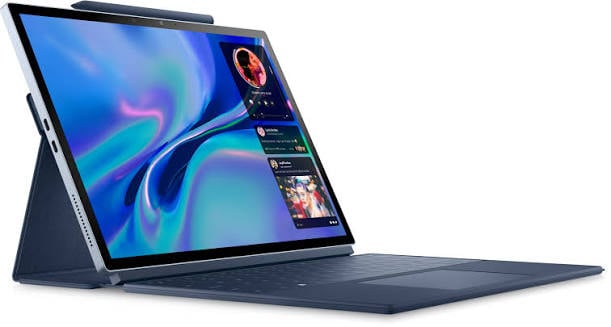
Thunderbolt 4 offers additional connectivity capabilities for compatible peripherals, external storage devices, and docking stations.
Both configurations rely on USB C connections rather than a broad selection of traditional ports.
This means buyers who regularly use USB A accessories, HDMI displays, or wired Ethernet may need a compatible adapter or docking station.
The difference in port specifications is also worth considering when comparing the lower priced model with more expensive configurations.
Dell XPS 13 Starts Below $1,000, but Configurations Matter
Dell lists the new XPS 13 with a starting price of $699.99 in the United States.
That price places the laptop below the $1,000 threshold while offering an aluminum chassis, a relatively high resolution display, and modern connectivity.
However, Dell's promotional specifications cover multiple processor configurations, and the exact features available at the starting price should be checked before purchasing.
In particular, the advertised 20 hour battery figure applies to a Core Ultra configuration, while the standard Intel Core model carries a separate 17 hour rating.
Similarly, Thunderbolt 4 support is associated with the Core Ultra version.
The product information comes from Dell sponsored promotional material rather than an independent performance review, so the claims should be considered manufacturer specifications.
For people comparing lightweight Windows laptops, the XPS 13 provides a combination of portability, display features, and battery life claims that make it relevant to the affordable premium laptop category.
The final value will depend on the processor, memory, storage, and connectivity included in the configuration purchased.


Discussion (0)
Be the first to comment.