



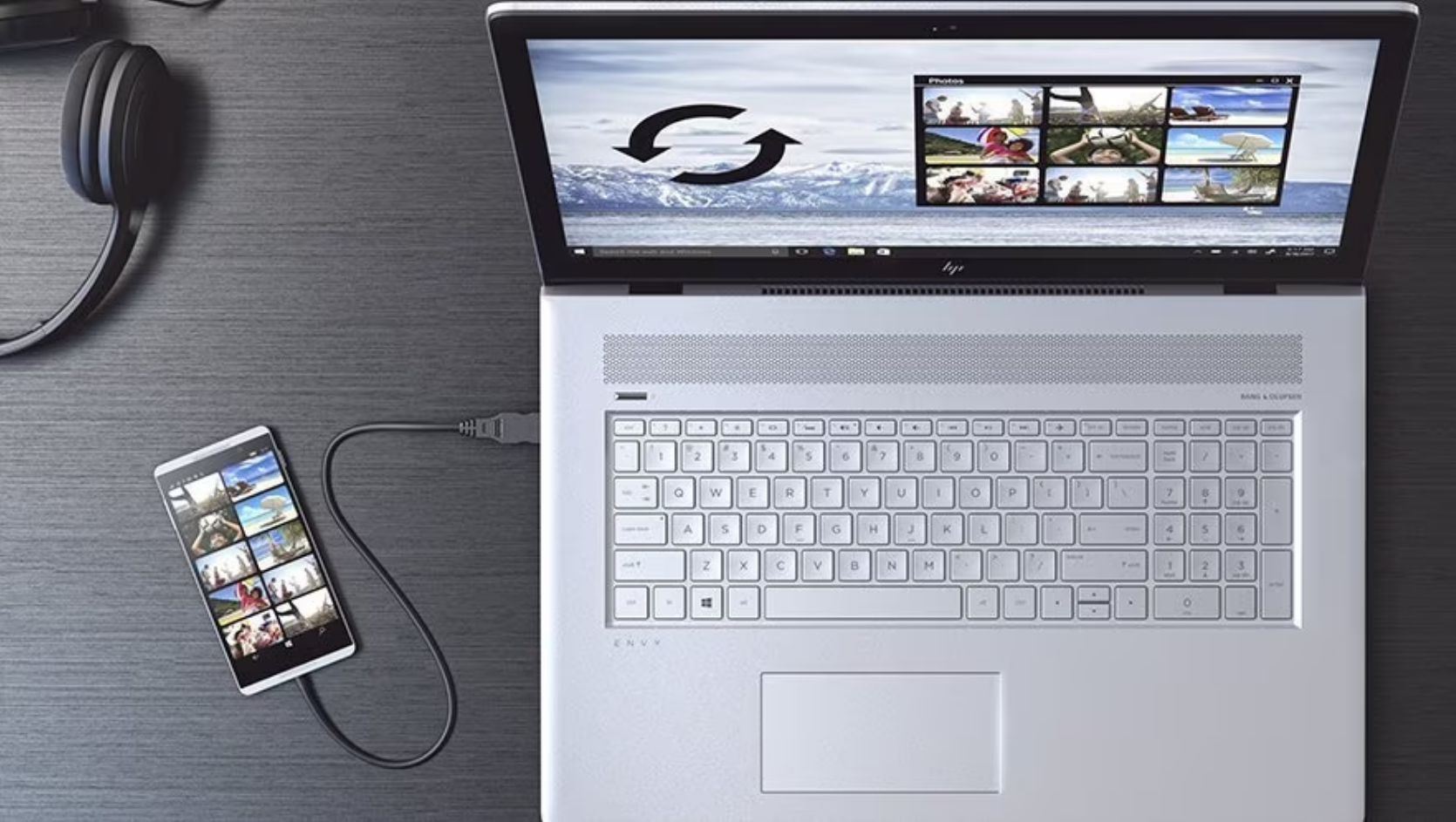
If you’ve been using Dell Mobile Connect to connect your phone and PC, it’s time to start looking at alternatives.
Dell has confirmed that the app is being discontinued, and support will end soon. While it may continue to work temporarily, it’s not something you should rely on going forward.
What Dell Mobile Connect Actually Did
Dell Mobile Connect was designed to bridge the gap between your phone and your Windows PC.
It allowed you to:
- Mirror your phone screen
- Send and receive messages
- Make and take calls
- Transfer files between devices
For many users, it offered a smoother experience than basic Bluetooth syncing.
When It Will Stop Working
Dell has confirmed that the app will be phased out, with support ending and functionality gradually being limited.
In most cases, apps like this don’t stop working instantly. Instead:
- Updates stop first
- Compatibility issues start appearing
- Features gradually break over time
Eventually, the app becomes unusable as systems evolve.
Why Dell Is Shutting It Down
This move isn’t surprising.
Microsoft has been pushing its own integration tools, making third-party solutions less necessary.
Maintaining a separate ecosystem doesn’t make as much sense when built-in alternatives are improving.
It’s a shift toward consolidation rather than expansion.
The Best Alternative: Phone Link
Microsoft Phone Link is now the primary replacement for Dell Mobile Connect.
It offers similar features:
- Messaging and notifications
- Call handling
- Photo access
- App integration (on supported devices)
It’s also more actively developed and integrated into Windows.
Real-World Usage: Is Phone Link Better?
In most cases, yes.
Phone Link is more stable, better supported, and continuously updated.
However, the experience depends on your device.
Android users, especially with certain brands, get deeper integration.
iPhone support exists but is more limited.
What You Should Do Now
If you’re still using Dell Mobile Connect:
- Start transitioning to Phone Link
- Set up your device and test features
- Don’t rely on Dell Mobile Connect for critical tasks
Switching early avoids disruption later.
Limitations You Should Know
Phone Link isn’t identical.
Some features may behave differently or be limited depending on your phone.
Also, if you preferred Dell’s interface or specific features, there may be a slight adjustment period.
But long-term, it’s the more reliable option.
The Bigger Picture
This change reflects a broader trend.
Instead of multiple overlapping tools, companies are consolidating features into core platforms.
For users, this usually means fewer choices but better integration.
Final Thoughts
Dell Mobile Connect served its purpose, but its time has passed.
Moving to Phone Link is the practical next step.
It’s more stable, more integrated, and better aligned with how Windows handles device connectivity today.
Waiting until the app stops working completely only makes the transition harder.
FAQs
When will Dell Mobile Connect stop working?
Support is ending, and functionality will gradually decline over time.
What is the best alternative?
Microsoft Phone Link is the primary replacement.
Does Phone Link support iPhone?
Yes, but with limited features compared to Android.
Should I uninstall Dell Mobile Connect now?
You can keep it temporarily, but it’s better to transition soon.
Will Phone Link replace all features?
Most, but not necessarily every feature exactly as before.

Discussion (0)
Be the first to comment.