




Dell Mobile Connect was a feature available on select Dell laptops that allowed users to connect their Android or iPhone to their Windows PC. It enabled notifications, calls, file transfers, and screen mirroring directly from the computer.
Although Dell Mobile Connect has been discontinued and replaced by Microsoft Phone Link, many users still might want to be aware about it and use its alternative.
This guide explains Dell Mobile Connect, supported features, and available alternatives.
What Is Dell Mobile Connect
Dell Mobile Connect was a companion app designed for Dell PCs. It allowed users to:
- View phone notifications on PC
- Send and receive text messages
- Make and receive phone calls
- Transfer files wirelessly
- Mirror Android screen
It worked with both Android devices and iPhones, though features varied.
Is Dell Mobile Connect Still Available
Dell officially ended support for Dell Mobile Connect in 2023. The app is no longer actively maintained or supported.
For current phone-to-PC integration, Microsoft Phone Link is now recommended.
Features of Dell Mobile Connect
When active, the app provided:
- Wireless connection between PC and phone
- SMS messaging from desktop
- Contact access
- File drag-and-drop
- Screen mirroring for Android
iPhone support was more limited compared to Android.
How Dell Mobile Connect Worked
To use Dell Mobile Connect:
- Install the app on your Dell PC
- Install the companion app on your phone
- Pair devices via Bluetooth
- Grant necessary permissions
- Start syncing notifications and data
The connection was secured and local.
Android vs iPhone Support
Android users could:
- Mirror phone screen
- Transfer files
- Send SMS
- Receive notifications
iPhone users could:
- Receive notifications
- Make and receive calls
- Send limited messages
Screen mirroring was not fully supported on IOS devices
Alternative: Microsoft Phone Link
A suitable alternative of Dell Mobile Connect is Microsoft Phone Link.
Phone Link allows:
- View notifications
- Send texts
- Make calls
- Access photos
- Limited app integration
It works on Windows 10 and Windows 11 and supports most Android devices. iPhone support is available but more limited.
How to Use Phone Link Instead
To set up Phone Link:
- Open Start
- Search for Phone Link
- Open the app
- Sign in with your Microsoft account
- Install Link to Windows on your phone
- Pair the devices
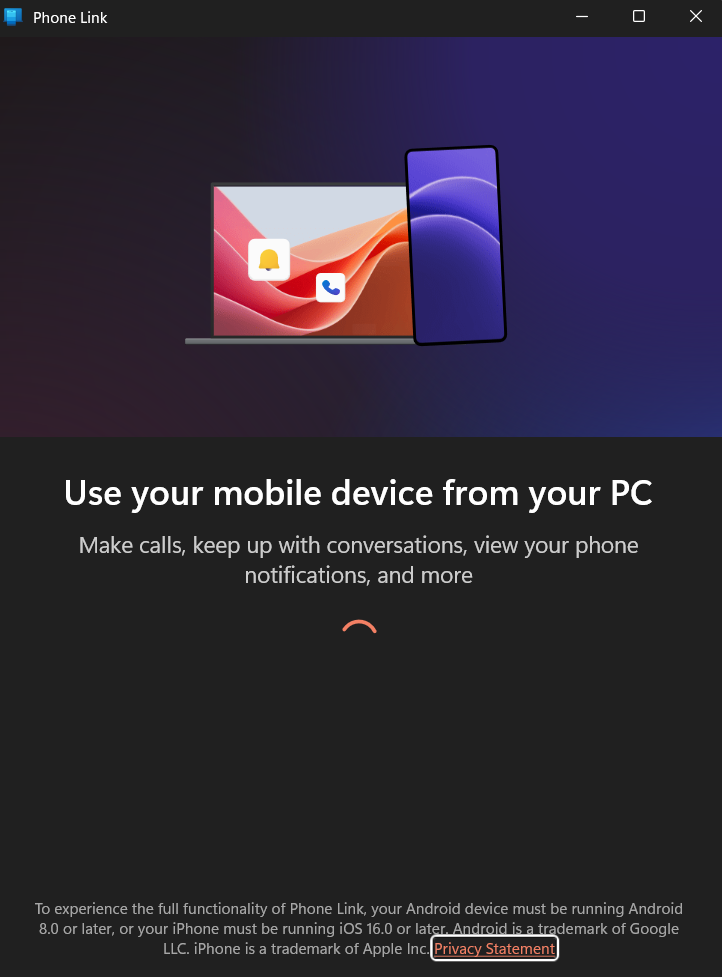
This replaces Dell Mobile Connect functionality.
Why Dell Discontinued the App
Dell shifted to using Microsoft’s built-in integration instead of maintaining its own solution. This reduces duplication and ensures broader compatibility.
Final Thoughts
Dell Mobile Connect was a useful tool for connecting Android and iPhone devices to Dell PCs. However, it has been discontinued and replaced by Microsoft Phone Link. If you previously used Dell Mobile Connect, switching to Phone Link is the recommended solution for ongoing support and compatibility.
FAQs
What replaced Dell Mobile Connect
Microsoft Phone Link.
Does Phone Link work on Windows 11
Yes, it works on both Windows 10 and Windows 11.
Can I mirror my iPhone screen using Phone Link
Full screen mirroring support is limited compared to Android.


Discussion (0)
Be the first to comment.