




Most AI coding tools stop at suggestions. They help you write a line, maybe a function, but you still do the actual work of integrating, testing, and fixing things.
ChatGPT Codex goes a step further. Inside ChatGPT, it acts less like autocomplete and more like a task-oriented coding agent that can work through problems end to end.
That difference is subtle on paper, but very noticeable in practice.
What ChatGPT Codex Actually Does
At its core, Codex is designed to handle real development tasks, not just generate snippets.
It can:
- Implement features across multiple files
- Fix bugs with context
- Read and explain codebases
- Write and run tests
- Suggest structured changes instead of isolated code
The key shift is this: it works at the task level, not the line level.
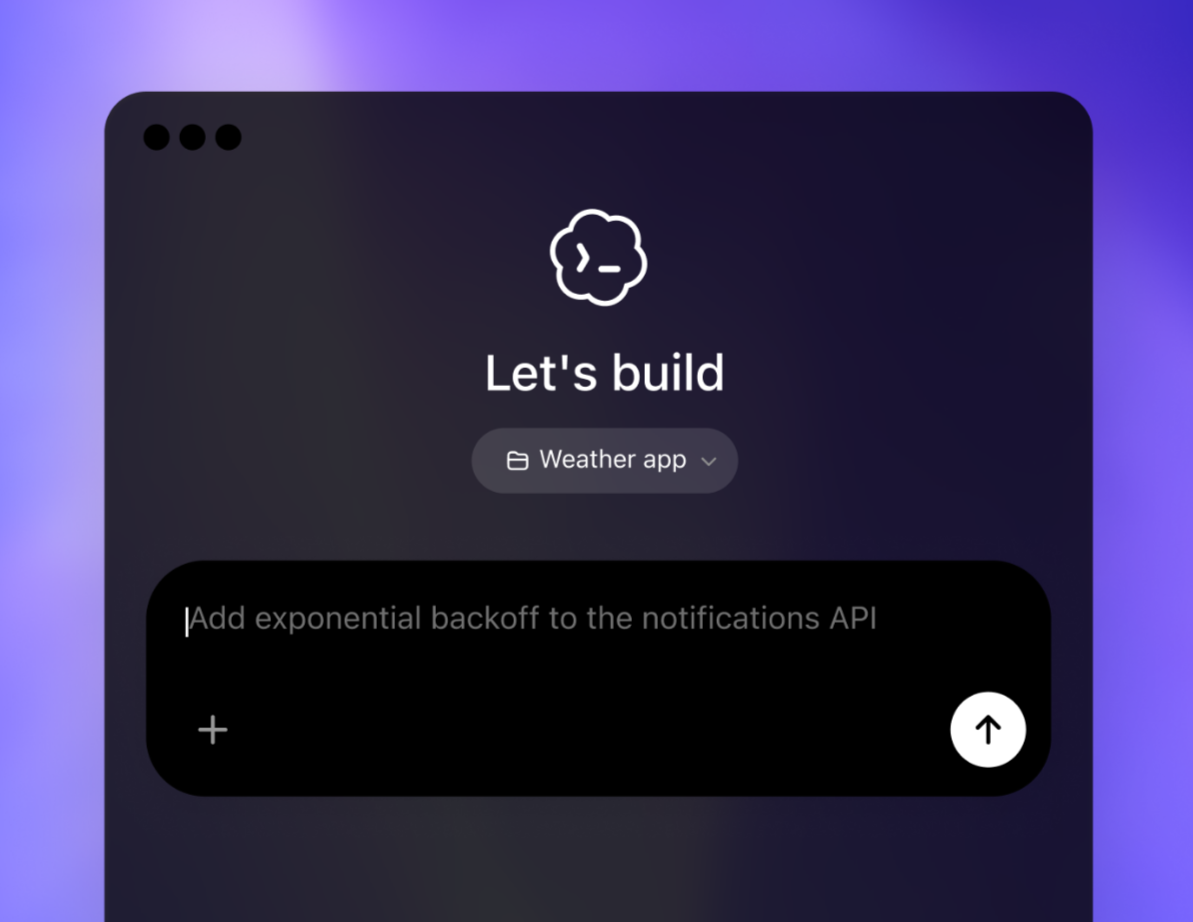
How It Works in Practice
When you give Codex a task, it does more than respond with text.
It typically:
- Understands the goal and context
- Breaks the task into steps
- Applies changes to the code
- Validates results through tests or checks
- Returns a structured output
In many cases, this happens in a controlled environment, which allows it to verify its own work before showing it to you.
That is what makes it feel closer to an assistant than a tool.
How It’s Different from Tools Like Copilot
Tools like GitHub Copilot focus on inline help. They are excellent for speed, but limited in scope.
Codex is different in a few important ways:
- Works across files, not just the current line
- Handles complete tasks instead of fragments
- Can run and validate code
- Understands broader project structure
In simple terms:
- Copilot helps you write faster
- Codex helps you finish tasks
Real-World Usage
The value of Codex becomes clear when you use it on actual work.
Feature Development
You can describe a feature in plain language, and Codex can implement it across the relevant parts of your project.
Debugging
Instead of manually tracing issues, you can ask Codex to analyze and fix errors. It can also re-run tests to confirm the fix.
Code Understanding
Large or unfamiliar codebases become easier to navigate. You can ask targeted questions and get structured explanations.
Refactoring
Repetitive improvements like renaming, restructuring, or optimizing code can be handled with minimal manual effort.
Why It Matters
The biggest bottleneck in development is not writing code. It is everything around it:
- Understanding existing systems
- Fixing issues
- Maintaining consistency
- Verifying changes
Codex reduces this overhead.
It allows developers to focus more on:
- Architecture
- Logic
- Decision-making
And less on repetitive execution.
Limitations You Should Be Aware Of
Codex is capable, but not independent.
- It needs clear, well-defined instructions
- It can misunderstand intent in complex systems
- Outputs still require review
- It is not aware of everything outside its environment
You should treat it as a capable assistant, not an autonomous developer.
Where It Fits Today
Codex sits between traditional coding tools and full automation.
It is best used when:
- Tasks are well-defined
- Codebases are structured
- You want to accelerate execution, not outsource thinking
For small tasks, it may feel like overkill. For larger workflows, it becomes significantly more useful.
Final Thoughts
ChatGPT Codex represents a shift from AI that helps you write code to AI that helps you complete development work.
By combining reasoning, execution, and context inside ChatGPT, it starts to function less like a feature and more like a collaborator.
It does not replace developers, but it does change how much of the process you have to handle manually.
Used properly, it is not just about writing faster. It is about working smarter.
FAQs
What is ChatGPT Codex?
It is an AI coding agent that can handle development tasks inside ChatGPT.
Is it the same as GitHub Copilot?
No. Copilot focuses on suggestions, while Codex focuses on task execution.
Can Codex run code and tests?
Yes, in controlled environments it can validate its output.
Is it useful for beginners?
Yes, but it is more impactful for real-world projects.
Does it replace developers?
No. It assists with execution, but still requires human oversight.



Discussion (0)
Be the first to comment.