



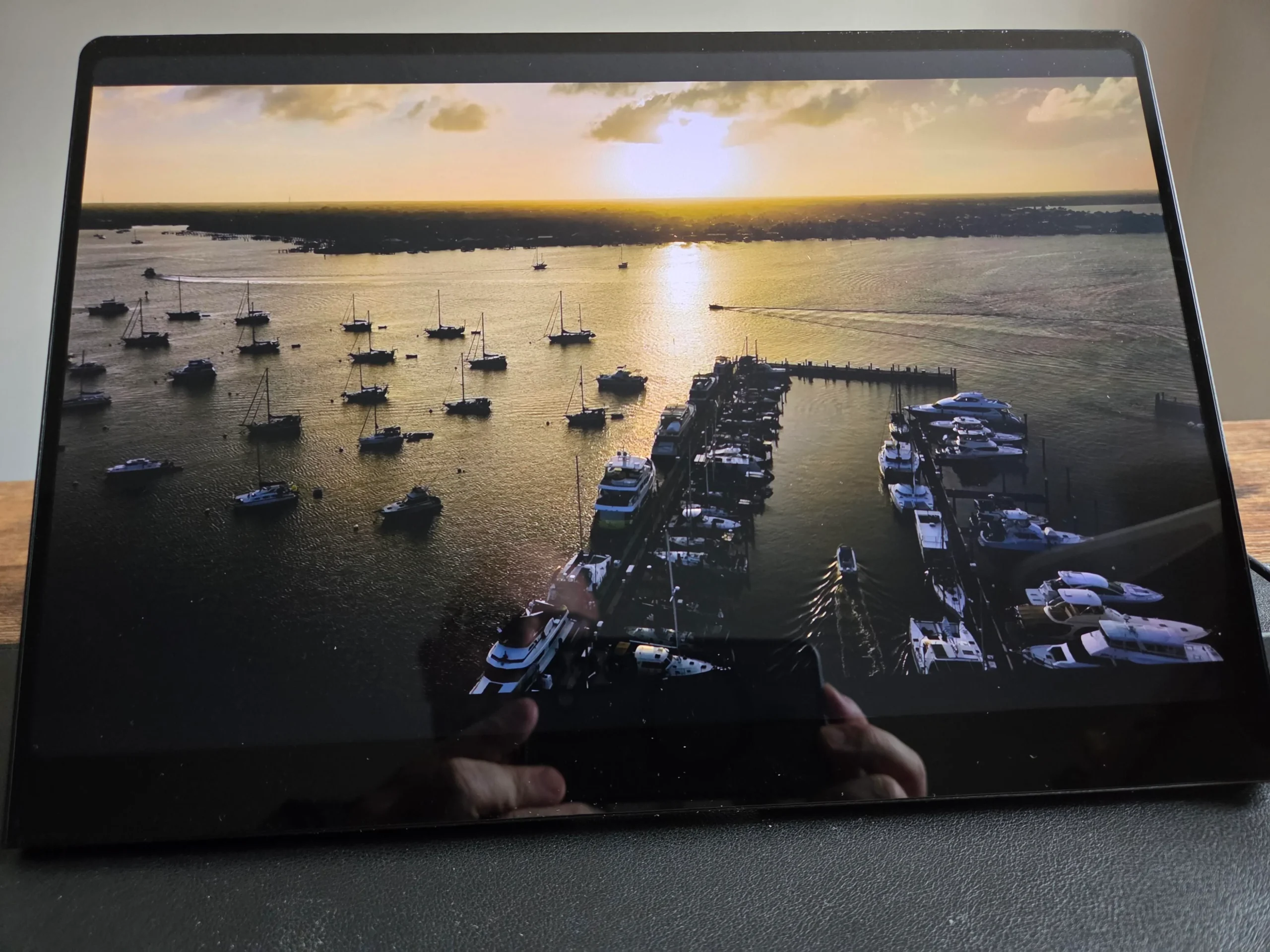
The Uperfect GR14BU is a compact 14 inch portable OLED monitor aimed at people who want strong image quality, touch support and a high resolution display that can travel with a laptop, handheld gaming PC or console.
It uses a 2880 × 1800 OLED panel with a refresh rate of up to 120Hz over USB Type C and 100Hz over HDMI. The screen also offers a claimed 0.1ms response time, 500 nit peak brightness, 120 percent DCI P3 colour coverage and Delta E below 2.
At $399, the GR14BU sits in the premium part of the portable monitor market. Its price is high for a 14 inch display, but the combination of OLED, touchscreen support, high pixel density and flexible connectivity makes it more capable than many conventional portable screens.
The monitor is best suited to productivity, travel and casual gaming. Competitive players may find the screen too small, while HDR performance also appears less convincing than the rest of the package.
| Specification | Uperfect GR14BU |
|---|---|
| Panel size | 14 inches |
| Panel type | OLED touchscreen |
| Resolution | 2880 × 1800 |
| Pixel density | Around 244 PPI |
| Maximum refresh rate | 120Hz over USB Type C |
| HDMI refresh rate | Up to 100Hz |
| Response time | 0.1ms |
| Peak brightness | Up to 500 nits |
| Colour coverage | Claimed 120% DCI P3 |
| Colour accuracy | Delta E below 2 |
| Price | $399 |
The 3K OLED panel delivers excellent sharpness and contrast
The strongest part of the GR14BU is its image quality.
Its 2880 × 1800 resolution is very high for a 14 inch screen, producing a pixel density of around 244 pixels per inch. Text, interface elements and detailed images therefore appear much sharper than they would on many lower resolution portable displays.
OLED technology also gives the monitor excellent black levels and contrast. Individual pixels can switch off completely, allowing dark scenes to appear deeper and more convincing than on typical IPS panels.
Colours are vibrant, while the claimed 120 percent DCI P3 coverage gives the display a wide colour range. The Delta E figure below 2 also suggests that the screen can be useful for photo editing, design work and other tasks that benefit from reasonable colour accuracy.
The display remains bright enough for offices and well lit rooms. It does not appear to be the brightest portable OLED in Uperfect’s range, but the rated 500 nit peak remains competitive.
HDR is less successful. Enabling it can make colours and highlights appear more vivid, but it may also remove detail from brighter areas. Standard dynamic range appears to provide the more balanced image in many situations.
Touchscreen support adds real value for productivity
Touch functionality is one of the GR14BU’s most useful features.
The screen supports tapping, swiping, scrolling and dragging on compatible devices. This can make Windows navigation, document editing and quick application adjustments more convenient.
Touch response is described as accurate and immediate, which helps the monitor feel more like an extension of a laptop or tablet rather than a basic secondary display.
The feature is most useful for office tasks, creative software and portable work setups. It has less value during conventional mouse and keyboard gaming, although some strategy games and touch focused applications could benefit.
Mac compatibility is more limited because some gestures and touch functions are disabled on macOS. Windows based systems therefore provide the most complete experience.
Connectivity works well across laptops, PCs and consoles
The monitor includes two full function USB Type C ports and one Mini HDMI connection.
The USB Type C ports can carry video, audio and power, while also supporting touch input with compatible hardware. This allows some laptops and handheld devices to connect through a single cable.
The Mini HDMI port is useful for desktop graphics cards, consoles and devices without video capable USB Type C.
Uperfect includes the main cables and adapters needed to get started:
- Two USB Type C cables
- One Mini HDMI to HDMI cable
- One power adapter
- One USB Type A to Type C power cable
- L shaped connectors for HDMI and USB Type C
- A user manual
The display works with Windows PCs, laptops, Linux systems, Android phones, macOS devices, gaming handhelds, PlayStation 5 and Xbox consoles.
That broad compatibility makes it suitable for several roles, including a travel monitor, laptop extension, handheld gaming display or small console screen.
Gaming is smooth, but the 14 inch size is limiting
The GR14BU can run at up to 120Hz through USB Type C and 100Hz through HDMI.
Both refresh rates provide noticeably smoother movement than a standard 60Hz display. The 0.1ms response time also helps reduce visible ghosting during fast motion.
AAA games and slower single player titles work well on the screen. OLED contrast is especially useful in games with dark environments, while the high resolution keeps details sharp.
The monitor is less convincing for competitive gaming.
A 14 inch display can make small enemies and distant objects harder to identify, particularly when you are accustomed to a 24 inch or larger desktop monitor. Fast shooters may therefore feel more difficult despite the panel’s quick response time.
The 100Hz HDMI limit is also modest compared with larger gaming displays offering 144Hz, 240Hz or more.
The monitor can still handle occasional competitive play, but it is better suited to casual gaming, portable setups and single player games.
The on screen controls cover the important settings
Physical buttons on the side of the display provide access to the on screen menu.
Available controls include brightness, contrast, black level, colour settings, HDR and other display options.
The menu allows you to adjust the image for different lighting conditions and content. OLED black levels already provide strong contrast, but the additional controls can help correct overly bright or dark scenes.
The controls appear functional rather than especially refined, but they include the main settings expected from a premium portable monitor.
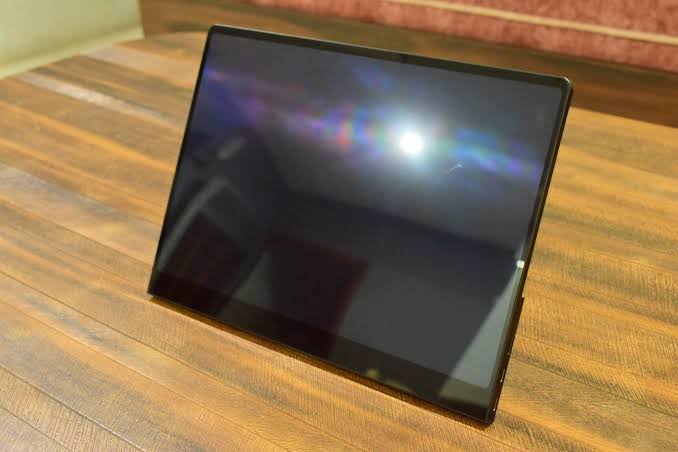
The built in stand also supports different viewing angles, making it easier to position the display beside a laptop or in front of a keyboard.
Portability is one of the monitor’s biggest strengths
The GR14BU is light, slim and small enough to fit into most laptop bags.
This makes it useful for people who travel frequently and need more screen space for work. A second display can improve productivity when managing documents, spreadsheets, browser windows or communication apps.
It can also pair well with handheld gaming PCs by providing a larger and sharper screen without requiring a full desktop monitor.
The compact design naturally involves compromises. The display is easier to carry, but it also feels restrictive when used as a primary screen for long periods.
For office work, it is most useful as a secondary display rather than a replacement for a large monitor.
Price is high, but the feature set is unusual
At $399, the Uperfect GR14BU is expensive for its size.
Many portable monitors cost less, but most do not combine OLED, 3K resolution, touchscreen functionality, 120Hz support and a 500 nit peak brightness rating.
The value depends heavily on which features matter to you.
It makes sense for professionals who need a high quality portable second screen, people who value OLED contrast and travellers who want touch support in a compact design.
It is harder to recommend for someone who mainly wants a gaming display. A larger non touch monitor with a higher refresh rate may provide better value and a more comfortable experience.
The Uperfect GR14BU succeeds as a premium portable productivity display with strong image quality and useful touch controls. Its small size, imperfect HDR and high price prevent it from being an easy recommendation for everyone, but it remains a versatile option for buyers who need its specific combination of features.



Discussion (0)
Be the first to comment.