




Valve has released Steamworks SDK 1.65 with new tools that allow game developers to identify different types of Steam hardware and apply suitable default settings for each device.
The update expands support beyond the Steam Deck as Valve prepares a wider hardware ecosystem that includes the Steam Machine and Steam Frame. Developers can now detect whether a game is running on supported Valve hardware, determine whether it is using Proton and select a graphics configuration designed for the detected device.
These additions could reduce the amount of manual setup required when launching a game for the first time. Instead of applying the same default settings to every system, developers can prepare separate configurations based on display resolution, expected performance and hardware capability.
| New SDK feature | Purpose |
|---|---|
| IsRunningOnSteamHardware | Identifies the type of Valve hardware running the game |
| GetSteamHardwareDefaultConfig | Loads developer prepared default settings for specific hardware |
| IsRunningUnderProton | Detects whether the Windows game is using Proton on Linux |
| SetGamePerformanceSetting | Reports the selected graphics performance level |
| SetGameRenderResolution | Reports the resolution used by the game |
| Expanded Steam Input support | Adds identifiers for newer Valve and Nintendo controllers |
Games can receive better default settings for each Valve device
Valve has removed the older IsRunningOnSteamDeck method and replaced it with a broader hardware detection system.
The new IsRunningOnSteamHardware function returns the relevant Steam hardware type. Valve says this information should mainly be used for analytics, technical support and diagnostics rather than as the only basis for enabling or disabling game features.
For settings that affect gameplay, developers can use GetSteamHardwareDefaultConfig. This allows a studio to prepare a recommended graphics or control profile for each Valve device.
A game running on Steam Deck could therefore start with settings chosen for its smaller display and lower power target. The Steam Machine version could use a different profile intended for a television, higher resolution and stronger hardware.
Valve can also update the selected default configuration for future devices without requiring developers to rebuild and release a new version of the game. This could make new Steam hardware easier to support when it launches.
The update also adds IsRunningUnderProton, which tells developers when a Windows game is running through Valve’s compatibility layer on Linux. This information could help studios investigate platform specific crashes, video problems or differences in performance.
Anonymous performance reports now include more useful context
Steam already allows players to share anonymous frame rate information with developers. SDK 1.65 expands that data by letting games report their relative graphics setting and render resolution.
A frame rate figure by itself does not provide a complete view of performance. A game running at 30 frames per second at its highest settings and native resolution represents a different result from the same frame rate at low settings and a reduced resolution.
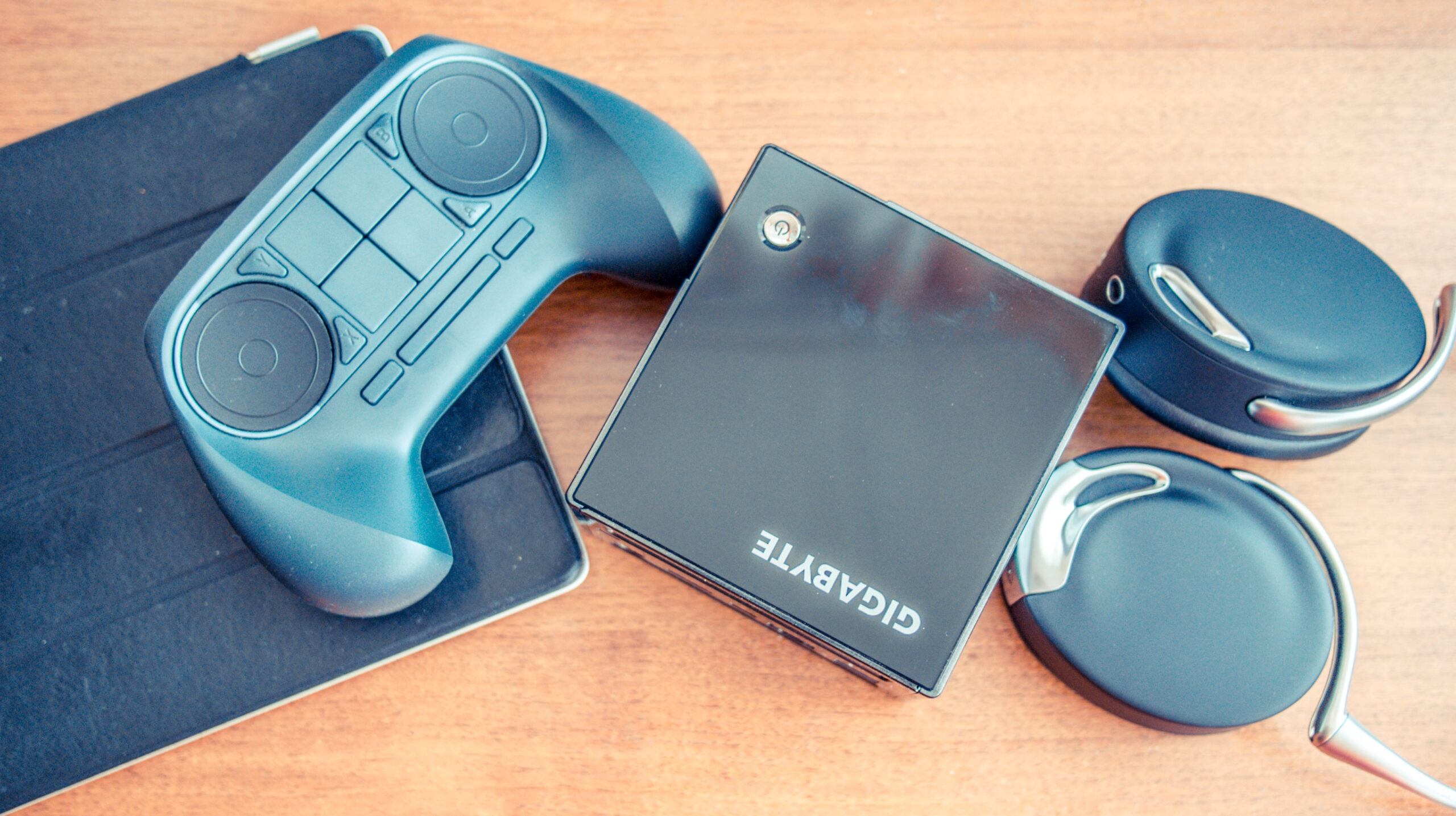
The added information should help developers understand how their games perform under real conditions. They could identify configurations that cause poor frame rates, compare results across different Steam hardware and improve recommended settings through later updates.
This data is only included when the player has chosen to share anonymous performance information.
Steam Input adds support for more controllers
Steamworks SDK 1.65 includes new Steam Input action identifiers for the Nintendo Switch 2 controller, Steam Controller and Steam Frame Controller.
Action origin values allow games to display the correct button symbols for the connected controller. Without proper support, a game may show keyboard prompts or buttons from a different gamepad.
The update also improves server discovery. Developers can retrieve servers recently used by a player’s friends and filter results to show servers that are popular within their social group.
Workshop tools receive new sorting options as well. Games can organise community content based on how many other items depend on it or how many collections include it.
Most players will not notice the Steamworks SDK update immediately. Its value will appear gradually as developers adopt the new functions. Better default settings, clearer controller prompts and more detailed performance information could make games easier to configure across Valve’s expanding hardware range.



Discussion (0)
Be the first to comment.