



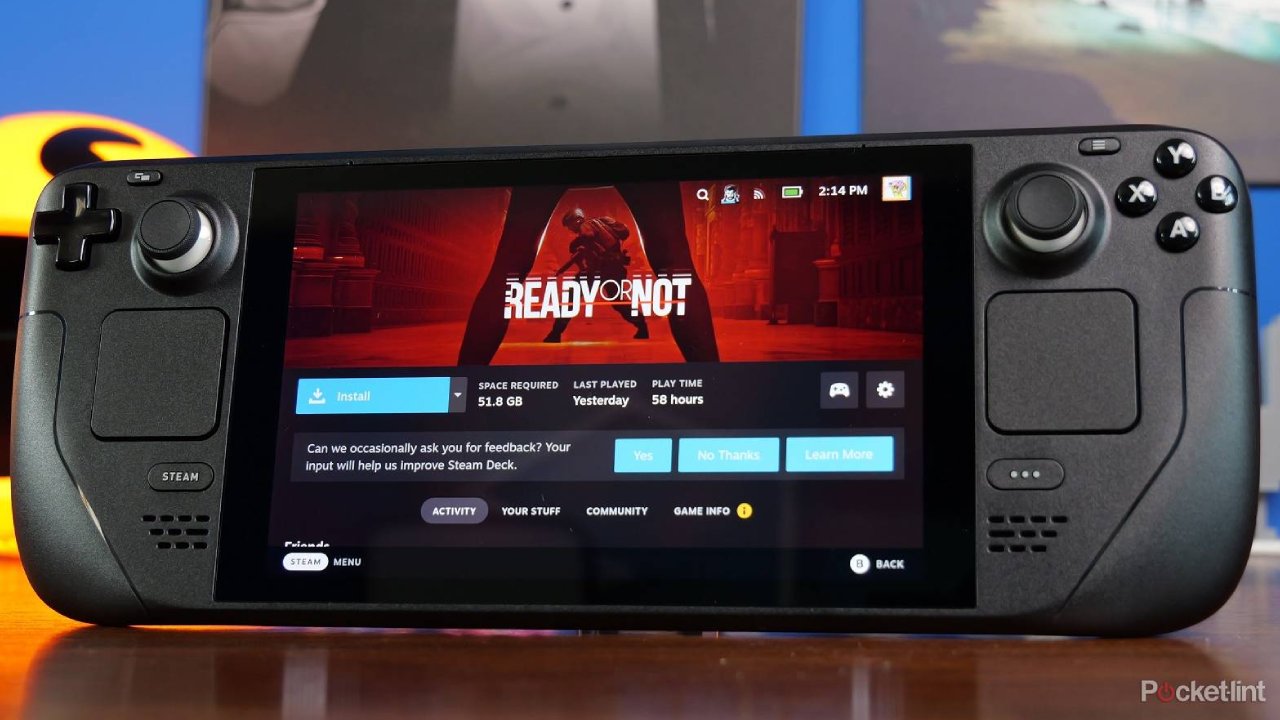
Valve has released a new Steam Deck client update with a long list of fixes and usability improvements, including better Steam Controller support, a refreshed settings layout, improved EULA scrolling with a gamepad, and a new Remote Play microphone streaming option. The update is available through the Steam Deck’s System settings.
This is not a flashy update built around one headline feature. Instead, it feels like a cleanup release that brings several beta branch fixes into the main client. That matters because many of the changes affect everyday use, especially if you use Big Picture mode, Steam Input, Remote Play, or the newer Steam Controller features.
The biggest focus is clearly the Steam Controller. Valve has fixed crashes, improved gyro behavior, addressed trackpad deadzone problems, and corrected several issues tied to charging the controller on its puck. That is important because the Steam Controller depends heavily on software polish. Small input problems can make a big difference when you are using trackpads, gyro, grip sensors, and custom layouts.
Steam Controller gets several important fixes
The update includes firmware changes that fix trackpad deadzone issues experienced by some Steam Controllers. It also fixes occasional gyro polling stutter, IMU failures when extended rumble is used, and a bug where continuous rumble could sometimes break gyro input.
| Area | What changed |
|---|---|
| Steam Controller firmware | Fixes trackpad deadzone, gyro stutter, IMU, and rumble issues |
| Steam Input | Adds more gyro tuning options and fixes controller configuration problems |
| Settings | Improves layout and readability across desktop, Big Picture, and controller configuration |
| Remote Play | Adds microphone streaming and fixes disconnect issues |
| Library | Improves EULA scrolling with a controller |
| Friends and Chat | Friend status updates faster after sleep or network changes |
Steam Input also gets several useful changes. Valve added a setting to turn off Trackpad Lockout, which normally disables each trackpad while the matching joystick is being used or touched. That feature is meant to prevent accidental trackpad input, but some players may prefer to disable it for more control.
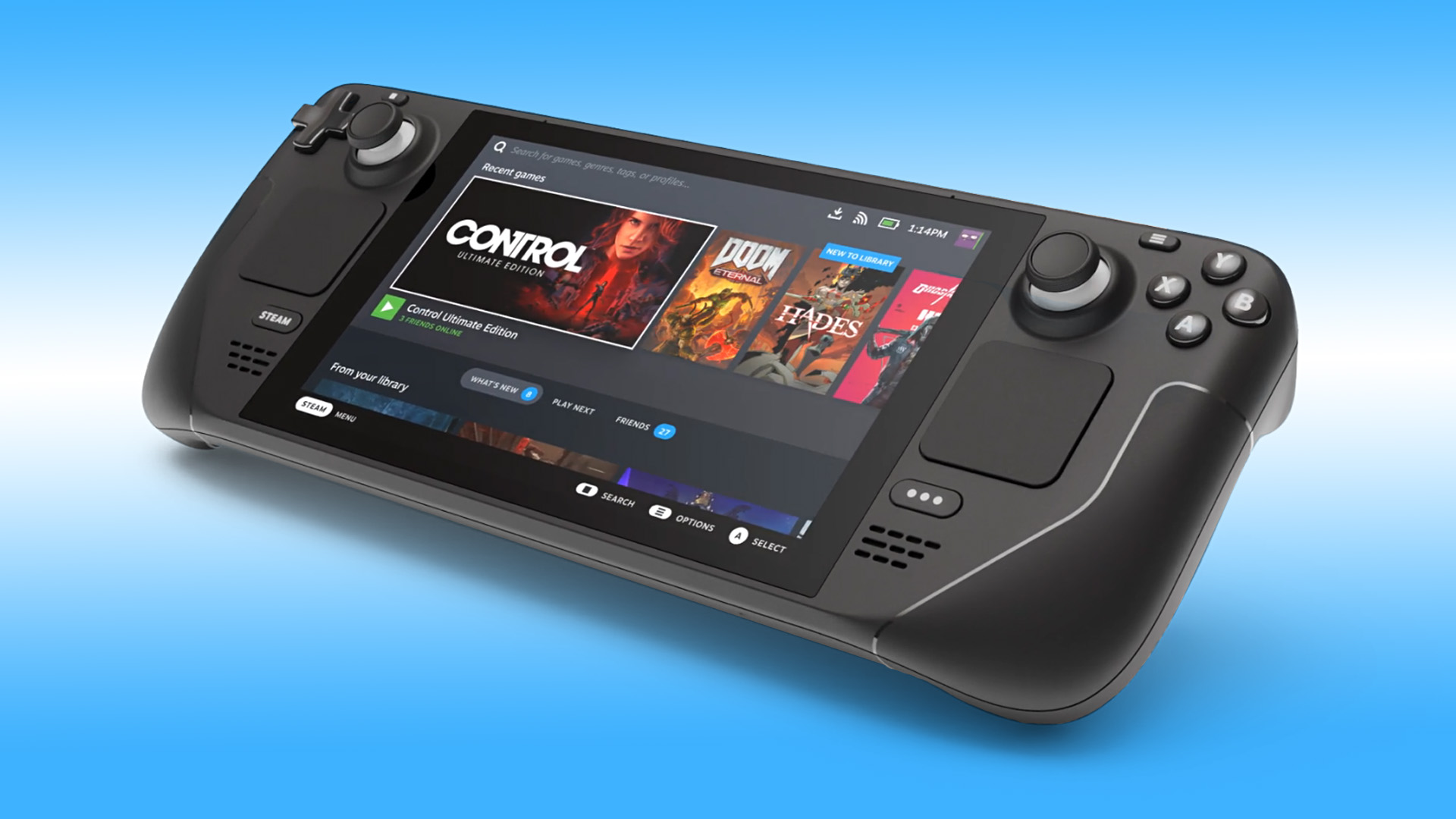
Gyro to Joystick Camera tuning has also been improved. Valve changed default gyro deadzone and precision speed values to help players better tune minimum joystick output. It also added a Minimum Joystick Output slider to the quick settings list and fixed a timing issue that should make gyro camera movement smoother across controllers.
The settings menu has also been cleaned up. Valve says the layout and styling for client settings have been updated across desktop, Big Picture, and controller configuration to improve readability and organization. Notification settings now bring email, client, and mobile notification preferences into one place, which should make them easier to manage.
Remote Play gets a useful addition too. There is now an advanced client option for microphone streaming. Valve also fixed a problem where non local streaming could disconnect after a short time, along with a Steam Link issue where a paired computer did not appear online.
There are smaller fixes throughout the update as well. Steam Workshop should no longer download an older item version in certain beta branch situations. Some startup movies that failed to play have been fixed. Steam now lets you clear custom backgrounds and logos properly in the library again. Desktop Mode also gets a fix for dropdown and profile hover windows getting stuck on screen.
This update is especially relevant if you use Steam Deck beyond handheld play. Players who dock their Deck, use Remote Play, rely on controller configuration, or experiment with Steam Controller features will probably notice the most benefit.
It is also another sign that Valve is preparing its software ecosystem for more hardware. Steam Controller fixes, input improvements, and Remote Play polish all matter as Valve expands beyond the Steam Deck itself. The update may look small at first, but it tightens many of the systems that make SteamOS and Steam Input useful across different devices.



Discussion (0)
Be the first to comment.