



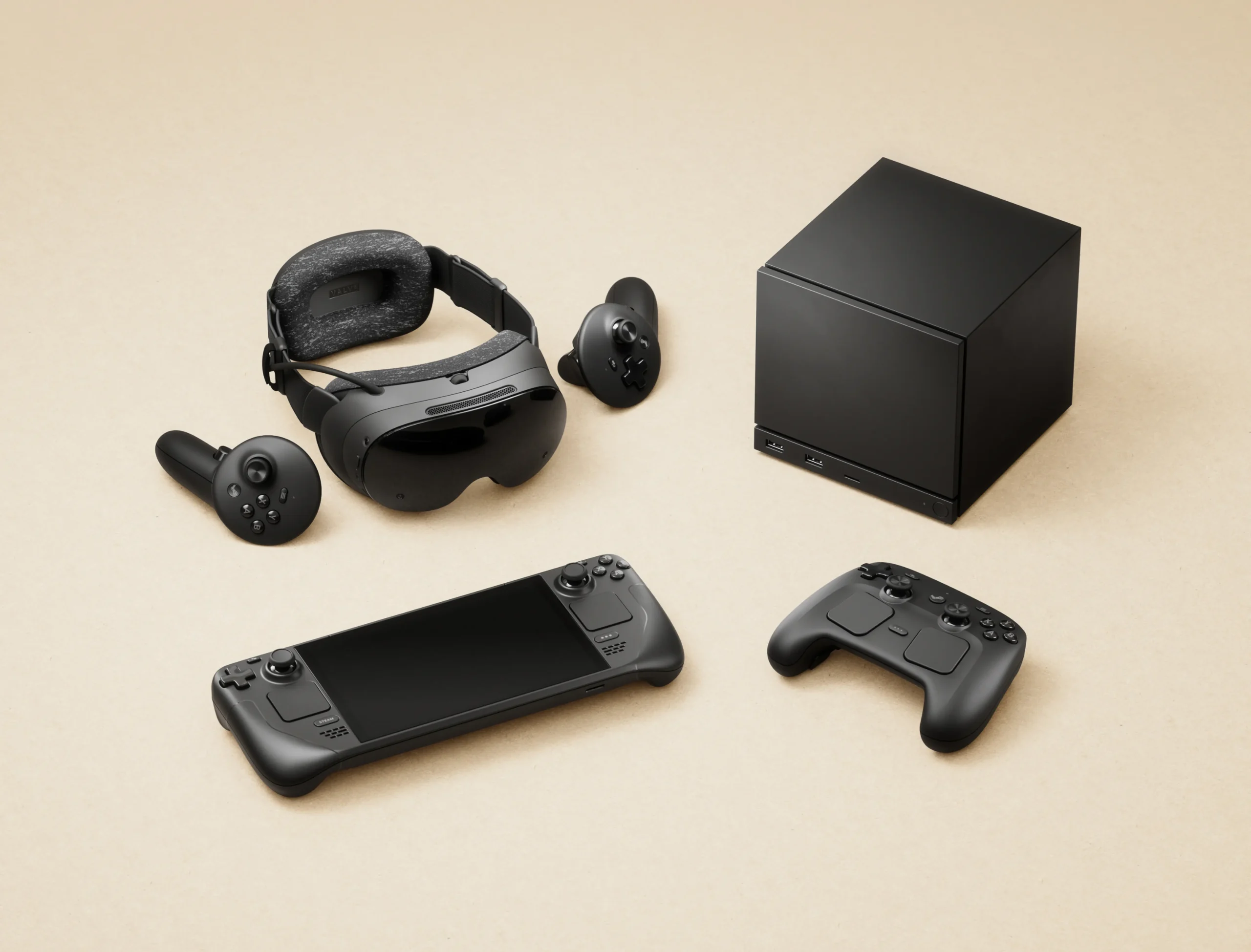
Valve has released a new Steam Deck Beta Client update with several improvements for Remote Play, Steam Input, the game overlay and Steam Controller connectivity.
The biggest changes focus on Pyrowave, Valve's newer streaming codec. The update improves automatic bitrate calculation, raises the maximum manual bitrate and addresses latency and audio problems that could appear during Remote Play sessions.
The update is available through the Beta and Preview channels on Steam Deck. You can install it through System Settings after selecting one of those update channels.
Pyrowave Gets Better Visual Quality and Higher Bitrate Support
Valve has adjusted how Pyrowave automatically calculates streaming bitrate. The new method is designed to improve image quality without requiring players to manually configure their connection.
Advanced options have also been added for people who want more control over automatic bitrate calculations. Two new configuration variables allow adjustments related to image quality and stream resolution.
Manual Pyrowave bitrate can now be increased to as much as 1 Gbit/s.
Using more bandwidth can improve image quality, but Valve warns that very high settings can also increase latency. The update resets existing Pyrowave bitrate settings back to the automatic default, so anyone who previously configured a manual value may need to change it again.
| Area | Main improvement |
|---|---|
| Pyrowave bitrate | Manual limit increased to 1 Gbit/s |
| Automatic streaming | Improved bitrate calculation |
| Video latency | Fixed gradual increases on slow connections |
| Audio | Reduced dropouts during Pyrowave streaming |
| Network recovery | New dialog for unsupported streaming settings |
| Steam Controller | Faster connections and Bluetooth fixes |
| Game overlay | Fixed Vulkan swapchain related crash |
| Steam Input | Improved behaviour when several apps are running |
Remote Play should also behave better on weaker network connections.
A problem that caused video latency to gradually increase when using Pyrowave on slow networks has been fixed. Valve has also reduced audio dropouts and introduced a recovery dialog that appears if your network cannot properly handle the selected streaming settings.
A new Steam menu option now lets you stop desktop streaming directly.
Steam Controller Firmware Fixes Connection Problems
The update also includes new Steam Controller firmware.
One important fix targets Bluetooth Low Energy connections that could repeatedly disconnect, particularly when the controller was being used with Steam Deck.
Valve has also reduced the amount of time needed for the controller to fully connect to Steam.
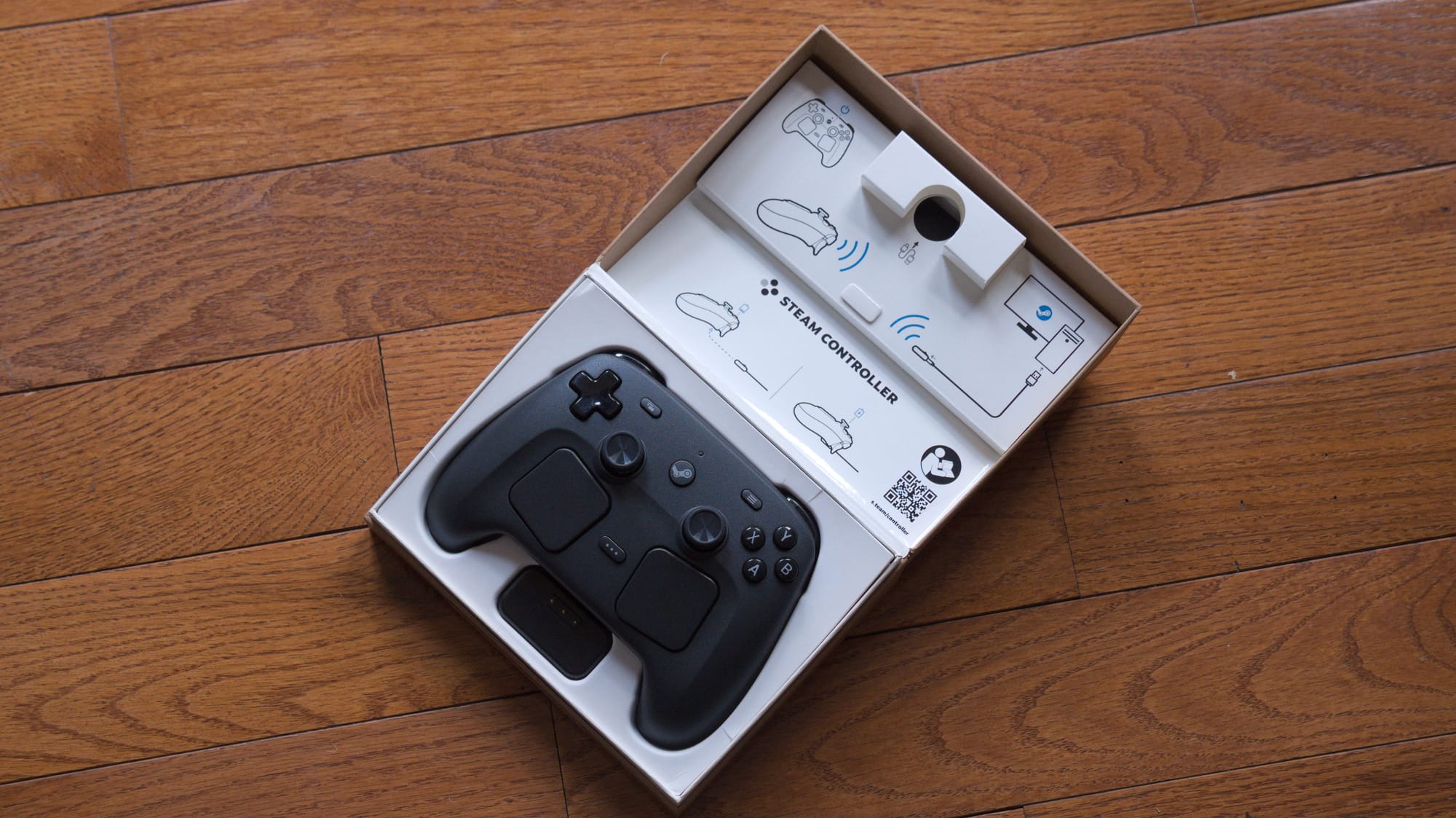
Pairing through the Steam Controller's wireless puck receives another fix. Some attempts to pair through this connection method could previously fail.
These changes should make the controller more reliable for players who regularly move between Bluetooth and other connection options.
Steam Input has also been adjusted on Linux. Gamepad input reshuffling will now happen when the last running game closes rather than when a game launches. This is intended to reduce problems when several applications are running at the same time.
The game overlay receives a separate stability fix for Vulkan titles. A crash could occur when a Vulkan game recreated its swapchain, and the latest beta update addresses that behaviour.
There is also a smaller general interface fix. An empty Steam Family Activity group could sometimes appear inside notification settings even when there was nothing to display. That entry should no longer appear incorrectly.
The update is particularly useful for Steam Deck owners who frequently use Remote Play. Pyrowave receives the largest collection of improvements, covering visual quality, bitrate control, latency, audio stability and network recovery.
Because this is a Beta Client release, the changes are intended for players comfortable testing newer Steam features before they reach the stable channel. Anyone affected by Pyrowave streaming problems or Steam Controller connection issues may have the strongest reason to try the update early.

Discussion (0)
Be the first to comment.