



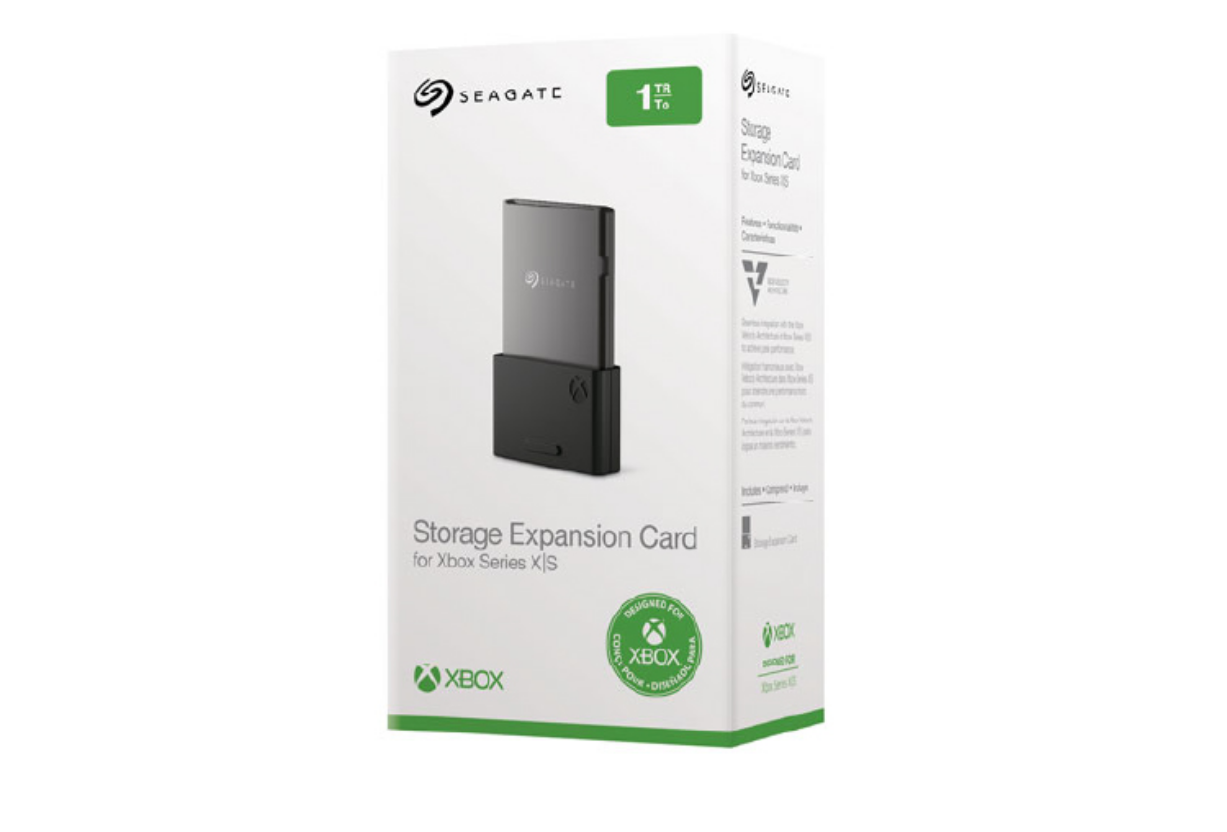
Storage becomes a problem faster than most people expect on modern consoles. Games are larger, updates are frequent, and internal SSD space fills up quickly.
That’s where the Seagate Storage Expansion Card for Xbox comes in. It’s designed specifically for Xbox consoles, but it’s not just another external drive. It works very differently.
Understanding how it works is key to deciding whether it’s worth buying.
What the Seagate Expansion Card Actually Is
The Seagate Expansion Card is a plug-in SSD designed for Xbox Series X and Series S.
Unlike traditional external hard drives or SSDs, this card connects directly to the console’s expansion slot and matches the performance of the internal storage.
This means:
- Same speed as the internal SSD
- Full support for next-gen features
- No compromise on loading times or performance
It’s essentially an extension of your console’s built-in storage.
Why It’s Different From External Drives
You can already connect external drives to an Xbox, so why does this exist?
The difference comes down to speed and compatibility.
Standard external drives:
- Can store games
- Can run older titles
- Cannot run optimized Series X|S games directly
The Seagate Expansion Card:
- Runs all games, including optimized titles
- Supports Quick Resume
- Maintains full performance
This makes it the only true “internal-like” upgrade.
How It Works in Real Use
Using the card is straightforward.
You plug it into the back of your Xbox, and it’s immediately recognized as additional storage.
There’s no setup, no formatting, and no configuration required.
Games installed on the card behave exactly like those on internal storage.
From a user perspective, it feels seamless.
Performance: What You Actually Get
Performance is where the expansion card justifies itself.
You get:
- Fast load times identical to internal storage
- Smooth gameplay for optimized titles
- No need to move games back and forth
This is especially important for newer games that rely on high-speed storage.
Capacity Options and Pricing Reality
The card is available in multiple capacities, typically:
- 512GB
- 1TB
- 2TB
The main issue is price.
Compared to standard SSDs, the cost per GB is significantly higher.
You’re paying for:
- Proprietary design
- Guaranteed compatibility
- Plug-and-play simplicity
This makes it a premium solution, not a budget one.
Real-World Usage: Who Should Buy It
The expansion card makes the most sense if:
- You play a lot of Series X|S optimized games
- You want zero compromise in performance
- You don’t want to manage storage manually
It’s less useful if:
- You mainly play older or backward-compatible games
- You’re okay with moving games between drives
- You want the cheapest storage option
The Trade-Off: Convenience vs Cost
This is the core decision.
The Seagate Expansion Card offers unmatched convenience. It works instantly, performs perfectly, and integrates seamlessly.
But it comes at a premium.
External SSDs are cheaper, but they require more management and come with limitations.
So the question becomes: do you value simplicity enough to pay extra for it?
Limitations You Should Know
There are a few constraints.
- It only works with Xbox Series X and Series S
- It uses a proprietary format, so no third-party alternatives (initially limited options)
- Pricing remains relatively high compared to standard storage
Also, availability can vary depending on region and demand.
The Bigger Picture
The expansion card reflects a shift in console design.
Instead of allowing open upgrades, manufacturers are controlling storage to ensure consistent performance.
This benefits the user experience, but reduces flexibility.
It’s a trade-off between standardization and freedom.
Final Thoughts
The Seagate Expansion Card is the most seamless way to expand storage on Xbox.
It delivers exactly what it promises: internal-level performance with zero setup.
But it’s not for everyone.
If you want the simplest, best-performing solution, it’s worth it.
If you’re more price-conscious, external drives still offer better value, just with added limitations.
FAQs
Can I use external drives instead?
Yes, but they can’t run optimized Series X|S games directly.
Is the expansion card as fast as internal storage?
Yes, performance is essentially identical.
Is it worth the price?
It depends on how much you value convenience and performance.
How do I install it?
Just plug it into the expansion slot on your Xbox.
Does it work with older Xbox consoles?
No, it’s designed for Xbox Series X and Series S only.

Discussion (0)
Be the first to comment.