



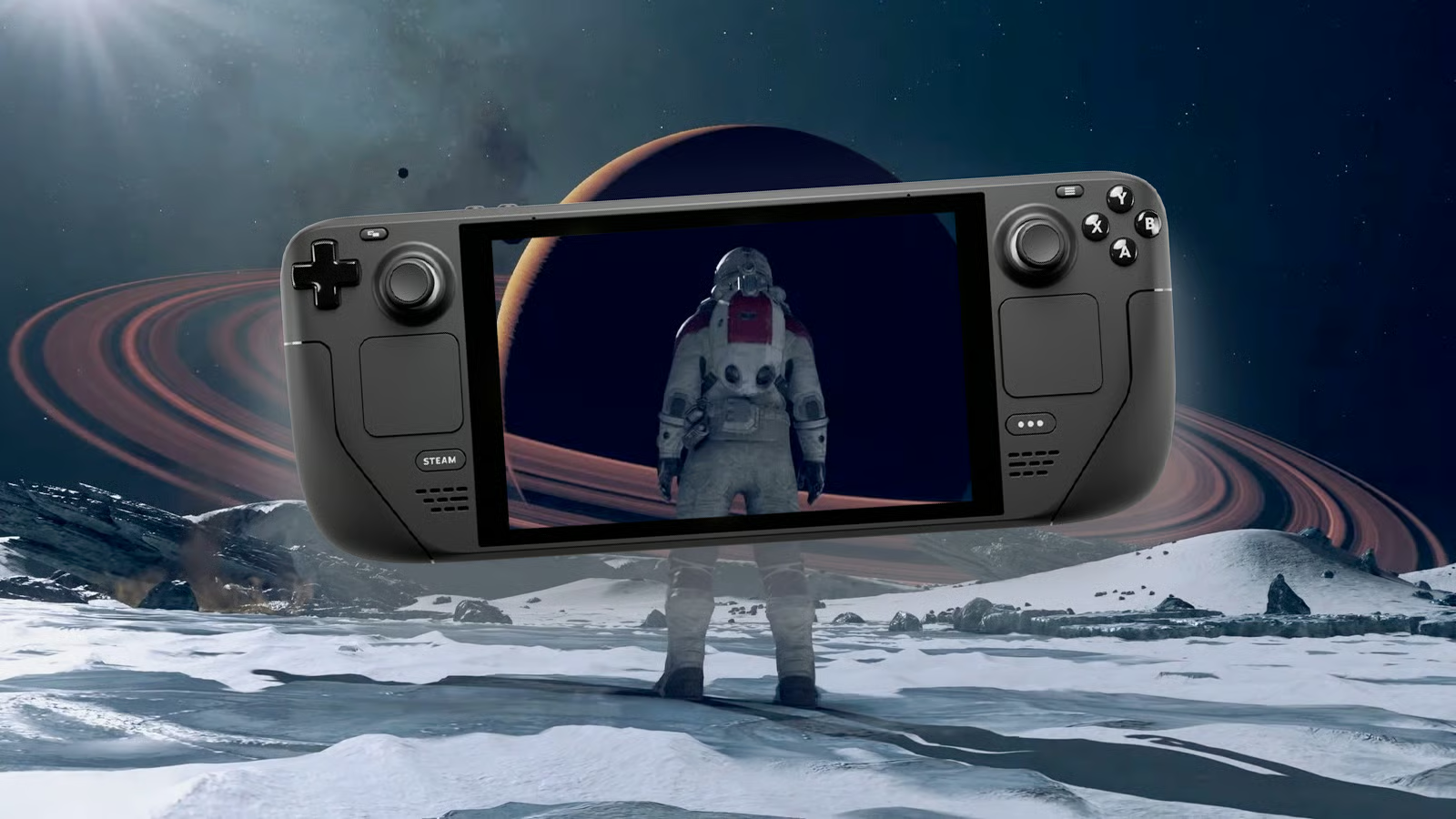
Valve has released a new Proton Experimental update that fixes several game specific issues on Steam Deck and Linux gaming setups, with Subnautica 2 receiving one of the most useful changes. The update addresses a problem where Subnautica 2 could hang on first launch after installation on some systems, making the game easier to start for players using Proton Experimental.
This is a practical update rather than a major feature release, but it matters because Proton fixes often have a direct impact on whether a game feels reliable on Steam Deck. Subnautica 2 is still in Early Access, so small compatibility problems can appear as the game and Proton both continue to change. A first launch hang can be especially frustrating because it may make players think the game is broken before they even reach the menu.
Subnautica 2 is the headline fix, but several other games also benefit
The update also fixes issues in War Thunder, STAR WARS Starfighter, Idle Iktah, Far Cry 4, and Squad. War Thunder should no longer occasionally crash when pressing “To Battle!” while STAR WARS Starfighter now has working video playback again. Idle Iktah receives a sound fix, Far Cry 4 should no longer randomly hang during launch, and Squad should avoid random hangs on the health warning screen.
For Steam Deck owners, these kinds of fixes are important because Proton is the compatibility layer that lets many Windows games run on Linux based SteamOS. Some games work well out of the box, while others need targeted patches to fix launch problems, video playback, audio, anti cheat behavior, or performance issues.
| Game | Fix included in Proton Experimental |
|---|---|
| Subnautica 2 | Fixed hanging on first launch after install on some setups |
| War Thunder | Fixed occasional crash when pressing “To Battle!” |
| STAR WARS Starfighter | Fixed video playback |
| Idle Iktah | Fixed sound |
| Far Cry 4 | Fixed random launch hangs |
| Squad | Fixed random hang on health warning screen |
The update should download automatically for players who already have Proton Experimental installed. Anyone who does not have it can search for Proton Experimental in the Steam store on Steam Deck and download it from there. After that, it can be selected as a compatibility option for supported games.
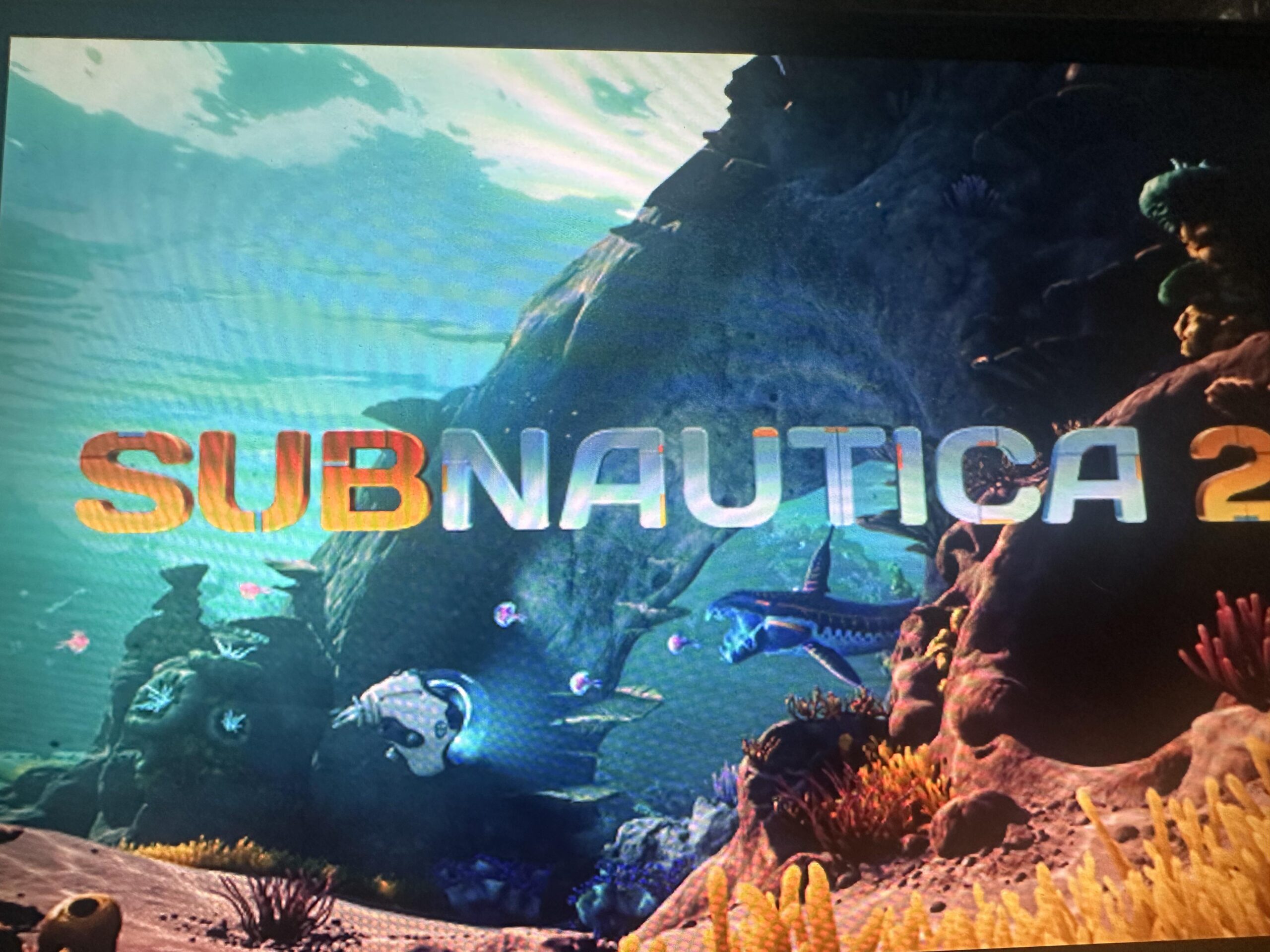
Subnautica 2 players may benefit the most from this release because the game is new, popular, and still developing. Early Access games can receive frequent patches, and those changes sometimes affect Linux compatibility. Proton Experimental often becomes the quickest way to receive fixes before they move into a more stable Proton branch.
The same applies to older games like Far Cry 4 and STAR WARS Starfighter. Even if a game has been available for years, compatibility issues can still matter when players revisit it on handheld PCs. Fixing launch hangs and video playback keeps those older titles easier to enjoy on Steam Deck.
This update also shows why Proton Experimental remains useful for players who do not mind testing newer fixes. It may not always be the safest choice for every game, but it often solves problems faster than waiting for the stable Proton version. For anyone affected by the Subnautica 2 launch hang or the other listed issues, switching to Proton Experimental should be worth trying.



Discussion (0)
Be the first to comment.