




NVIDIA’s RTX 50 series graphics cards may be running into thermal problems that are harder to spot through normal monitoring tools. A new report from Brazilian repair channel Paulo Gomes says modded monitoring access has restored GPU hotspot readings on Blackwell cards, revealing cases where some RTX 50 GPUs were throttling even though their average temperatures looked acceptable.
The issue centers on the difference between average GPU temperature and hotspot temperature. Average temperature gives a general reading across the graphics chip, but hotspot temperature shows the hottest point on the GPU die. That reading is especially useful when a cooler is not seated properly or when thermal paste is not making good contact.
With the RTX 50 series, NVIDIA stopped exposing hotspot temperature readings in common tools such as HWiNFO, GPU Z, MSI Afterburner, and HWMonitor. Reports from TechPowerUp and GPU Z’s creators previously suggested that the sensor was no longer available on Blackwell cards. The new modded access suggests the sensor is still present, but hidden from regular software.
Average GPU temperature can hide the real reason behind poor gaming performance
Paulo Gomes said the repair team had received several RTX 50 cards with similar symptoms. The graphics cards showed reduced gaming performance and loud fan behavior, yet average GPU temperatures were often around 70 to 80 degrees Celsius. On paper, those readings would not normally suggest serious throttling.
Once hotspot monitoring was unlocked, the same cards reportedly showed hotspot readings near 107 degrees Celsius. That temperature was high enough to trigger protection limits, causing the GPU to throttle. The problem was linked to poor cooler contact or weak thermal paste application.
In one example, replacing the thermal interface material reduced the hotspot temperature from about 107 degrees Celsius to around 100 degrees Celsius. That was still warm, but it improved performance and showed that the card had been limited by thermal contact rather than a normal GPU load condition.
| Reading or issue | What was observed |
|---|---|
| Average GPU temperature | Around 70 to 80 degrees Celsius |
| Hotspot temperature before service | Around 107 degrees Celsius |
| Hotspot temperature after thermal paste replacement | Around 100 degrees Celsius |
| Reported symptom | Lower gaming performance and high fan speed |
| Likely cause | Poor cooler contact or weak thermal paste application |
| Main concern | Normal monitoring tools may not show the real problem |
The finding matters because many PC owners rely on average GPU temperature when checking whether a card is healthy. If the average reading looks normal, you may assume the cooler is working properly. A hidden hotspot reading can tell a very different story.
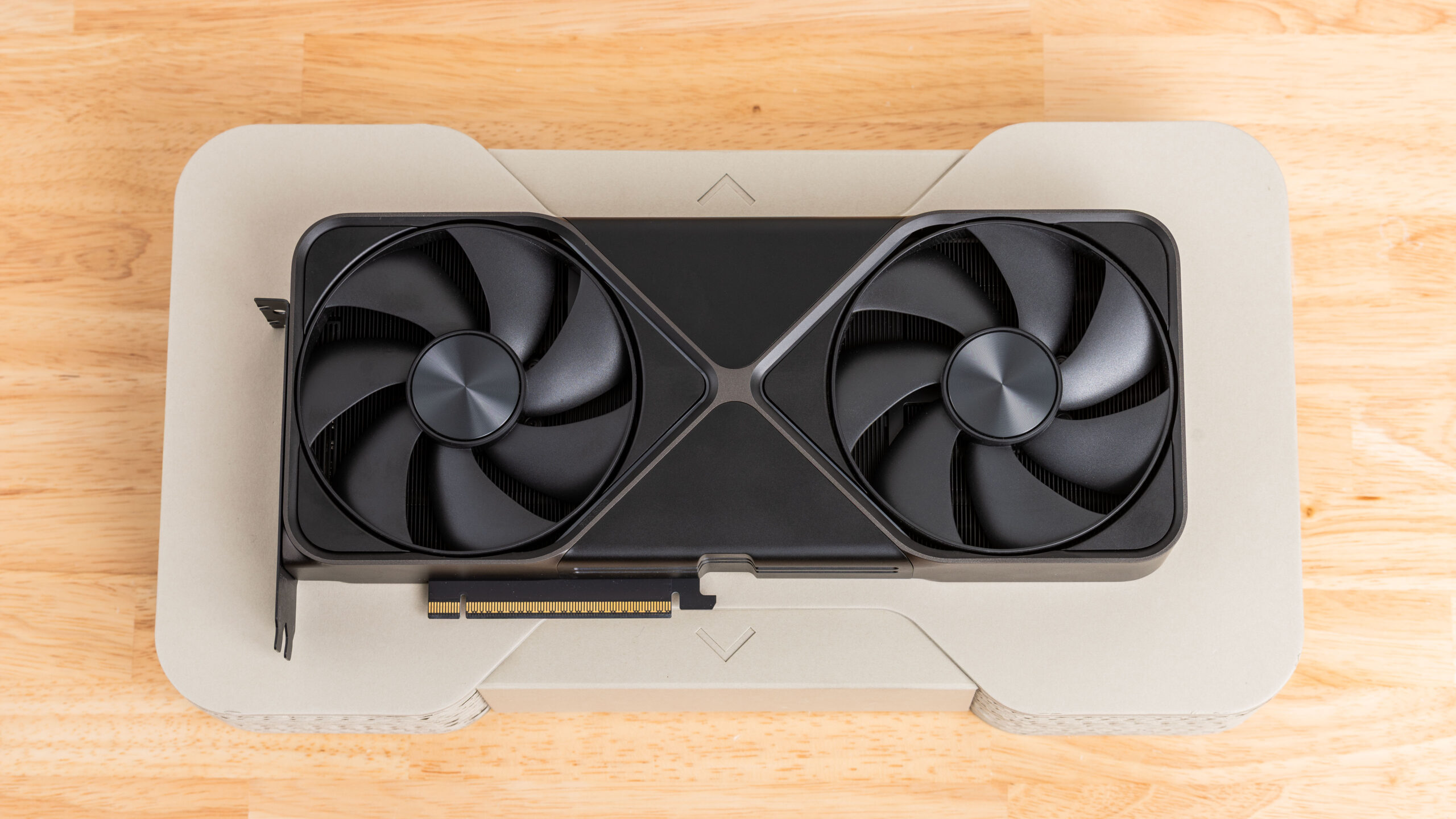
Hotspot sensors have been useful for diagnosing uneven mounting pressure, poor paste spread, bad cooler contact, or faulty assembly. Without that data, an RTX 50 card could throttle during games while still appearing safe in basic monitoring software.
This does not prove that every RTX 50 GPU has a cooling problem. It does show that some affected cards may be harder to diagnose without hotspot data. It also raises a fair question about why the reading is no longer visible through normal tools, especially when the sensor appears to remain accessible through modification.
NVIDIA already offers stronger diagnostic tools for its data center GPUs, including monitoring for hotspots and airflow problems. Bringing hotspot reporting back to consumer RTX 50 cards through a driver or software update would give PC owners, reviewers, and repair technicians a clearer way to identify thermal faults.
For now, RTX 50 owners who see poor performance, sudden fan spikes, or unexpected throttling should not rely only on average GPU temperature. The card may still be hitting a hidden thermal limit, and in some cases, the cause could be cooler contact rather than the GPU itself.


Discussion (0)
Be the first to comment.