



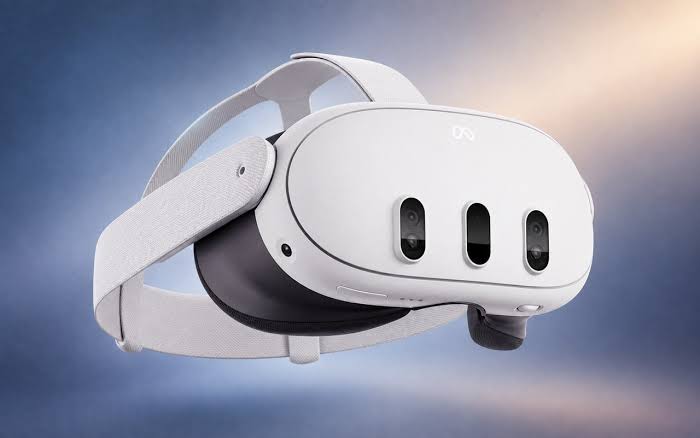
Microsoft has updated Mixed Reality Link with new microphone and camera support, making Meta Quest headsets more useful as virtual displays for Windows 11 PCs.
The latest version, 26.9105.9070.0, allows Windows applications to directly access the microphone and cameras built into a compatible headset. It can also make your Meta avatar available as a camera source inside Windows.
The change removes one of the more awkward limitations of the software. Until now, people using a headset as a virtual workspace still needed a separate microphone connected to the PC if they wanted to speak during calls or other Windows activities.
Mixed Reality Link can create up to three virtual monitors
Mixed Reality Link is designed to extend a Windows desktop into a virtual reality headset.
The app can create as many as three virtual displays inside supported devices such as the Meta Quest 3 and Meta Quest 3S.
You can connect the headset to a Windows 11 PC using either a wired or wireless connection, depending on the setup.
| Mixed Reality Link feature | Current support |
|---|---|
| Virtual displays | Up to three |
| Headset microphone | Now supported |
| Headset camera sharing | Now supported |
| Meta avatar as camera source | Now supported |
| Wired connection | Supported |
| Wireless connection | Supported |
| Windows on Arm | Supported |
| Windows 365 Cloud PC | Supported |
The latest update makes the headset function more like a complete remote workspace instead of only acting as an external display.
That matters for video calls, meetings and productivity applications where audio and camera access are part of the normal workflow.
Headset microphone support removes an obvious limitation
Before this update, Mixed Reality Link did not pass the headset's built in microphone through to Windows.
That meant someone sitting inside a virtual workspace could see multiple Windows displays through the headset but still needed to rely on a microphone connected directly to the PC.
The new version fixes that by exposing the headset microphone as an input source that Windows applications can use.
For someone working away from the physical PC, this should make meetings and voice communication considerably more practical.
The same principle now applies to cameras.
Mixed Reality Link can stream the headset's camera feed to Windows applications, giving software running on the PC access to visual input from the headset itself.
Microsoft has also added an option for the user's Meta avatar to appear as a camera source.
Microsoft continues supporting mixed reality on Windows
Mixed reality no longer receives the same attention it did during the earlier VR and metaverse boom, but Microsoft has continued developing parts of its ecosystem.
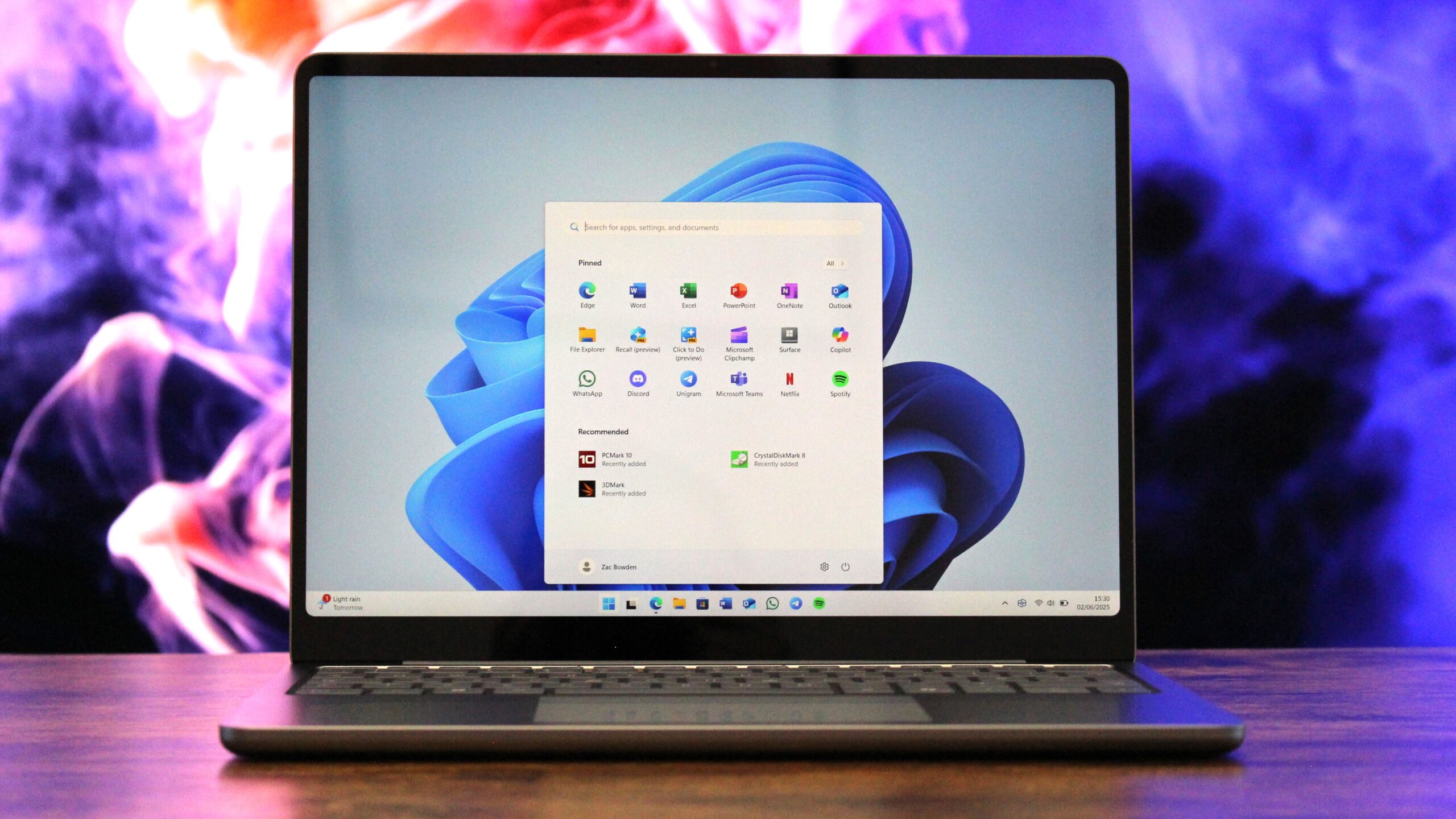
Mixed Reality Link previously gained Windows on Arm support and can also work with Windows 365 Cloud PC.
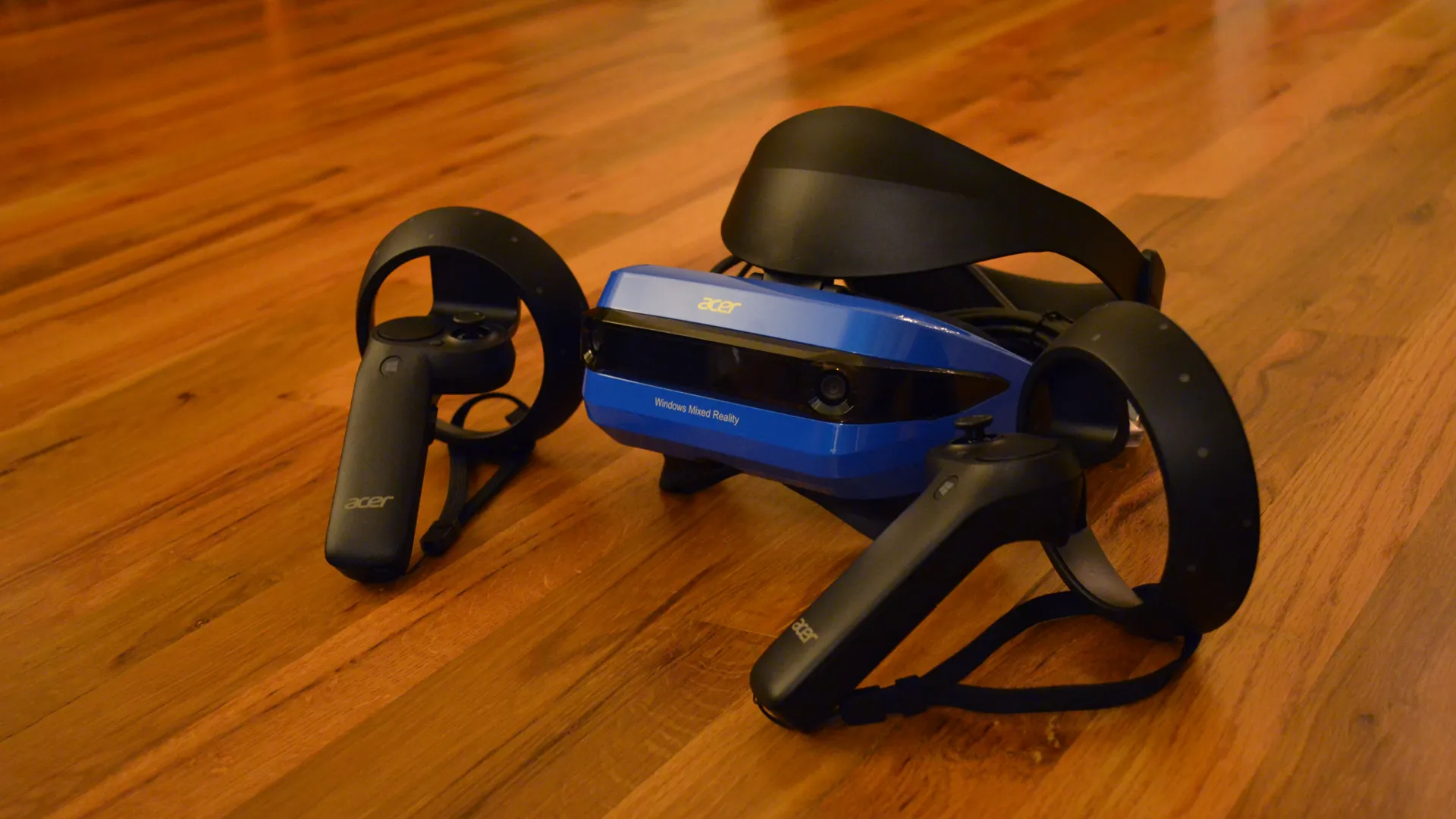
That means the software can be used with a wider range of Windows devices and remote computing environments.
The latest update shows that Microsoft is still improving practical features rather than abandoning the concept entirely.
Its current approach appears focused less on building a separate metaverse platform and more on making headsets useful as extensions of existing Windows PCs.
Meta Quest headsets become more practical virtual offices
Using a headset as a replacement for physical monitors already has some obvious advantages.
You can create several large virtual screens without needing space for multiple displays, which can be useful when traveling or working in a small environment.
The limitation has always been that a convincing virtual office needs more than screens.
Audio input, video input and communication tools are basic requirements for many work setups.
By adding direct access to the Quest microphone, cameras and avatar, Mixed Reality Link now covers more of those everyday needs.
The update does not radically change how the app works, but it fills several gaps that made the previous experience feel incomplete.
For Meta Quest 3 and Quest 3S owners using Windows 11, Mixed Reality Link version 26.9105.9070.0 should make it easier to treat the headset as a more complete virtual workstation rather than simply a place to display extra monitors.

Discussion (0)
Be the first to comment.