



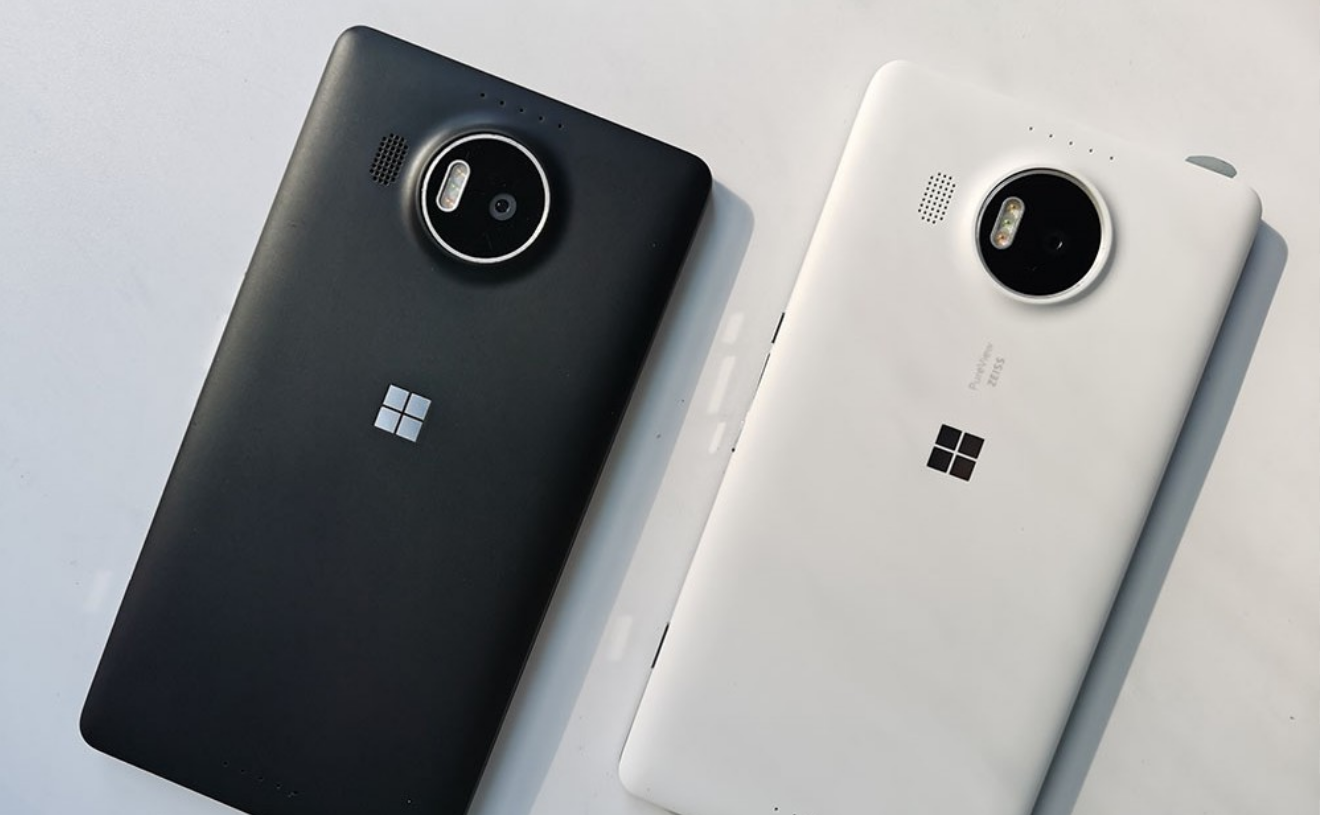
If you’re trying to connect a Nokia Lumia 1020 to your PC and running into issues with something called IpOverUsbSvc, you’re not alone.
What makes this frustrating is that nothing looks obviously wrong. The phone connects, the cable works, but the deeper connection, the one that enables proper communication, just doesn’t happen.
It feels like a bug. In reality, it’s more of a mismatch between older systems and modern Windows behavior.
First, What Is IP over USB?
This isn’t your regular “plug in and transfer files” connection.
IP over USB is a layer that allows your phone and PC to:
- Communicate like they’re on a network
- Enable developer tools and deeper access
- Support certain syncing and diagnostic features
And it depends on a Windows service called IP Over USB Transport (IpOverUsbSvc).
If that service doesn’t behave, the connection doesn’t happen.
Why This Used to Work (And Now Doesn’t)
Back when devices like the Lumia 1020 were current, everything was aligned:
- Drivers were up to date
- Services were actively supported
- Windows versions were built with these devices in mind
Now, on modern systems like Windows 11:
- The service still exists, but isn’t prioritized
- Drivers are outdated
- Some components don’t initialize automatically
So you end up in this grey area where support exists, but isn’t reliable.
The Most Likely Problem
In most cases, the issue comes down to one simple thing:
The IpOverUsbSvc service isn’t running properly.
Either:
- It’s stopped
- It fails to start
- Or it’s running but not interacting correctly with the device
What You Should Check First
Start with the service itself.
- Press Windows + R
- Type
services.msc - Find:
- IP Over USB Transport (IpOverUsbSvc)
Now check its status.
- If it’s stopped → try starting it
- If it won’t start → that’s your problem
- If it’s running → the issue is likely elsewhere
When the Service Refuses to Start
This is where things get frustrating.
If the service doesn’t start:
- It may be missing dependencies
- It may be blocked by system changes
- It may not fully work on newer Windows builds
There’s no single fix here, which is why the issue feels inconsistent.
The Driver Side of the Problem
Even if the service is running, Windows still needs to recognize the phone correctly.
That depends on:
- Legacy USB drivers
- Proper device identification
And this is where modern Windows often struggles.
The Lumia 1020 expects:
- Drivers that are no longer actively maintained
- Behavior that newer systems don’t always replicate
What Actually Helps (In Real Use)
There’s no perfect fix, but these steps usually improve things.
Restart the Service
- Stop and start IpOverUsbSvc
- Then reconnect the phone
Reinstall the Device
- Open Device Manager
- Remove the phone
- Reconnect and let Windows detect it again
Change the Basics
- Try a different USB port
- Use a different cable
It sounds simple, but older devices are sensitive to connection quality.
Why It Feels So Unpredictable
You’re not dealing with a clean, modern system interaction.
You’re dealing with:
- A legacy device
- A legacy service
- A modern OS trying to maintain compatibility
So sometimes it works. Sometimes it doesn’t. And sometimes it works after doing the exact same thing again.
That inconsistency is part of the situation, not something you’re doing wrong.
A More Practical Perspective
Before going too deep into fixing this, it’s worth asking:
What do you actually need?
If your goal is:
- File transfer
- Basic access
You might not need IP over USB at all.
In many cases, simpler methods work better today:
- Standard USB connection
- Cloud-based transfer
- Alternative syncing methods
Real-World Insight
The Lumia 1020 was built for a time when Windows Phone and Windows were tightly integrated.
That ecosystem no longer exists in the same way.
Modern Windows hasn’t fully removed support, but it hasn’t kept everything perfectly aligned either.
So what you’re seeing isn’t failure. It’s aging compatibility.
Final Thoughts
If your Nokia Lumia 1020 won’t connect through IP over USB on Windows 11, it’s not because you’re missing something obvious.
It’s because you’re trying to bridge two different generations of software and hardware.
You can often get it working with a bit of persistence. But it won’t feel as seamless as it once did.
And knowing that upfront makes the whole process a lot less frustrating.
FAQs
What is IpOverUsbSvc
A Windows service that enables advanced USB communication with Windows Phone devices.
Why won’t my Lumia connect properly
Usually because the service isn’t running or drivers aren’t compatible.
Can Windows 11 fully support Lumia devices
Partially, but not as reliably as older versions.
Do I need IP over USB for normal use
No, it’s mainly for advanced features.
Is this fixable permanently
Not always, due to legacy compatibility limitations.



Discussion (0)
Be the first to comment.