




Internet Download Manager 6.43 Build 5 is now available, bringing a small but useful maintenance update for one of the most widely used download managers on Windows. The latest build focuses on stability and browser related fixes rather than adding major new features, but the changes should still matter if you rely on IDM for regular downloads or video capture prompts.
IDM is built to speed up downloads by using dynamic file segmentation. Instead of downloading a file as one continuous stream, it splits the file into parts and manages connections more efficiently while the download is in progress. The developer claims this method can increase download speeds by up to 8 times, depending on the server, connection quality, and file source.
The app also includes resume support, which is one of its most practical features. If a download is interrupted because of a lost connection, network issue, system shutdown, or power failure, IDM can restart the transfer from the point where it stopped, provided the server supports resuming. That makes it useful for larger files, unstable connections, and long download queues.
Build 5 focuses on fixing crashes, missing panels, and VPN related problems
The new 6.43 Build 5 release fixes a bug that could sometimes cause Windows Explorer to crash. That is the most important stability fix in this version because download managers often interact with file locations, context menus, and saved downloads inside Explorer.
The update also fixes a problem where the IDM download panel did not appear on some websites. This panel is especially important when downloading videos or media files, since it usually gives you a quick way to capture available streams from a page. If the panel failed to show up, IDM’s browser integration became less useful.
| Area | What IDM 6.43 Build 5 changes |
|---|---|
| Windows stability | Fixes a bug that could cause Windows Explorer to crash |
| Website detection | Fixes cases where the IDM download panel did not appear |
| Video capture | Improves reliability of the Download this video panel |
| Proxy and VPN use | Fixes issues that could cause missing panels or 403 errors |
| Browser support | Continues support for Chrome, Firefox, Edge, Opera, Safari, and others |
| License type | Shareware |
| Download size | 11.9 MB |
The update also resolves Proxy and VPN related issues that caused the Download this video panel to disappear or triggered 403 errors on some websites. This is a useful fix for people who route traffic through VPNs or proxy services, since website authentication and download requests can sometimes behave differently under those conditions.
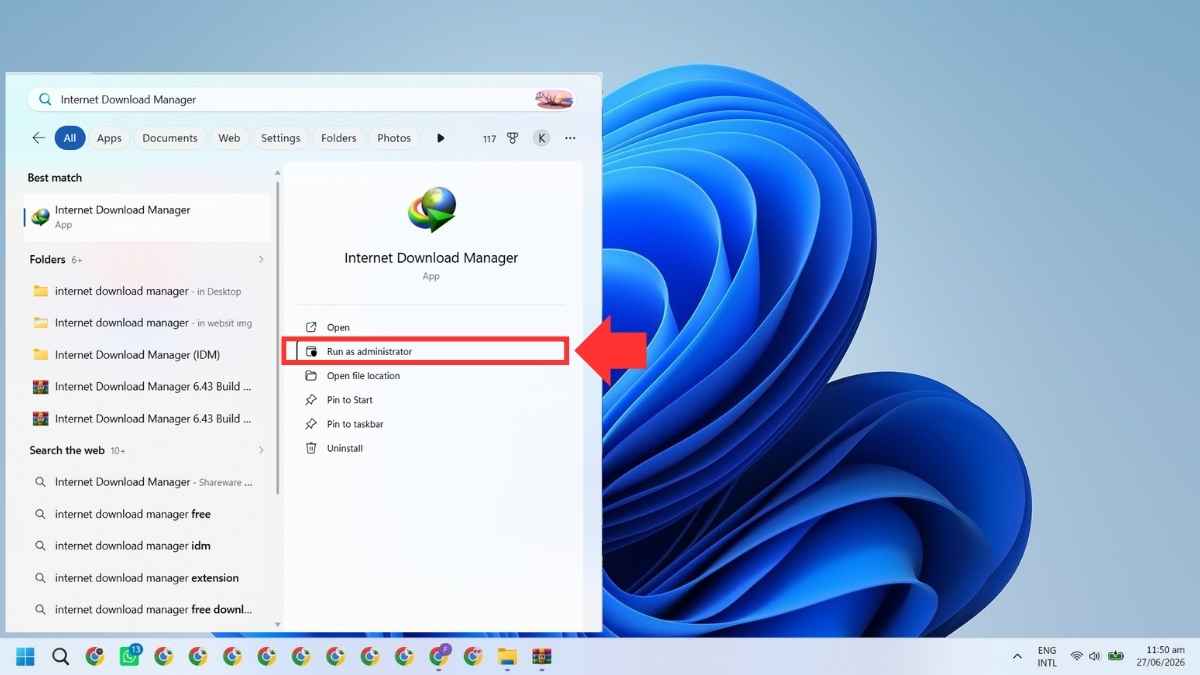
Beyond this update, IDM continues to offer its broader set of download management tools. It integrates with major browsers, including Google Chrome, Firefox, Microsoft Edge, Opera, Safari, Internet Explorer, and others. Once integrated, it can automatically take over supported downloads when you click a link, without needing manual setup each time.
The program also supports HTTP, HTTPS, FTP, and MMS protocols, along with proxy servers, cookies, redirects, authorization, firewalls, and media processing for MP3 audio and video content. You can also use drag and drop downloads or run IDM from the command line if you prefer a more manual workflow.
IDM includes a site grabber as well. This feature can download filtered files from websites, such as images, groups of pages, or full sites for offline browsing. It can also schedule projects to run at a specific time, stop at a set time, or run periodically to synchronize changes.
Internet Download Manager 6.43 Build 5 is not a major release, but it addresses practical issues that could interrupt everyday use. If you had problems with Explorer crashes, missing video download panels, or errors while using a VPN or proxy, this version is worth installing. If your current IDM setup is already working smoothly, the update is still useful for stability, but it is mainly a fix focused build rather than a feature upgrade.



Discussion (0)
Be the first to comment.