



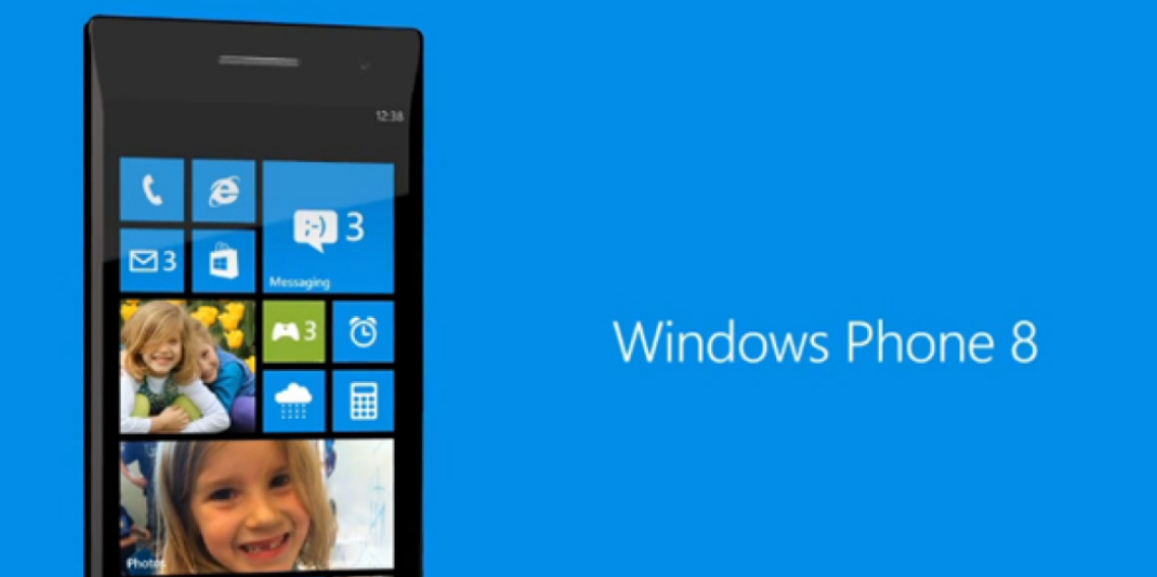
There’s something oddly satisfying about bringing an older Lumia back to life with a clean install of Windows Phone 8.1 GDR2.
It’s not just about nostalgia. For many devices in the Lumia x2x series, GDR2 was one of the most stable and refined versions of the OS.
But installing it today isn’t as straightforward as it used to be. You’re working with older tools, legacy firmware, and a platform that’s no longer actively supported.
So the goal here isn’t just steps. It’s helping you understand what you’re doing and why it works.
What You’re Actually Installing
Windows Phone 8.1 GDR2 (Update 2) was a mid-cycle update that improved:
- Stability and performance
- Bluetooth and connectivity features
- System responsiveness
On devices like the Nokia Lumia 720 and similar x2x models, it often felt like the OS had finally matured.
Why You’d Want to Install It Today
This isn’t something most users need to do.
But it makes sense if you:
- Want a clean, stable version of Windows Phone
- Are restoring an older device
- Prefer GDR2 over later updates like Windows 10 Mobile
In many cases, GDR2 feels lighter and more consistent on older hardware.
The Two Main Installation Paths
There are generally two ways to approach this:
1. With an SD Card
This is often the more flexible method.
- You prepare update files on an SD card
- The phone reads and installs them during the update process
2. Without an SD Card
This relies more on:
- PC tools
- Direct flashing or update mechanisms
Both approaches work, but the SD card method is often easier for incremental updates.
Before You Start (This Matters More Than the Steps)
Take a moment to prepare properly.
You’ll need:
- A charged device
- A reliable USB cable
- Access to a PC running Windows
- Backup of any important data
Because once you begin:
- Data will likely be wiped
- You’re committing to the process
Also, expect some trial and error. This isn’t a one-click install anymore.
The General Process (Without Overcomplicating It)
At a high level, the process looks like this:
- Get the correct update or firmware files
- Prepare your device (and SD card if using one)
- Trigger the update or flashing process
- Let the phone install and reboot
That’s the structure. The details depend on your method.
Using the SD Card Method
This approach works because Windows Phone could:
- Detect update packages stored locally
- Install them as if they were official updates
What You’re Doing Here
- Copy update files to the SD card
- Insert it into the phone
- Trigger the update process
The phone reads the files and installs them step by step.
Why It Works
You’re essentially:
- Mimicking an official update path
- But sourcing the files manually
It’s simple, but surprisingly effective.
Using PC-Based Methods
Without an SD card, you rely on tools like recovery utilities.
These tools:
- Detect your device
- Download or use firmware packages
- Flash the OS directly
This is more direct, but also more dependent on:
- Driver compatibility
- Proper device detection
Where Most People Run Into Problems
This is not a modern, polished process. So issues are common.
Device Not Detected
- Usually a driver issue
- Or the phone not entering the correct mode
Update Fails Midway
- File mismatch
- Corrupt package
- Interrupted process
Endless Restart or Loop
- Incomplete installation
- Wrong firmware version
None of these are unusual. They’re part of working with legacy systems.
Real-World Insight
Installing GDR2 today is less about following steps perfectly and more about:
- Understanding the process
- Being patient
- Trying again when something doesn’t work
You’re working with:
- Older software
- Older tools
- A system that wasn’t designed for long-term manual installs
So flexibility matters.
Is It Worth Doing
If you’re expecting:
- A modern smartphone experience
- Full app support
Then no.
But if you’re:
- Restoring a device
- Exploring Windows Phone again
- Wanting a smooth, lightweight OS on older hardware
Then yes, it can be surprisingly enjoyable.
Final Thoughts
Installing Windows Phone 8.1 GDR2 on Lumia x2x devices is not about convenience. It’s about control and curiosity.
You’re stepping outside the normal update system and taking the process into your own hands.
And when it works, it feels less like installing software and more like bringing a device back to life.
FAQs
What is Windows Phone 8.1 GDR2
An update that improved stability and features on Windows Phone 8.1.
Can I still install it today
Yes, but only through manual methods.
Is the SD card method better
Often easier, but both methods work.
Will this erase my data
Yes, in most cases.
Is it stable for daily use
Stable, but limited due to lack of modern app support.



Discussion (0)
Be the first to comment.