



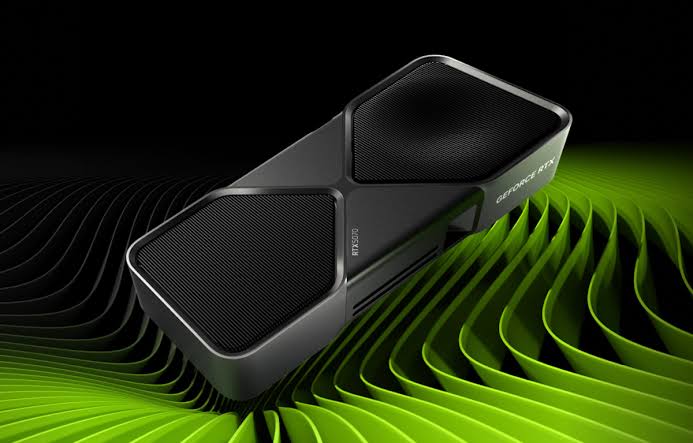
CPUID has released HWMonitor version 1.65.1 to correct problems introduced by the previous update, including unstable hotspot temperature readings on NVIDIA GeForce RTX 50 series graphics cards.
Version 1.65 added hotspot monitoring for RTX 50 GPUs after those readings had been unavailable in earlier releases. However, the software displayed two separate hotspot values, creating uncertainty about what each measurement represented.
Some reports suggested that one reading came from the main graphics processor while the other may have represented the voltage regulation hardware. CPUID has now removed the second value, leaving a single GPU hotspot temperature in the interface.
The company has also adjusted the remaining sensor because early tests showed unusually high temperatures and rapid fluctuations that did not match readings from other monitoring tools.
Version 1.65.1 provides a more stable hotspot measurement
GPU hotspot temperature represents the warmest measured area within the graphics processor rather than the average temperature of the entire chip.
This figure can help identify uneven cooler contact, weak thermal paste coverage, high internal heat density, or other cooling problems that may not appear through the standard GPU temperature reading.
In HWMonitor 1.65, the hotspot value reportedly changed too aggressively and sometimes appeared much higher than expected. This made it difficult to determine whether the graphics card had a real thermal problem or whether the software was interpreting the sensor incorrectly.
Testing of version 1.65.1 indicates that the revised value is more stable and closer to the readings shown by other established hardware monitoring applications.
| HWMonitor change | Result |
|---|---|
| Second hotspot removed | Only the primary GPU hotspot remains |
| RTX 50 sensor calculation corrected | Temperatures should appear more accurate |
| Fluctuations reduced | Readings remain more stable during use |
| Comparison improved | Results align more closely with other utilities |
| Lisuan 7G100 support | Preliminary monitoring support added |
| General fixes | Reliability is improved over version 1.65 |
Users who installed version 1.65 specifically for RTX 50 hotspot monitoring should update to version 1.65.1 before using the data to judge cooler performance.
The removed value was never clearly explained
The appearance of two hotspot readings in version 1.65 led to speculation about the second sensor.
Some observers believed it represented a hotspot within the graphics card’s voltage regulation system. Others questioned whether the value was being incorrectly identified or calculated.
CPUID did not provide a detailed public explanation confirming what the second reading measured. Its removal suggests that the value was either unreliable, unnecessary, or not ready for general use.
The remaining hotspot value is intended to represent the most relevant thermal reading from the graphics processor itself.
This simpler presentation should reduce confusion, especially for people comparing hotspot temperature with the standard GPU reading.
Hotspot data can reveal cooling problems missed by average temperature
A graphics card may report an acceptable average core temperature while one small part of the processor is considerably hotter.
For example, a GPU could show a standard temperature of 70 degrees Celsius while the hotspot reaches 95 degrees. A large gap between those values may suggest uneven pressure from the cooler or poor thermal material coverage.
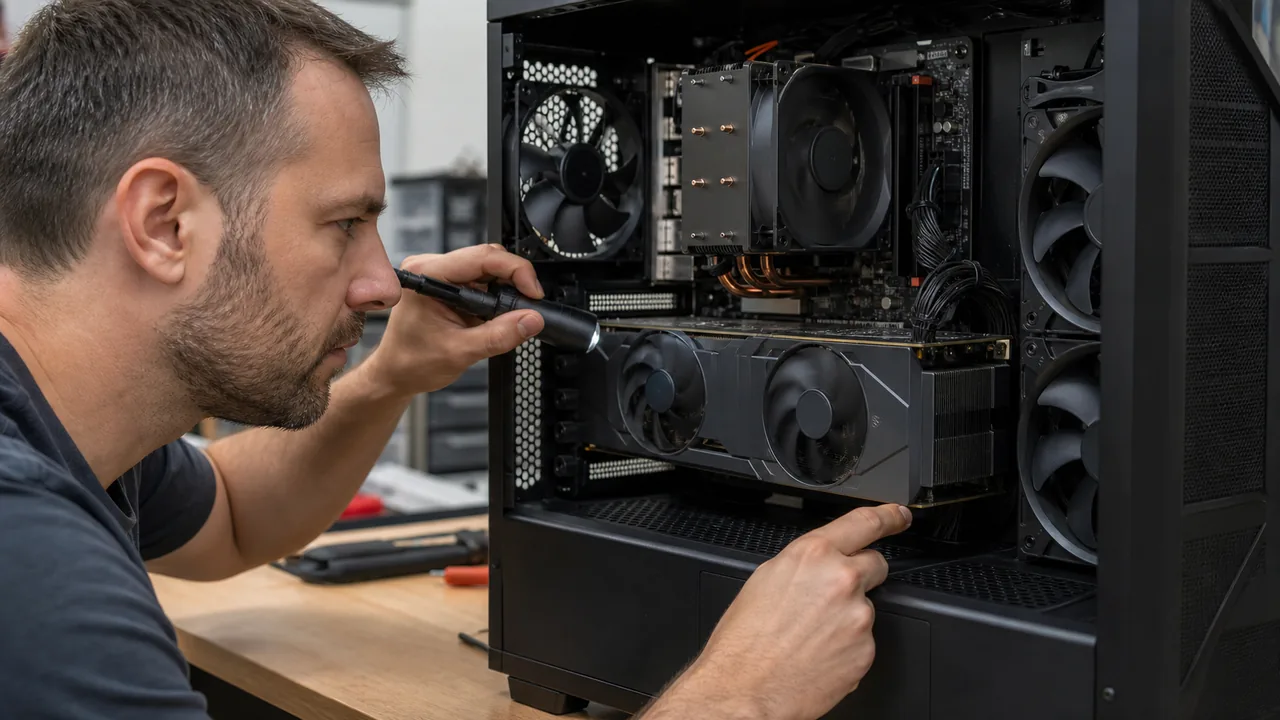
A smaller difference is generally expected because heat is not distributed evenly across the processor. The acceptable range varies by GPU design, workload, fan speed, power limit, and cooling system.
Monitoring tools should therefore be used to identify patterns rather than relying on one isolated number. A short temperature spike may not indicate a fault, while consistently high hotspot readings combined with reduced clock speeds can be more concerning.
RTX 50 owners should compare results under the same workload and allow the graphics card enough time to reach a stable temperature.
Readings now align more closely with other monitoring tools
Early comparisons suggest that HWMonitor 1.65.1 produces hotspot temperatures closer to those displayed by HWiNFO and AIDA64.
Agreement between several applications does not guarantee that every reading is perfect, but it provides greater confidence that the sensor is being interpreted correctly.
Users should still avoid running several monitoring tools simultaneously when troubleshooting unusual results. Multiple applications polling the same hardware sensors can occasionally create reporting conflicts or unnecessary background activity.
It is also important to separate monitoring errors from genuine cooling problems. If several current utilities show the same high hotspot temperature, the issue may be related to the graphics card rather than the software.
HWMonitor 1.65.1 is now available with corrected RTX 50 hotspot support. The update removes the unexplained second reading and makes the remaining temperature value more stable, giving owners a clearer way to monitor thermal behaviour without modifying their graphics cards.



Discussion (0)
Be the first to comment.