




If you’re specifically looking to install Claude from the Chrome Web Store, there’s an important detail to understand right away:
There is no official Claude extension on the Chrome Web Store as of now.
That’s not a limitation. It’s by design.
Claude is built primarily as a web app, not a browser extension. But there are third-party extensions in the Chrome Web Store that claim to bring Claude into your browser experience.
So this guide will show you:
- What those extensions are
- How to install them safely
- Whether you should actually use them
Step 1: Searching for Claude in Chrome Web Store
- Open the Chrome Web Store
- Search for: “Claude AI”
- You’ll see multiple extensions with similar names
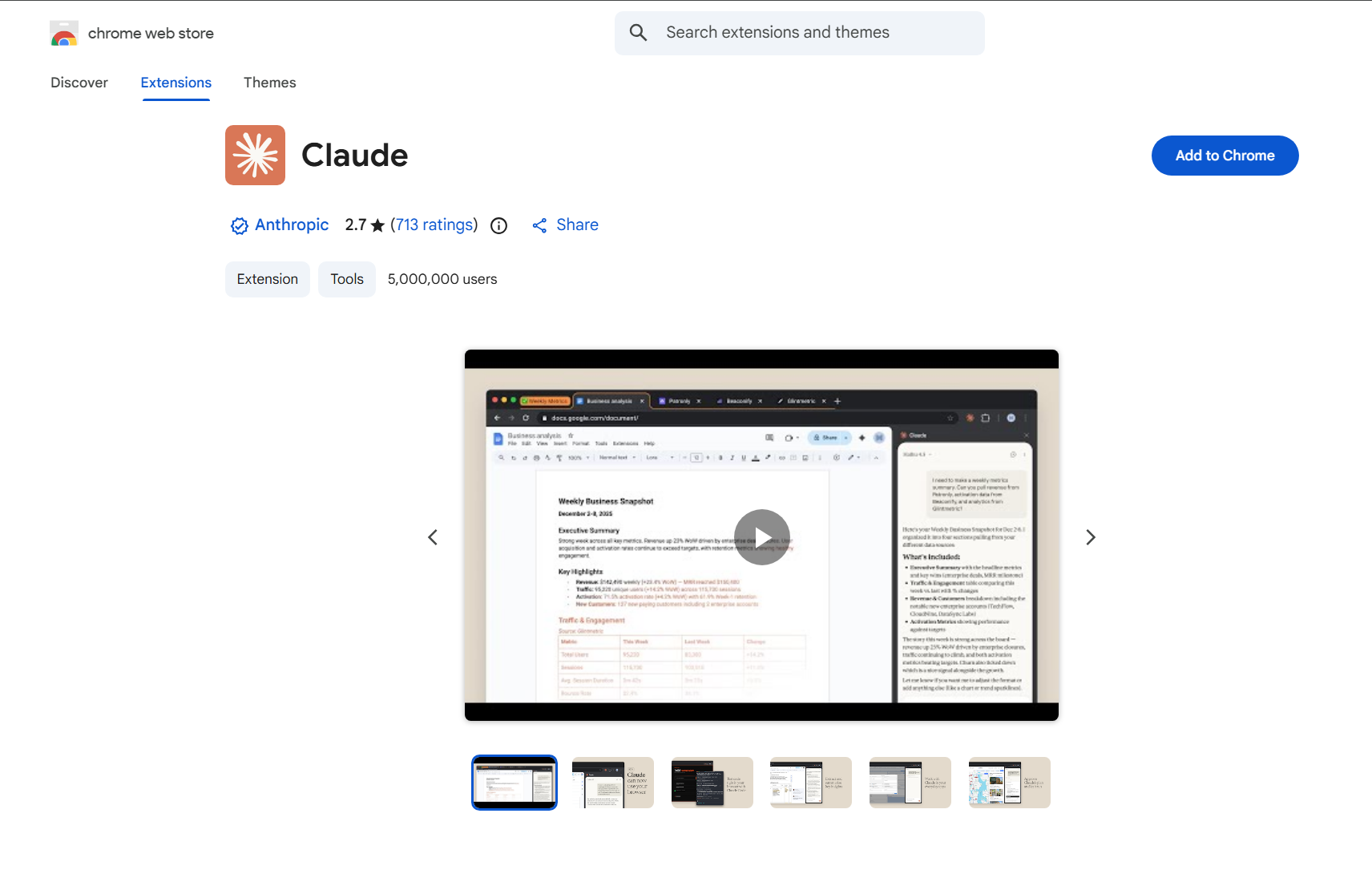
These are not official extensions from Anthropic.
They are created by independent developers and usually offer:
- Quick access to Claude
- Sidebar integrations
- Prompt tools or shortcuts
Step 2: Installing the Extension
Once you’ve chosen an extension:
- Click Add to Chrome
- Confirm installation
- Wait for it to install
After installation:
- The extension icon appears in your toolbar
- You can pin it for quick access
What These Extensions Actually Do
In real use, most Claude-related extensions provide:
- Quick launch buttons
- Sidebar access
- Shortcut-based prompts
- Integration with selected text
They don’t replace Claude. They sit on top of it.
Should You Use a Claude Chrome Extension
This depends on how you work.
Use It If:
- You want faster access to Claude
- You like sidebar-style workflows
- You use AI frequently across tabs
Avoid It If:
- You’re concerned about privacy
- You prefer official tools only
- You don’t need extra features
For many users, the browser version is already enough.
The Safer Alternative (Recommended)
Instead of using extensions, you can:
- Open Claude in Google Chrome
- Install it as a web app (PWA)
- Pin it or bookmark it
This gives you:
- Full functionality
- Better security
- No dependency on third-party tools
Real-World Insight
Most Chrome extensions for Claude don’t add core functionality.
They improve convenience, not capability.
So the real question is:
- Do you need faster access
- Or do you just need Claude itself
For most users, the simpler setup wins.
Final Thoughts
Installing Claude from the Chrome Web Store is possible, but not in the official sense.
What you’re installing is:
- A layer around Claude
- Not Claude itself
If you choose to use an extension, pick carefully.
If you want reliability and security, using Claude directly in the browser remains the best option.
FAQs
Is there an official Claude Chrome extension
No, not currently.
Are Chrome Web Store Claude extensions safe
Some are, but you should verify carefully.
Do extensions improve Claude’s performance
No, they mainly improve access and workflow.
Can I use Claude without extensions
Yes, directly in the browser.
What’s the safest way to use Claude
Through its official web interface in Chrome.



Discussion (0)
Be the first to comment.