



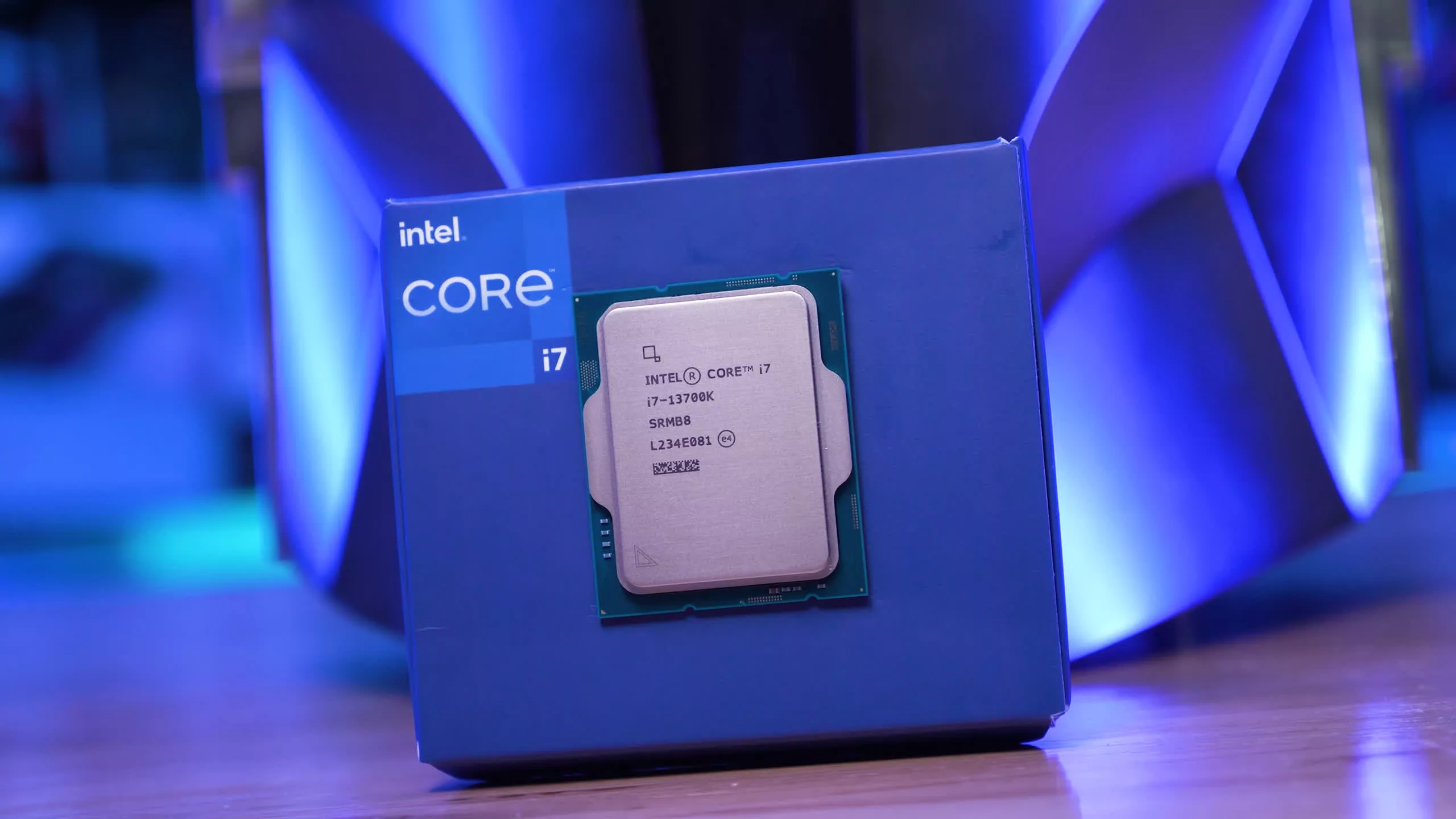
Mozilla has released a Firefox update that fixes a crash problem affecting desktop PCs with Intel’s 13th Gen and 14th Gen Raptor Lake processors. The issue had been under investigation for more than a year and was reportedly linked to Intel CPU instability rather than a normal browser bug.
The fix arrives in Firefox version 151.01. Mozilla engineers had been tracking crashes connected to a zlib rs compression routine, where incorrect values were causing index out of bounds failures. After deeper investigation, the issue was tied to specific Intel Raptor Lake CPU instructions, known as RPL050 and RPL060, which could sometimes make CPU cores read incorrect or outdated data.
The browser crashes were another sign of Intel’s wider 13th Gen and 14th Gen instability problem
Mozilla senior staff engineer Gabriele Svelto had flagged the problem earlier, saying Firefox crash reports were heavily tied to Intel Raptor Lake systems. He also pointed out that the problem became more visible during hot weather, because heat could make already unstable chips crash more often.
That detail matters because Intel’s Raptor Lake instability issue has been one of the biggest CPU reliability problems in recent years. Reports first started appearing in late 2022, then became much more widespread in 2023 and 2024. Players and PC users reported game crashes, browser failures, app instability, and full system crashes on some 13th Gen and 14th Gen chips.
| Issue | Detail |
|---|---|
| Affected browser | Firefox |
| Fixed version | Firefox 151.01 |
| Affected CPUs | Intel 13th Gen and 14th Gen Raptor Lake |
| Reported crash link | CPU instability and incorrect data reads |
| Intel mitigation | Multiple microcode updates |
| Warranty response | Extended from three years to five years for affected customers |
Intel later confirmed that the instability was connected to physical degradation caused by prolonged exposure to excessive voltage and heat. The company released several microcode updates, including 0x125, 0x129, 0x12B, and 0x12F, to reduce the conditions that trigger damage. However, those updates cannot reverse degradation that has already happened.
Mozilla’s fix is important because it reduces crashes inside Firefox, but it does not mean every affected Intel CPU is fully repaired. A browser update can work around one failure path, while Intel’s microcode updates can reduce future risk. But if a processor has already degraded, users may still see instability in other software.
Svelto had also noted that Intel’s 0x12c microcode update appeared to reduce Firefox crash reports, but the issue came back with version 0x12F. That suggests the Firefox team had to handle the problem from the browser side instead of relying only on firmware changes.
For users, the advice is simple. If your desktop PC has an Intel 13th Gen or 14th Gen Raptor Lake CPU and Firefox has been crashing, update the browser to the latest stable version. It is also worth making sure your motherboard BIOS is updated, since BIOS updates often include Intel’s latest microcode fixes.
The bigger lesson is that hardware instability can create problems that look like software bugs. In this case, Mozilla spent more than a year investigating crashes that were ultimately tied to CPU behavior. That puts developers in a difficult position because they may need to patch around hardware problems even when the root cause is outside their software.
Firefox version 151.01 should make the browser more stable on affected Raptor Lake systems. But Intel users who still see crashes in games, browsers, compression workloads, or other apps should check BIOS updates, cooling, voltage settings, and warranty options. For badly degraded chips, software fixes may not be enough.



Discussion (0)
Be the first to comment.