




Some HP laptop owners are dealing with a serious BIOS update problem that can leave their devices frozen during startup or stuck on a Blue Screen of Death. The issue appears to affect several models, including premium business machines such as the HP ZBook Ultra G1a and EliteBook X G1a, along with reports from some ProBook owners.
The faulty BIOS update was reportedly delivered through Windows Update, which makes the situation more frustrating. Many people may not have manually searched for the update or knowingly installed it. Instead, the system update process pushed it automatically, leaving some affected laptops unable to boot properly afterward.
The problem is not brand new. Reports suggest users began seeing failures several months ago, and some complaints describe devices freezing during startup after the BIOS update was applied. In some cases, even brand new laptops with fresh Windows installations have reportedly become unusable.
HP is working on a fix, but avoiding the update is the safest option for now
HP has been informed about the issue and is reportedly working on a solution. The expected fix would likely come through a future BIOS update, but that does not help much if a laptop is already stuck and cannot boot normally.
For now, the safest step is prevention. If you own one of the affected HP models, it may be wise to pause automatic updates temporarily or disable automatic BIOS updates in your device settings until HP releases a confirmed fix. This is especially important for people using HP laptops for work, because a failed BIOS update can turn a usable device into a support case very quickly.
Once the faulty BIOS update is installed, rolling back to an earlier version may be difficult. Some users have reportedly managed to downgrade the BIOS, but that process may require special equipment or advanced repair knowledge. For most owners, that is not a practical solution.
| Issue | Current status |
|---|---|
| Problem | Faulty HP BIOS update causing boot freezes and BSODs |
| Delivery method | Windows Update |
| Reported affected models | ZBook Ultra G1a, EliteBook X G1a, some ProBook models |
| Main risk | Laptop may become unusable after update |
| Best prevention | Avoid or pause the BIOS update until a fix arrives |
| Recommended action | Contact HP Support if already affected |
The problem also shows why BIOS updates need extra care. Unlike normal app or driver updates, BIOS updates affect the low level firmware that helps the laptop start and communicate with hardware. When something goes wrong there, recovery can be much harder than uninstalling a bad Windows patch.
If your HP laptop is still working normally, avoid rushing into any BIOS update unless HP clearly confirms that it is safe for your model. You can also check your update settings and avoid optional firmware updates until more information is available.
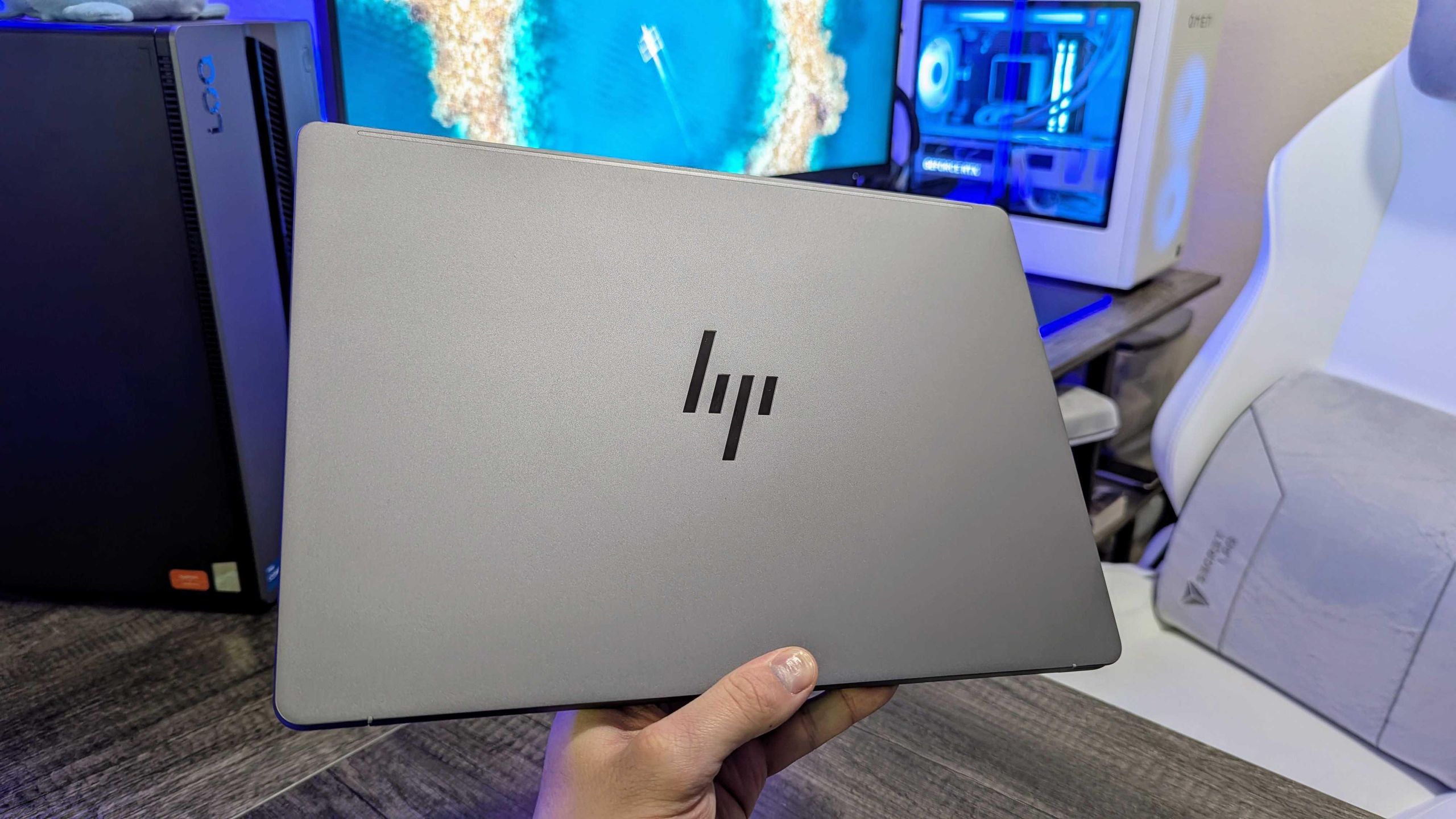
If your device has already been affected, the best move is to contact HP Support before trying risky fixes. A failed BIOS recovery attempt can make the situation worse, especially on expensive business laptops. HP may be able to advise whether your device needs service, a firmware recovery process, or another official repair path.
For now, the message is simple: HP users with affected models should be cautious with firmware updates and wait for an official fix before installing anything that could trigger the same boot failure.



Discussion (0)
Be the first to comment.