



DXVK has received a new update that improves compatibility and performance for several Windows games running on Linux and SteamOS.
Version 3.0.2 includes specific fixes for Halo: Combat Evolved, Splinter Cell: Chaos Theory, Granblue Fantasy: Relink, Overwatch and Dying Light: The Beast. It also introduces a new debugging option that can help developers identify the cause of GPU hangs and driver crashes.
DXVK is an important part of Proton, the compatibility system used by Steam to run Windows games on Linux. It translates Microsoft Direct3D graphics instructions into Vulkan commands that Linux graphics drivers can process.
The update is not yet included in Proton’s stable branch. However, its changes may appear in Proton Experimental before reaching the stable version used by most Steam Deck owners.
| Game or feature | Change in DXVK 3.0.2 |
|---|---|
| Halo: Combat Evolved | Rendering issue caused by a game bug fixed |
| Splinter Cell: Chaos Theory | Night vision rendering corrected |
| Granblue Fantasy: Relink | Unexpected GPU hangs on Nvidia hardware addressed |
| Dying Light: The Beast | Performance regression with FSR reduced |
| Overwatch | Possible swapchain problem at non-native resolutions fixed |
| GPU hang debugging | New DXVK_DEBUG=hang option added |
Halo and Splinter Cell receive targeted graphics fixes
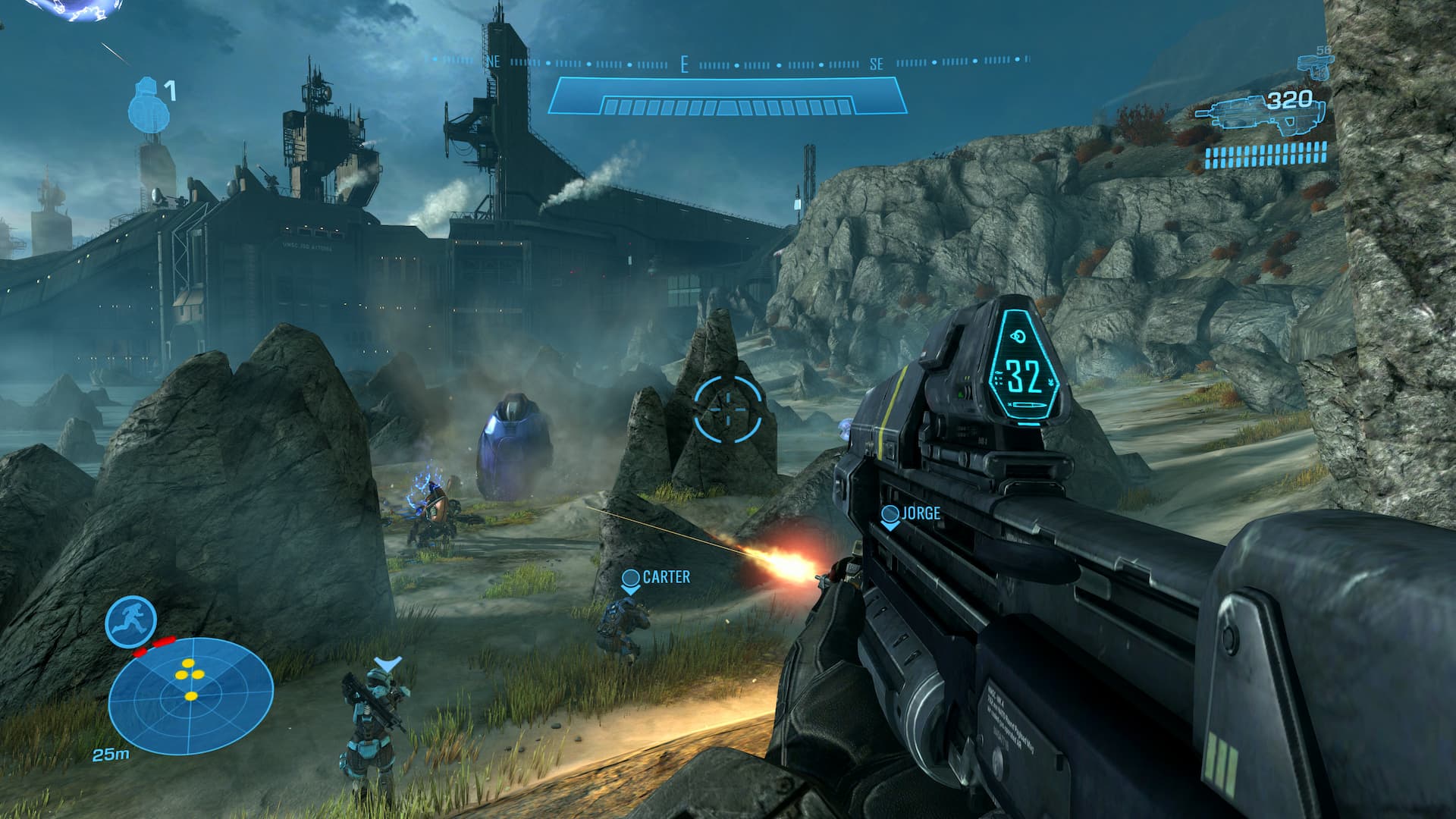
Halo: Combat Evolved had a game related bug that could cause incorrect rendering when played through DXVK. Version 3.0.2 introduces a workaround for the problem, improving visual compatibility without requiring changes to the original game.
Splinter Cell: Chaos Theory receives a similar workaround. Its night vision effect could display incorrectly under previous DXVK versions. The update corrects that behaviour, which should make dark areas and night vision sections appear closer to their intended presentation.
These fixes are especially useful for older Windows games. Many classic titles were designed around graphics drivers and operating systems that are no longer widely used. Compatibility layers often need game specific workarounds to reproduce their original behaviour on modern Linux systems.
Granblue Fantasy: Relink also receives a fix for unexpected GPU hangs on Nvidia graphics hardware. The problem may have affected other games, so the underlying correction could improve reliability beyond this single title.
Performance improves for games repeatedly creating DXGI factories
DXVK 3.0.2 works around a performance regression found in games that create a new DXGI factory during every rendered frame.
Dying Light: The Beast is one confirmed example, particularly when FSR is enabled. The repeated creation process adds unnecessary overhead and can reduce performance. The new workaround limits the effect of this behaviour.
The same fix may help other Direct3D 12 games that use a similar implementation. Actual performance gains will depend on the game, graphics hardware, driver and Proton configuration.
Overwatch receives a correction for a possible swapchain issue when running at a resolution different from the display’s native setting. Swapchain problems can cause presentation errors, instability or incorrect frame output, so the change may benefit players using lower resolutions for improved performance.
New debugging option can help locate GPU hangs
The update adds the DXVK_DEBUG=hang environment variable for diagnosing GPU hangs and driver crashes that produce VK_ERROR_DEVICE_LOST messages.
When enabled, the option creates more useful log information that can help narrow down where a crash occurred. These logs may improve bug reports and make it easier for developers to reproduce difficult problems.
The feature works best with AMD and Nvidia graphics hardware. It is mainly intended for testing and troubleshooting rather than normal gameplay, so most players will not need to enable it unless they are investigating a repeatable crash.
DXVK 3.0.2 is newer than the version currently included in Proton’s stable branch. Steam Deck owners should therefore not expect these changes to appear immediately through the default Proton configuration.
Once the update reaches Proton Experimental or a future stable Proton release, the improvements should become easier to access through Steam. Until then, manually installing a newer DXVK build is possible, but it is more suitable for experienced Linux players who understand custom Proton and compatibility configurations.



Discussion (0)
Be the first to comment.