



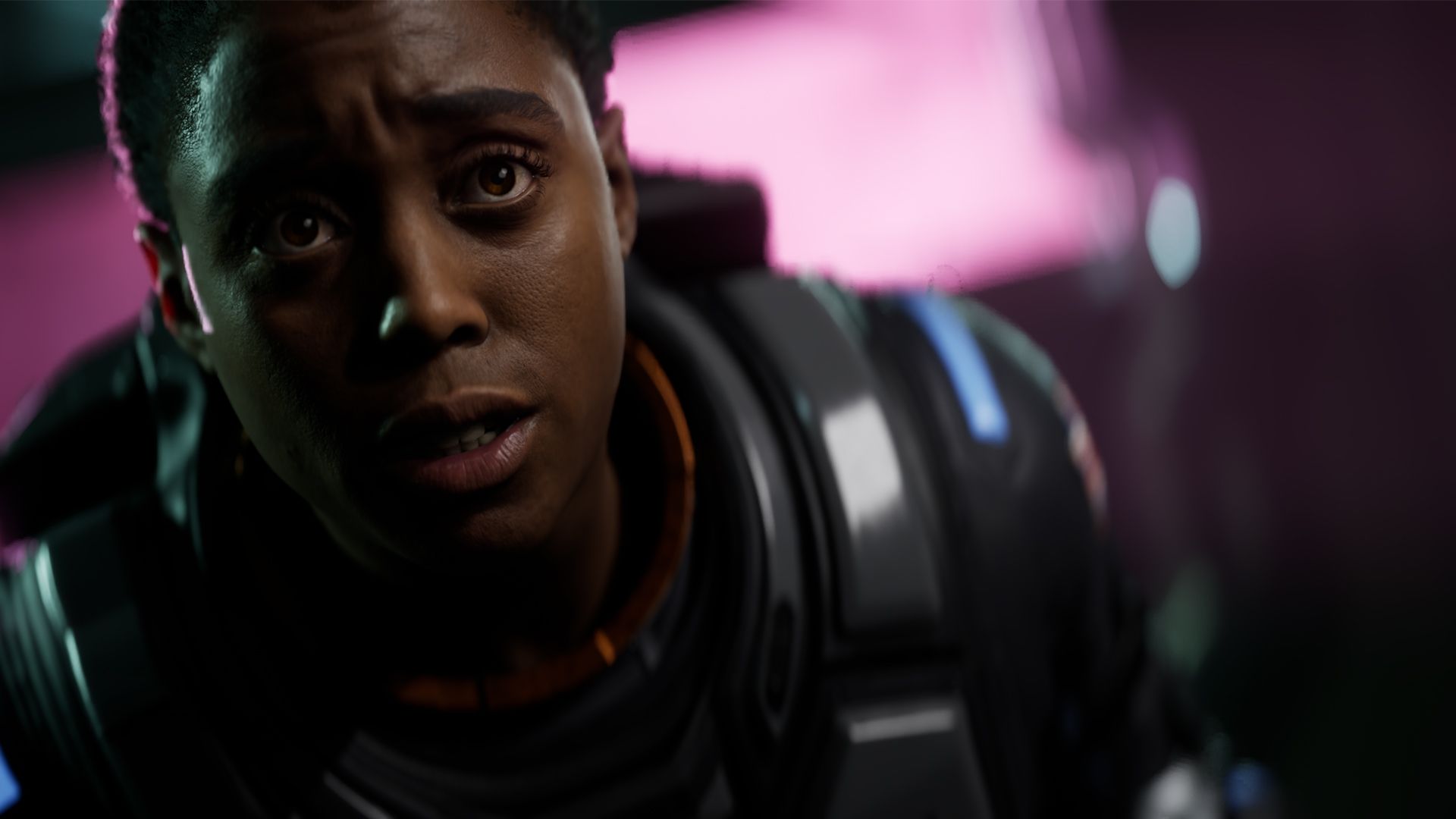
Directive 8020 is a demanding Unreal Engine 5 horror game, but you do not need to leave every setting maxed out to get a good experience on PC. The game can look strong in character scenes and cinematic moments, but its default High preset is heavier on the GPU than expected, even when ray tracing and path tracing are turned off.
The good news is that Directive 8020 avoids some of the most annoying Unreal Engine 5 problems. It has a shader compilation step before gameplay, and testing found very few traversal stutters. CPU performance is also strong because the game is a linear cinematic horror adventure rather than a large open world with heavy simulation.
The main issue is GPU load. Directive 8020 asks for an RTX 2060 or Radeon RX 5700 at minimum, while the recommended tier jumps to an RTX 3070 Ti or Radeon RX 6800. That tells you what kind of game this is. It does not need an extreme CPU, but it does need a capable graphics card if you want smooth performance.
The best settings improve performance without making the game look much worse
The biggest performance wins come from reducing settings that cost too much for what they add. Global illumination should be lowered to Medium, reflections should be set to Low, post processing can also be set to Low, and antialiasing quality can be lowered if you are using TSR.
| Graphics setting | Recommended value |
|---|---|
| Upscaling | DLSS for Nvidia RTX, FSR for AMD, XeSS only if it works properly |
| Antialiasing quality | Low |
| Shadow quality | High |
| Global illumination | Medium |
| Reflection quality | Low |
| Post processing | Low |
| Effects quality | High |
| Texture quality | High |
| Ray tracing | Off |
| Path tracing | Off |
These settings gave a clear improvement in testing. Average frame rate rose from 143 FPS on the High preset to 176 FPS with optimized settings. The 1 percent lows improved from 124 FPS to 143 FPS, while 0.1 percent lows improved from 119 FPS to 138 FPS. That is a 23 percent gain in average FPS without destroying the game’s visual style.
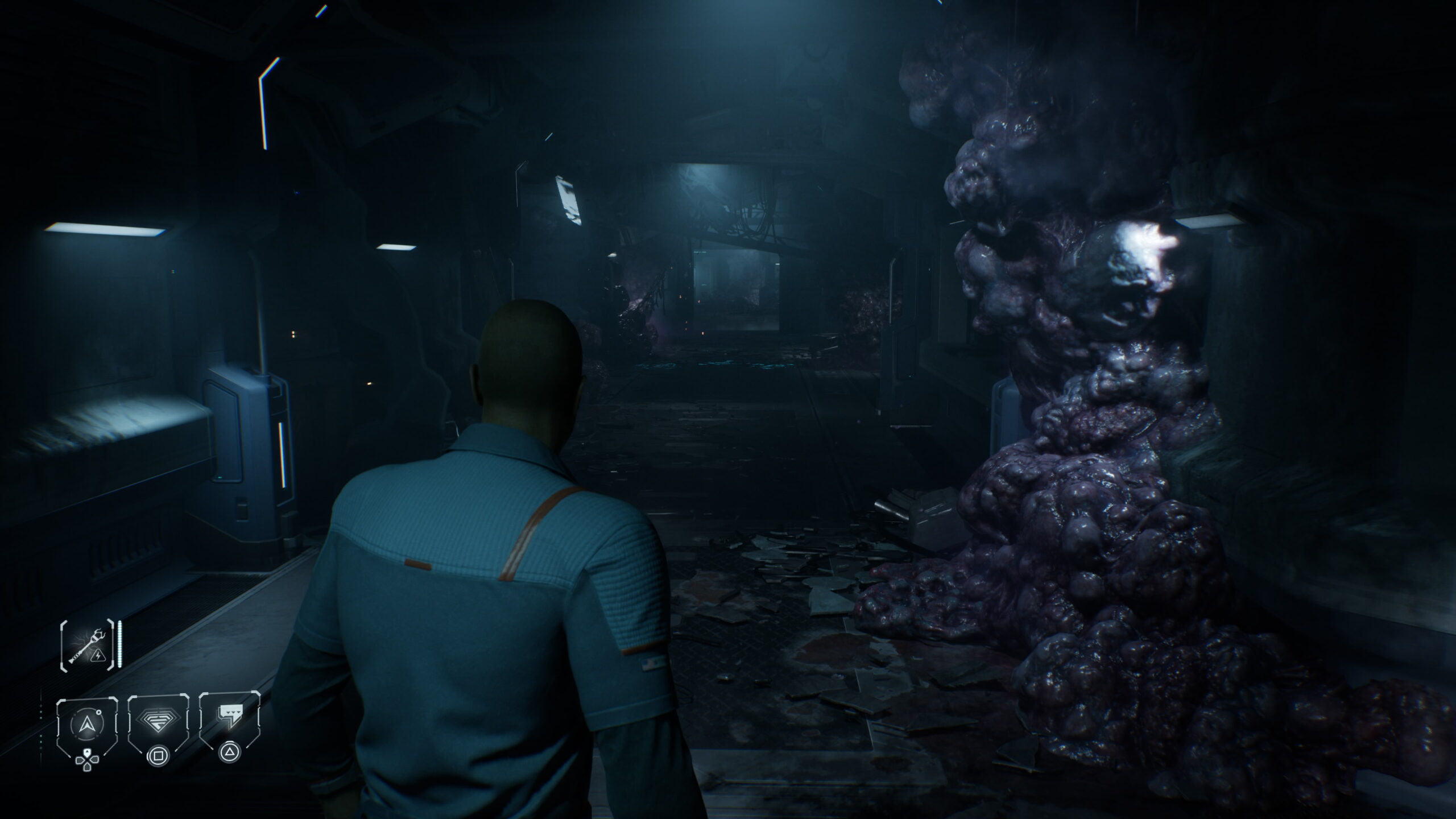
The advice around upscaling depends on your GPU. Nvidia RTX players should use DLSS Super Resolution because it gives the best image quality and stability. AMD players should use FSR, and RDNA 4 players can try FSR 4 or 4.1 through driver override if available. Intel Arc players can try XeSS, but the report found XeSS broken on an RTX 4090 test system, where it caused a black screen with only the UI visible.
Ray tracing is not worth enabling for most players. It adds hardware Lumen lighting and reflections, but the performance cost is too high in a game that is already GPU heavy. Path tracing is even harder to recommend because it produced noisy, blurry, and artifact heavy results while pushing performance into the low 40 FPS range on an RTX 4090 test system.
Texture quality should stay on High because the game is fairly efficient with VRAM when ray tracing is off. At 1440p on the High preset, 8GB to 10GB of VRAM was enough in testing. Effects quality should also stay on High because lowering it too much can remove visual details such as water droplets in some scenes.
Directive 8020 is not a bad PC port, but it is not perfectly optimized either. It deserves credit for avoiding major shader and traversal stutter problems, offering useful graphics menu information, and supporting several upscaling options. But its GPU demands are higher than its environments often justify.
For the best balance, keep shadows, textures, and effects high, reduce global illumination, reflections, post processing, and antialiasing quality, and leave ray tracing and path tracing off. That setup should give most players a smoother experience while keeping the game’s dark sci fi horror atmosphere intact.



Discussion (0)
Be the first to comment.