



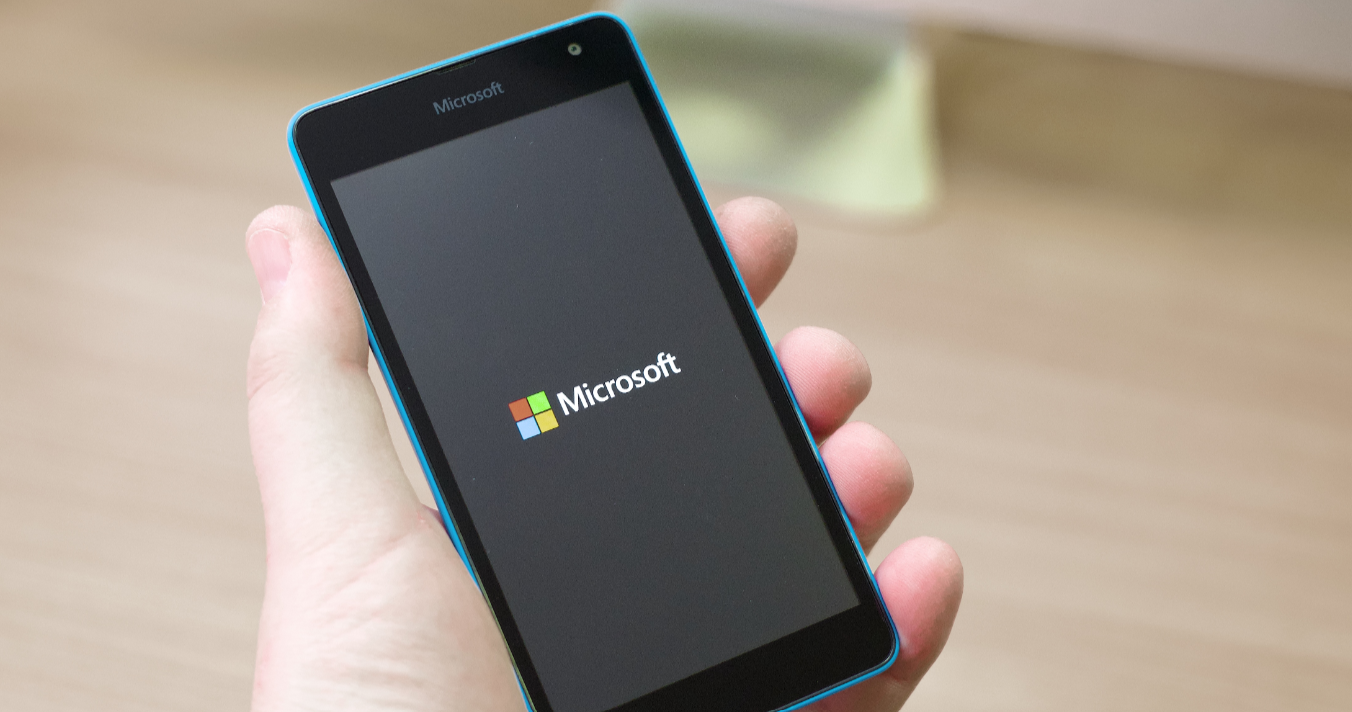
If you’ve ever used a Windows Phone long enough, you probably remember the built-in FM radio. It was simple, reliable, and didn’t need internet.
Then devices like the Microsoft Lumia 950 came along, and suddenly the FM radio app was… gone.
Not broken. Not hidden. Just missing.
That’s where this unusual workaround comes in: restoring the FM Radio app through a backup that already had it pinned.
It sounds strange, and honestly, it is. But it tells you a lot about how Windows Phone handled features behind the scenes.
Why the FM Radio App Disappeared
The Lumia 950 still had the hardware for FM radio.
The problem wasn’t capability. It was software.
With later versions of Windows 10 Mobile:
- The FM radio app was removed
- It was no longer officially supported
- New installs didn’t include it
So even though the phone could handle FM radio, there was no official way to access it.
The Workaround: Restoring from a Backup
Here’s where things get interesting.
Some users discovered that if they:
- Took a backup from an older device (or earlier system)
- That backup had the FM Radio tile pinned
- Restored it onto the Lumia 950
The FM Radio app would reappear and actually work.
Not as a reinstall. As a leftover piece of the system being revived.
Why This Works at All
This workaround works because of how backups functioned.
Windows Phone backups didn’t just save:
- Settings
- Layout
They also preserved:
- App references
- System hooks
- Tiles linked to apps
So if the FM Radio app existed in that backup, restoring it could bring back access, even if the app was no longer officially available.
It’s less like installing something, and more like unlocking something that was never fully removed.
What It Feels Like in Practice
When it works:
- The FM Radio tile appears
- The app launches
- Radio functionality works as expected
It feels like you’ve brought back a hidden feature.
But it’s not consistent.
The Catch (And It’s Important)
This is not a reliable or official method.
You may run into:
- The tile appearing but not opening
- The app crashing
- The feature disappearing again after updates
Because:
- The app is not supported anymore
- System dependencies may be missing
- Updates can override the workaround
So it’s more of a workaround than a solution.
Why This Even Matters
At first glance, this feels like a niche trick.
But it highlights something bigger about Windows Phone:
- Features were sometimes removed at the software level
- Hardware capabilities remained unused
- System design allowed partial restoration through backups
It’s an example of how tightly controlled, yet oddly flexible, the platform was.
Real-World Insight
If you’re trying this today, it’s probably not just about FM radio.
It’s about:
- Revisiting older devices
- Recovering lost features
- Exploring what still works
And in that context, this workaround is more interesting than practical.
Should You Try It
You can, but go in with the right expectations.
Try it if:
- You already have a backup with the FM Radio tile
- You’re experimenting with older Windows Phone devices
- You’re curious about what’s still possible
Don’t rely on it if:
- You need a stable, long-term solution
The Bigger Picture
The Microsoft Lumia 950 represents a moment where hardware and software started drifting apart.
The FM radio didn’t disappear because it couldn’t exist.
It disappeared because the platform moved on.
And this workaround is a small glimpse into what was left behind.
Final Thoughts
Restoring the FM Radio app via backup on a Lumia 950 is one of those rare cases where a feature isn’t truly gone, just inaccessible.
It works sometimes. It fails sometimes. And it was never meant to be used this way.
But it’s a reminder that even in tightly controlled systems, there are edges where things don’t behave exactly as expected.
And sometimes, that’s where the most interesting discoveries are.
FAQs
Can the Lumia 950 use FM radio
Yes, the hardware supports it, but the app was removed.
Does the backup method always work
No, it’s inconsistent and not officially supported.
Why was the FM Radio app removed
Microsoft discontinued support in later updates.
Can I install the FM Radio app manually
No official method exists anymore.
Is this workaround safe
Yes, but it’s unreliable and may stop working.



Discussion (0)
Be the first to comment.