



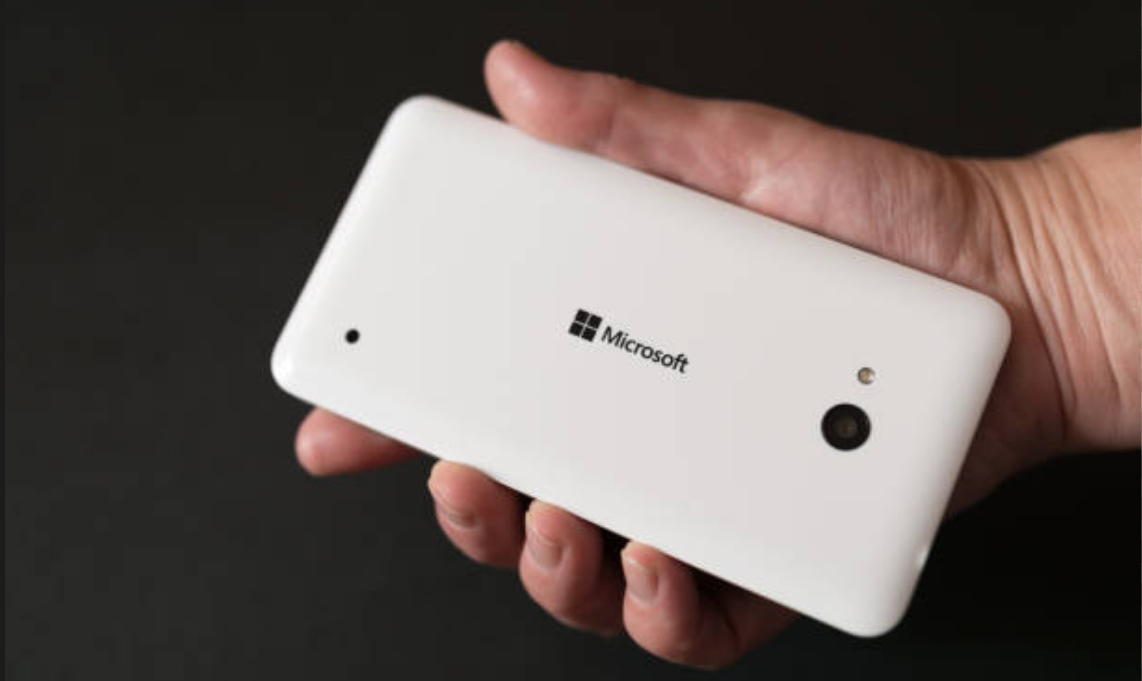
There’s a particular kind of frustration that comes with a phone that looks completely dead.
You plug it into your PC. Nothing happens.
No sound, no detection, no sign of life.
But then you connect it to another phone, and suddenly something shows up.
If this is happening with a Microsoft Lumia 950, you’re likely dealing with a soft brick, not a completely dead device.
That distinction matters more than anything else.
What “Not Detected by Windows” Actually Means
When you plug your Lumia into a Windows PC and:
- There’s no connection sound
- Device Manager shows nothing
- Recovery tools don’t detect it
It usually means the phone is not booting into a recognized USB mode.
In simple terms:
- The hardware may still be alive
- But it’s not presenting itself in a way Windows understands
Why It Shows Up on Another Phone
The interesting part is when you connect it to another device, like a Pixel, and it shows something.
That tells you:
- The USB hardware is still functional
- The phone is not completely dead
- It’s just stuck in a low-level or incomplete state
This is actually a good sign.
What Likely Caused This
Bricking usually happens due to:
- Interrupted updates
- Failed flashing attempts
- Corrupt system files
The phone gets stuck between:
- Bootloader
- OS
And never fully initializes.
First Thing to Try: Force Restart
Before anything technical, try the simplest step.
- Hold Volume Down + Power for 10–15 seconds
If the phone vibrates:
- It’s still responsive
- Try reconnecting to your PC immediately after
Sometimes this alone brings it back into a detectable state.
Try Recovery Mode Timing
Timing matters more than most people realize.
After forcing a restart:
- Keep the phone off
- Connect it to your PC
- Immediately hold Volume Down
You’re trying to force it into a mode that Windows can recognize.
This doesn’t always work on the first attempt.
Check on Windows Side
Even if nothing pops up visibly, check:
- Device Manager
- Look under:
- USB devices
- Unknown devices
Sometimes the phone appears briefly or under a different name.
Drivers Are a Real Factor
Modern systems like Windows 11 don’t always handle older Lumia drivers well.
So even if the phone tries to connect:
- Windows may not recognize it properly
- The connection fails silently
Trying a different PC or older Windows version can sometimes make a difference.
Use Windows Device Recovery Tool (If Detected)
If the device shows up even briefly:
- Launch Windows Device Recovery Tool
- Try to reflash the firmware
This is often the only reliable way to recover a soft-bricked Lumia.
Cable and Port Matter More Than You Think
This sounds basic, but with older devices it’s critical.
Try:
- A different USB cable
- A USB 2.0 port instead of USB 3.0
- Avoid USB hubs
Older hardware can be very sensitive to connection quality.
Why It Feels So Inconsistent
You might try the same thing twice and get different results.
That’s because:
- The phone is stuck in an unstable state
- It may briefly enter detectable mode
- Then fail again
This inconsistency is part of the situation, not a mistake on your end.
When It Might Be a Hard Brick
If absolutely nothing works:
- No vibration
- No detection anywhere
- No response to button combinations
Then it may be a hard brick, which is much harder to recover.
But if it shows any sign of life, even on another device, it’s likely still recoverable.
Real-World Insight
With older devices like the Lumia 950, recovery is less about a single fix and more about persistence.
You’re trying to:
- Catch the phone in a recoverable state
- Get Windows to recognize it at the right moment
Sometimes it works on the third attempt. Sometimes the tenth.
A More Practical Perspective
Before spending hours trying to revive it, consider:
What do you need from the device?
If it’s:
- Data recovery → options are limited
- Device restoration → worth trying
- Daily use → it may not be reliable even after recovery
This helps set realistic expectations.
Final Thoughts
If your Microsoft Lumia 950 isn’t detected by Windows 11 but shows some response elsewhere, it’s likely not completely dead.
It’s just stuck in a state where:
- Windows doesn’t recognize it
- But the hardware hasn’t fully failed
That’s frustrating, but also hopeful.
Because in most cases like this, recovery isn’t impossible. It just requires patience, timing, and a bit of trial and error.
FAQs
Why is my Lumia not detected by Windows
Because it’s not booting into a recognizable USB mode.
Is my phone completely dead
Not if it shows signs of life on another device.
Can I recover it
Possibly, especially if it still responds or vibrates.
Do drivers matter
Yes, modern Windows may not handle Lumia drivers properly.



Discussion (0)
Be the first to comment.