



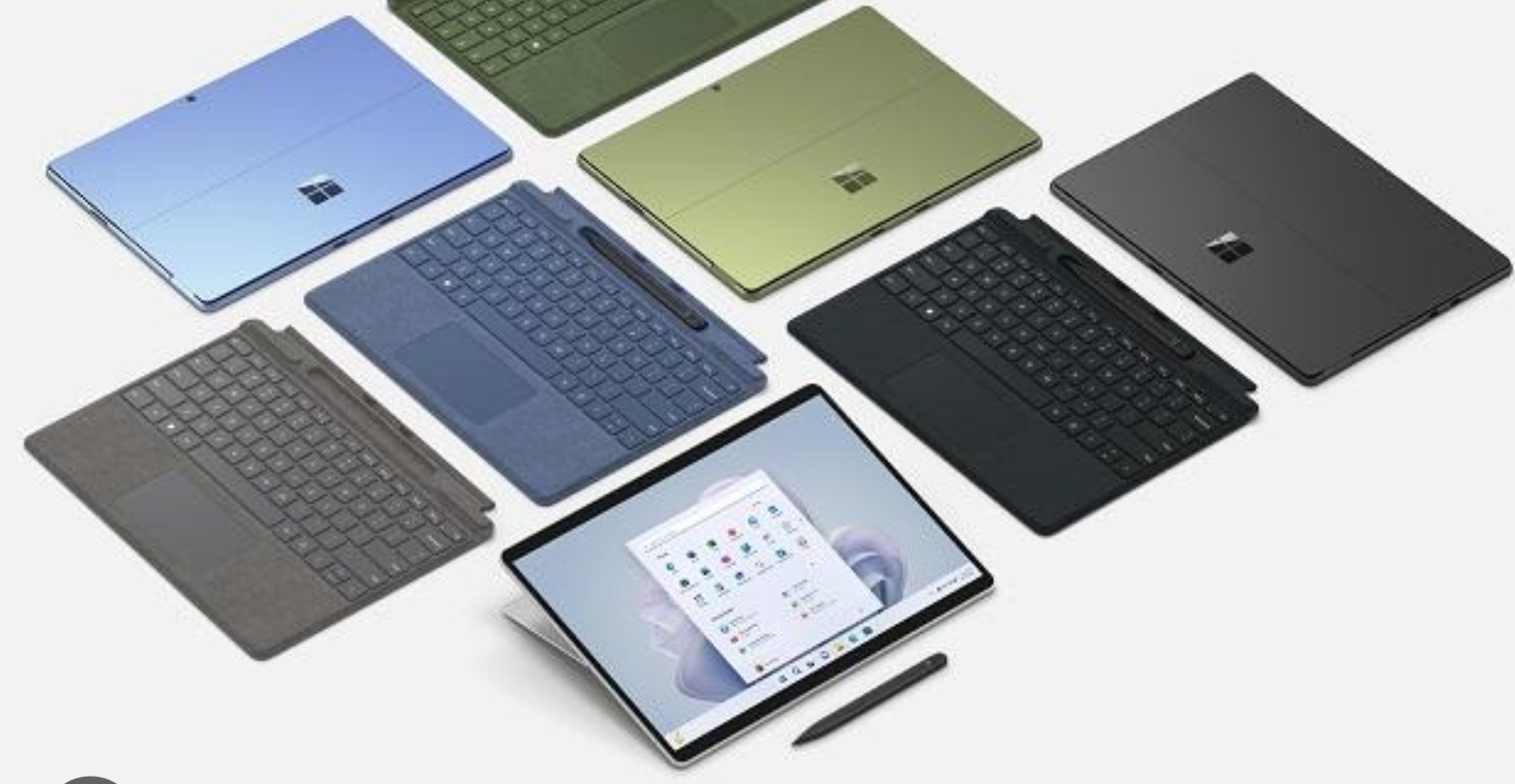
Windows tablets sit in a slightly awkward space. They try to be both a laptop and a tablet, and not all of them manage that balance well. Some feel like underpowered tablets, others like heavy laptops pretending to be portable.
If you are buying one today, the goal should be simple: pick a device that knows what it is trying to be.
Instead of listing too many options, here are the three Windows tablets that genuinely stand out right now, based on real-world usability, not just specs.
1. Microsoft Surface Pro 9
The Surface Pro line has defined this category for years, and the Surface Pro 9 continues to be the most balanced option.
It gets the fundamentals right:
- Lightweight but still feels like a proper computer
- High-quality display with excellent brightness and color
- Strong performance for everyday work and even moderate creative tasks
In actual use, this is the closest a Windows tablet gets to replacing a laptop without feeling compromised.
Where it works best:
- Students and professionals
- Writing, browsing, office work
- Light creative work like design or photo editing
The downside is pricing. Once you add the keyboard and stylus, it becomes expensive quickly.
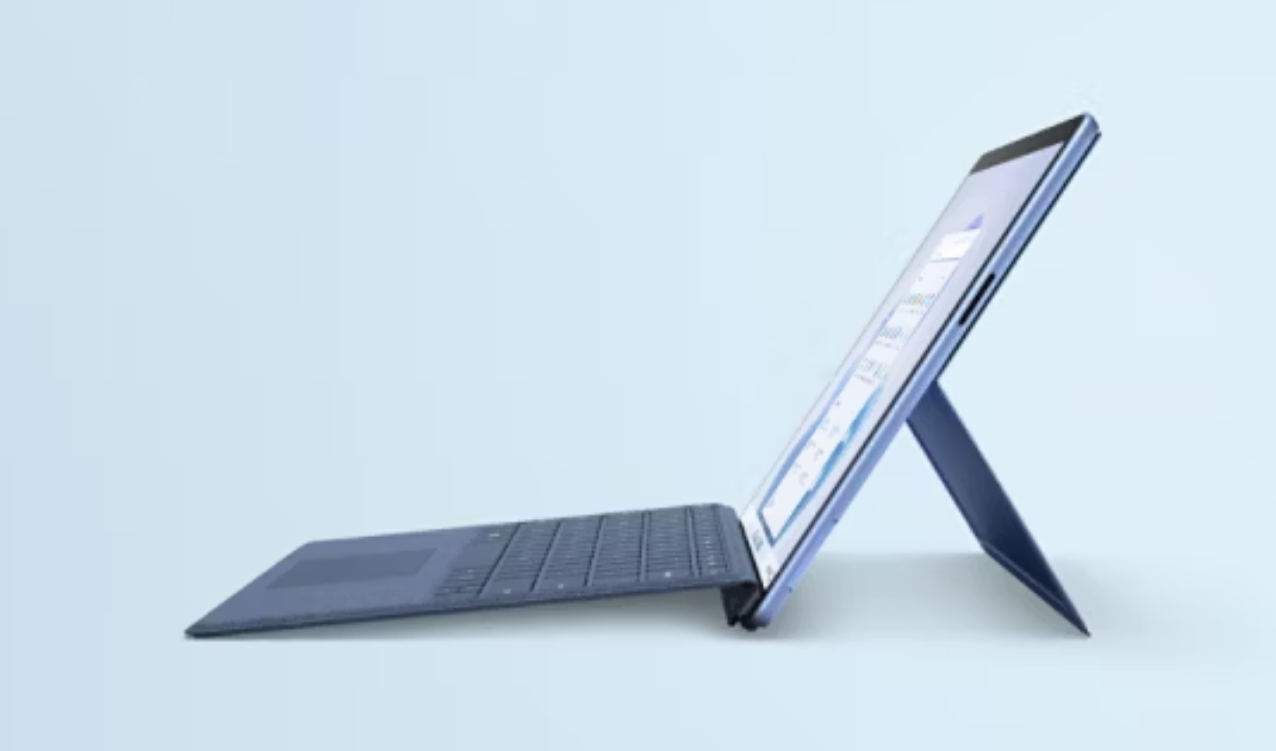
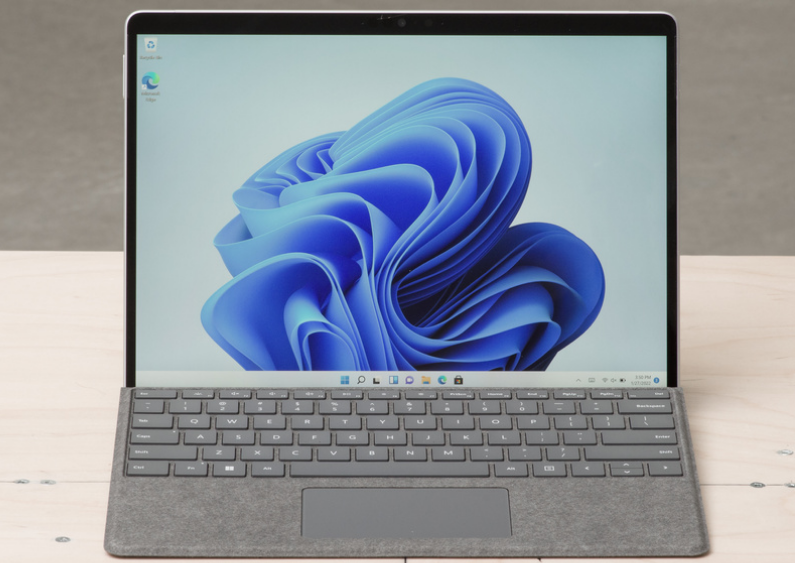
2. Microsoft Surface Pro 8
The Surface Pro 8 is still very relevant, especially if you find it at a lower price.
It introduced the modern redesign that the Pro 9 builds on:
- Slim bezels
- Better display
- Improved performance over older models
In everyday usage, the difference between Pro 8 and Pro 9 is not massive unless you specifically need the latest hardware.
Where it makes sense:
- Value-focused buyers
- Users who want premium build without paying top price
- Office and productivity tasks
If priced right, this is often the smarter purchase over newer models.
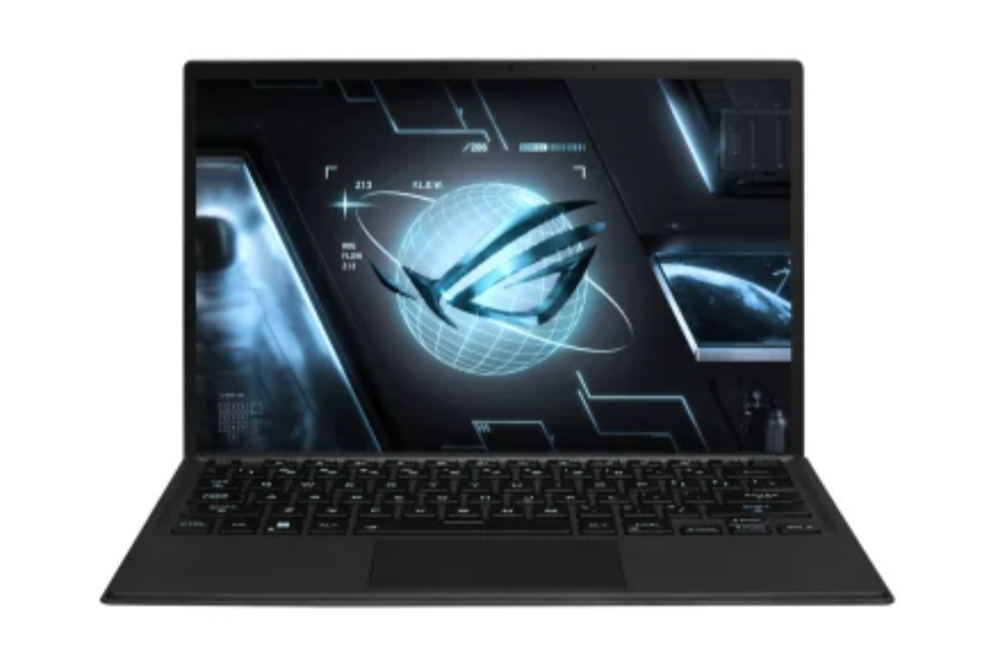
3. ASUS ROG Flow Z13
This is where things get interesting. The ROG Flow Z13 is not trying to be a typical tablet.
It is built for performance:
- Dedicated GPU options
- High refresh rate display
- Designed for gaming and heavy workloads
In real-world use, it feels more like a compact gaming laptop with a detachable keyboard than a traditional tablet.
Where it works best:
- Gamers who want portability
- Power users
- Creators who need GPU performance
The trade-offs are obvious:
- Battery life is not great
- It is heavier and less “tablet-like”
- Expensive for what it offers
But if you specifically want power in a tablet form, there is nothing quite like it.
What Actually Matters When Choosing a Windows Tablet
Specs matter, but not as much as how the device fits your usage.
Focus on:
- Form factor: Will you actually use it as a tablet, or mostly as a laptop?
- Keyboard experience: This often defines the usability
- Battery life: Especially important for portability
- Performance level: Match it to your actual workload
Most people overestimate how much power they need and underestimate how important usability is.
Real-World Perspective
For most users, the decision is simpler than it looks:
- If you want a reliable all-rounder, go with Surface Pro 9
- If you want better value, consider Surface Pro 8
- If you want performance above everything else, pick ROG Flow Z13
Anything outside these categories either compromises too much or does not justify its price.
Final Thoughts
Windows tablets are at their best when they stop trying to replace everything and focus on doing a few things well.
The Microsoft Surface Pro 9 remains the most balanced choice. The Microsoft Surface Pro 8 offers better value if priced right. And the ASUS ROG Flow Z13 stands out if you want raw performance in a portable form.
Pick based on how you will actually use it, not just what looks impressive on paper.
FAQs
Which is the best Windows tablet overall?
The Surface Pro 9 is the most balanced option for most users.
Is Surface Pro 8 still worth buying?
Yes, especially if you get it at a good price.
Can Windows tablets replace laptops?
For many users, yes. But heavy workloads may still require a full laptop.
Are Windows tablets good for gaming?
Most are not, except performance-focused devices like the ROG Flow Z13.
Do I need to buy accessories separately?
Yes, keyboards and styluses are usually sold separately.



Discussion (0)
Be the first to comment.