



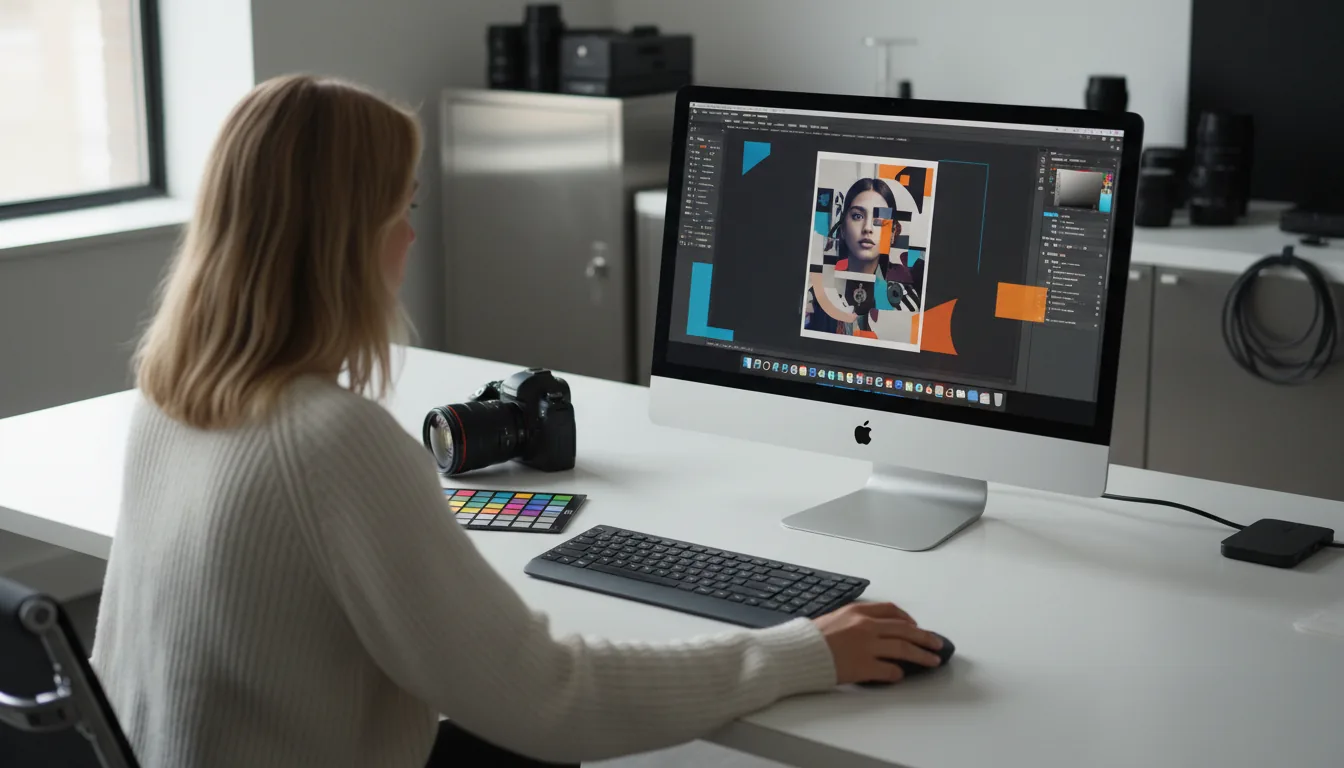
Choosing a PC for Adobe Creative Cloud is different from buying a basic laptop for browsing or office work. Apps such as Photoshop, Illustrator, Premiere Pro, Lightroom, and InDesign can run on many Windows machines, but smooth performance depends heavily on the right mix of CPU power, graphics support, memory, storage, and display quality.
Windows Central’s latest buying guide names the Samsung Galaxy Book4 Ultra as the best overall PC for Adobe Creative Cloud. The laptop combines an Intel Core Ultra 9 processor, NVIDIA GeForce RTX 4070 laptop graphics, 32GB of RAM, and a 1TB SSD. It also has a 16 inch AMOLED display with 2.8K resolution and a 120Hz refresh rate, making it a strong all round choice for photo work, video editing, and other creative tasks.
Creators should not focus only on raw speed because the screen matters just as much
For many creative workflows, display quality is as important as performance. If you are editing photos, designing graphics, or working with video color, a weak screen can make accurate work harder. That is why OLED and AMOLED laptops feature heavily in the list.
The ASUS ProArt P16 is highlighted as the best OLED laptop option. It offers a 16 inch 4K AMOLED display, AMD Ryzen AI 9 HX 370 processor, and RTX 4060 or RTX 4070 laptop graphics. It is built for creative work and can also handle newer AI assisted features that are becoming more common in Adobe apps.
For people who prefer a desktop, the Dell XPS Tower 8960 is the recommended pick. It offers many configuration options, including high end Intel processors, NVIDIA RTX graphics, up to 64GB of RAM, and up to 4TB of storage. The advantage of a desktop is upgrade flexibility. You can start with a balanced configuration and improve parts later if your work becomes more demanding.
| Category | Recommended PC | Best for |
|---|---|---|
| Best overall | Samsung Galaxy Book4 Ultra | Powerful laptop for most Creative Cloud work |
| Best OLED laptop | ASUS ProArt P16 | Color focused creative work |
| Best desktop | Dell XPS Tower 8960 | Upgradeable workstation setup |
| Best tablet | Microsoft Surface Pro 11 | Drawing, photo edits, and portable work |
| Best 2 in 1 | ASUS ProArt PX13 | Stylus work and flexible laptop use |
| Best AI PC laptop | Lenovo Yoga Slim 7x | Local AI tasks and long battery life |
The Surface Pro 11 is the best tablet option because it combines a sharp 13 inch touchscreen with pen support. It is useful for drawing, illustration, note taking, and light creative editing. The ASUS ProArt PX13 is better for people who want a proper laptop that can also fold into a tablet style device. It includes an OLED screen, stylus support, and dedicated NVIDIA graphics.
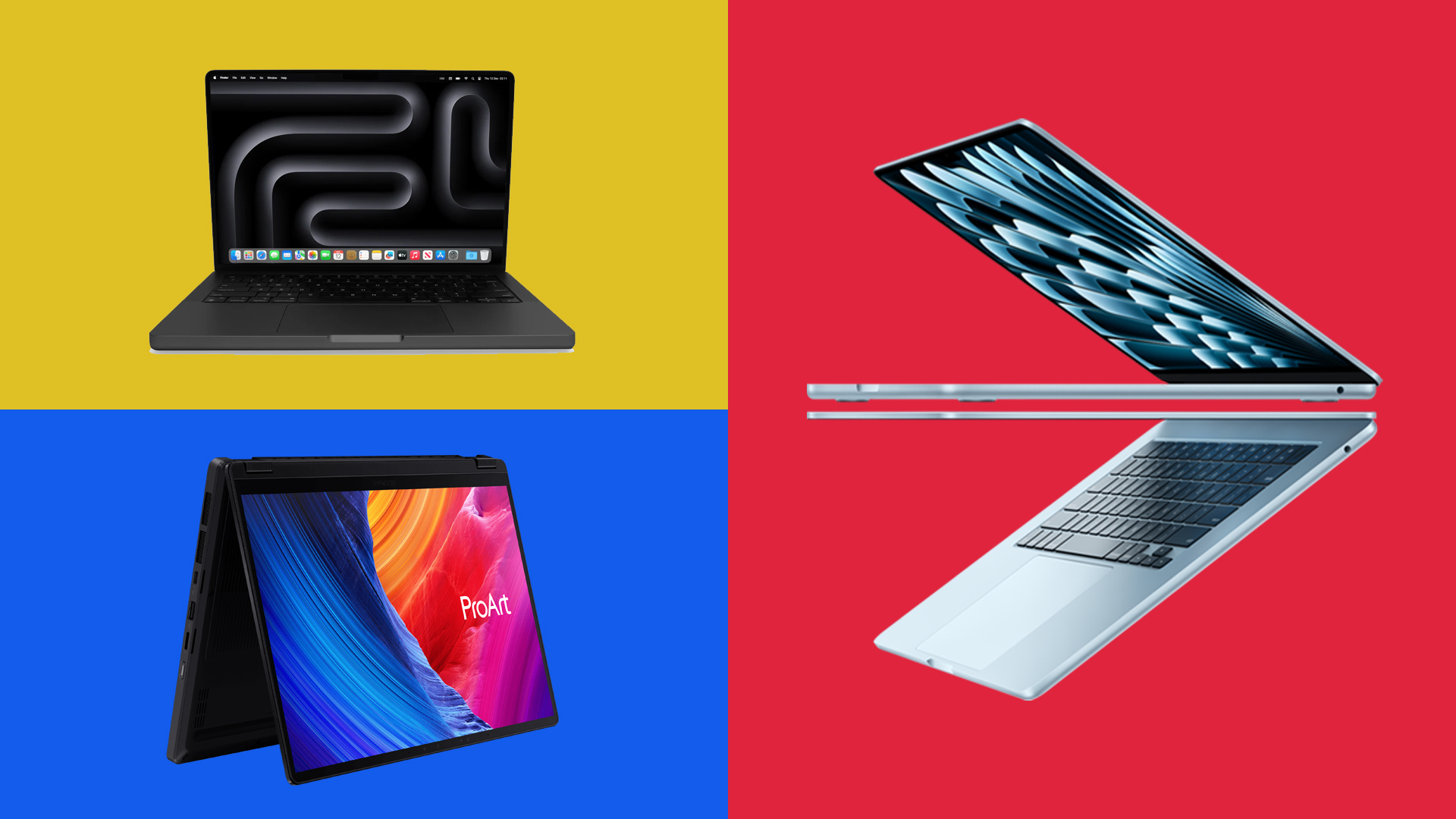
The Lenovo Yoga Slim 7x is recommended for AI focused creative work. Its Snapdragon X Elite processor includes an NPU, which can help with local AI tasks where supported. It also has a 14.5 inch OLED display and very long battery life.
The main advice is simple. For Adobe Creative Cloud, do not go too low on hardware. At least 16GB of RAM should be treated as the minimum, while 32GB is better for video editing, 3D work, or heavy multitasking. A dedicated GPU helps with demanding apps such as Premiere Pro, and a good display is important for visual accuracy.
Windows and Mac can both handle Adobe work well today, so the better choice depends on your workflow, budget, and the devices used by your team or school. For Windows buyers, these picks show that there are strong options across laptops, desktops, tablets, and 2 in 1 devices.



Discussion (0)
Be the first to comment.