



Mini PCs have evolved into serious machines. They’re no longer just secondary devices for light tasks. With the right model, you can comfortably handle office work, coding, media consumption, and even some creative workloads without needing a full-sized desktop.
That said, the market is crowded, and a lot of options either cut corners or overpromise. If you want something reliable, these three stand out for different reasons.
Best Overall Mini PC
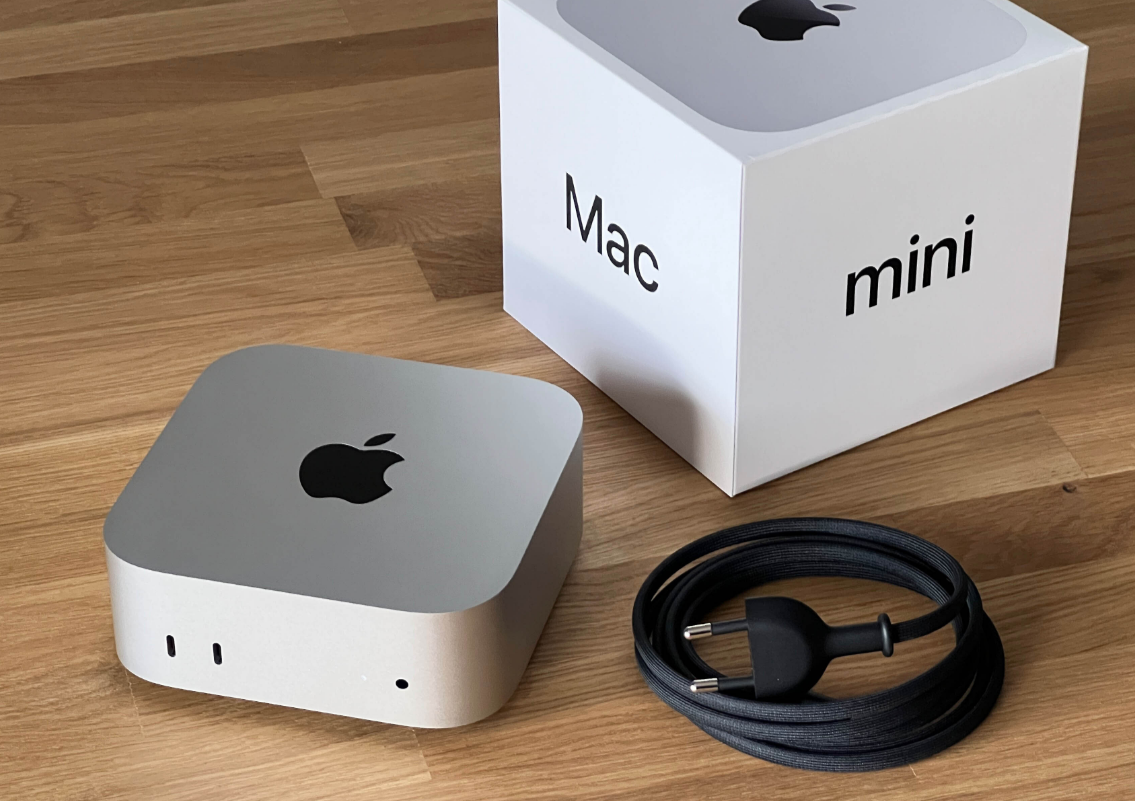
Apple Mac mini (M2 / M2 Pro)
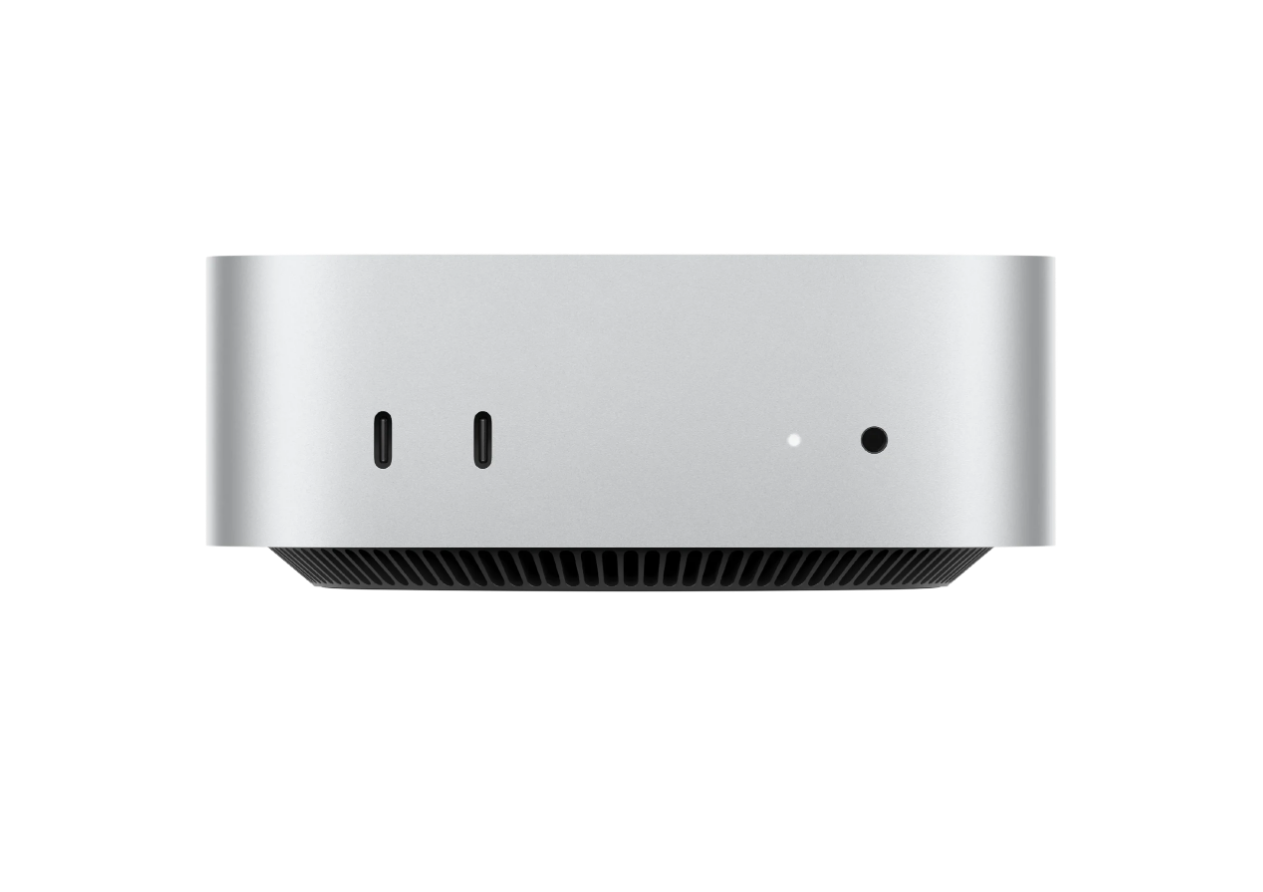
The Mac mini remains one of the most balanced mini PCs available right now. With Apple’s M2 and M2 Pro chips, it delivers strong performance across everyday tasks and more demanding workloads like video editing or development.
What makes it stand out is efficiency. It runs cool, stays quiet, and rarely feels constrained despite its size. You don’t deal with thermal throttling the way you might on cheaper compact systems.
The limitation is obvious. You’re locked into macOS, and gaming support is still limited. But if your workflow fits within Apple’s ecosystem, this is one of the easiest recommendations.
Best Windows Mini PC for Most Users
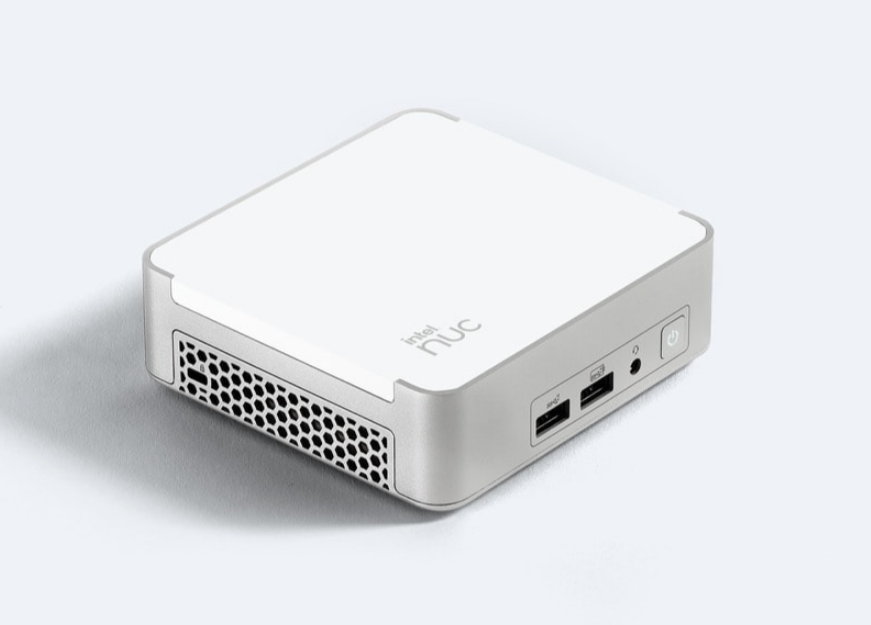
Intel NUC 13 Pro
If you want a Windows-based mini PC that feels like a proper desktop replacement, the Intel NUC 13 Pro is a strong choice.
It offers modern Intel processors, solid build quality, and enough flexibility to upgrade RAM and storage. That upgradeability alone makes it more future-proof than many competitors.
Performance is consistent, and it handles multitasking, office work, and even light creative tasks without issue. It doesn’t try to do anything flashy, but it gets the fundamentals right, which matters more in daily use.
Best Value Mini PC
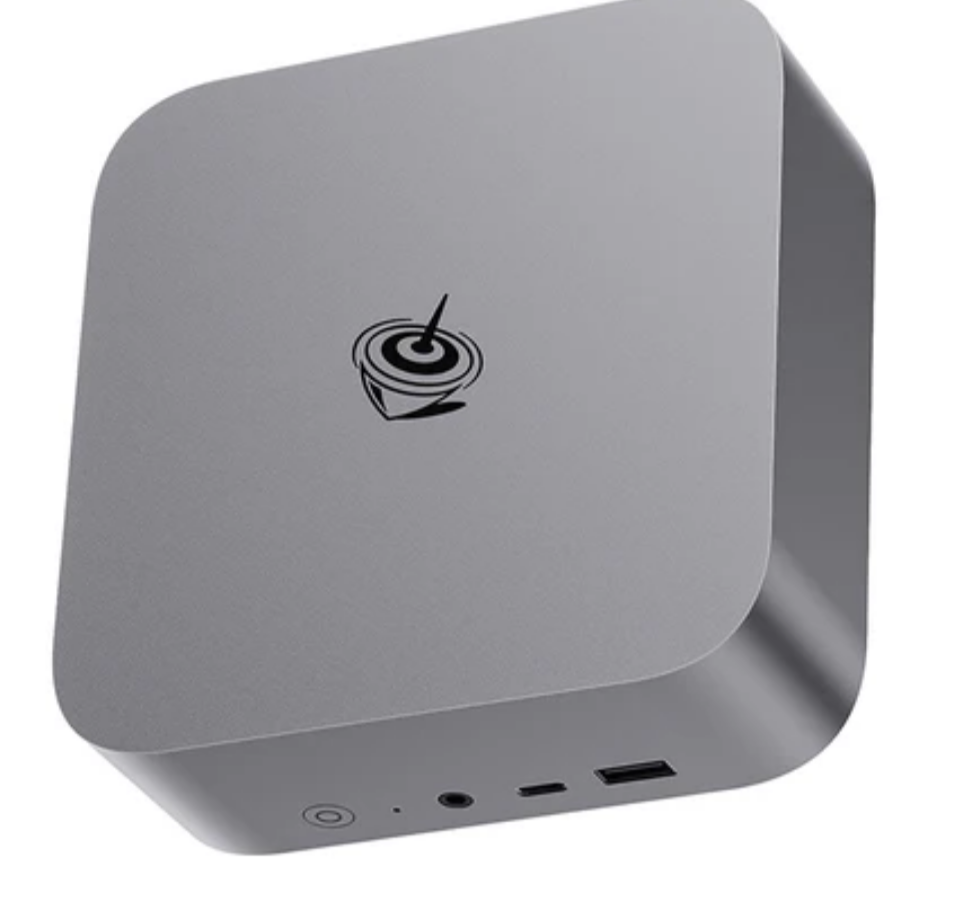
Beelink SER Series
If budget matters but you still want decent performance, Beelink’s SER series is where things get interesting.
These systems typically use AMD Ryzen processors, which offer strong multi-core performance at a lower price point. That makes them well-suited for multitasking, light editing, and general productivity.
You won’t get the same premium build quality as higher-end options, but the performance-to-price ratio is hard to ignore. For many users, this hits the sweet spot.
Real-World Usage: Which One Should You Pick?
Your choice depends on how you actually use your system.
If you want something that just works, stays quiet, and handles demanding tasks efficiently, the Mac mini is the safest bet.
If you prefer Windows and want flexibility with upgrades, the Intel NUC is the more practical long-term option.
If you’re trying to keep costs down without ending up with a slow machine, Beelink offers the best value.
Limitations You Should Be Aware Of
Mini PCs are capable, but they’re not perfect.
Thermal limits mean they can’t sustain heavy workloads the same way full desktops can. Upgrade options are also limited compared to traditional PCs.
And if your workload includes high-end gaming or intensive rendering, a full-sized desktop still makes more sense.
Final Thoughts
Mini PCs have reached a point where they’re genuinely viable as primary machines. The key is choosing the right one based on your needs, not just specs on paper.
Go with a balanced option, and you’ll get a system that’s compact, efficient, and more powerful than its size suggests.
FAQs
Are mini PCs good for everyday use?
Yes, most modern mini PCs handle browsing, office work, and media tasks without any issues.
Which mini PC is best for Windows users?
The Intel NUC 13 Pro is one of the most reliable and flexible options available.
Is the Mac mini worth it?
If you’re comfortable with macOS, it offers excellent performance and efficiency for its size.
Can budget mini PCs perform well?
Yes, options like the Beelink SER series offer strong performance for their price.
Should I replace my desktop with a mini PC?
For general use and moderate workloads, yes. For heavy gaming or professional tasks, a desktop is still better.



Discussion (0)
Be the first to comment.