UP

Entertainment

How to have fun using technology. We deal with tech that can be used for fun: to play games, watch movies, listen to music, and more. Product reviews, useful tech articles, product comparisons, and more.

review Reviewing The ASUS Strix Tactic Pro Mechanical Gaming Keyboard

Reviewing The ASUS Strix Tactic Pro Mechanical Gaming Keyboard

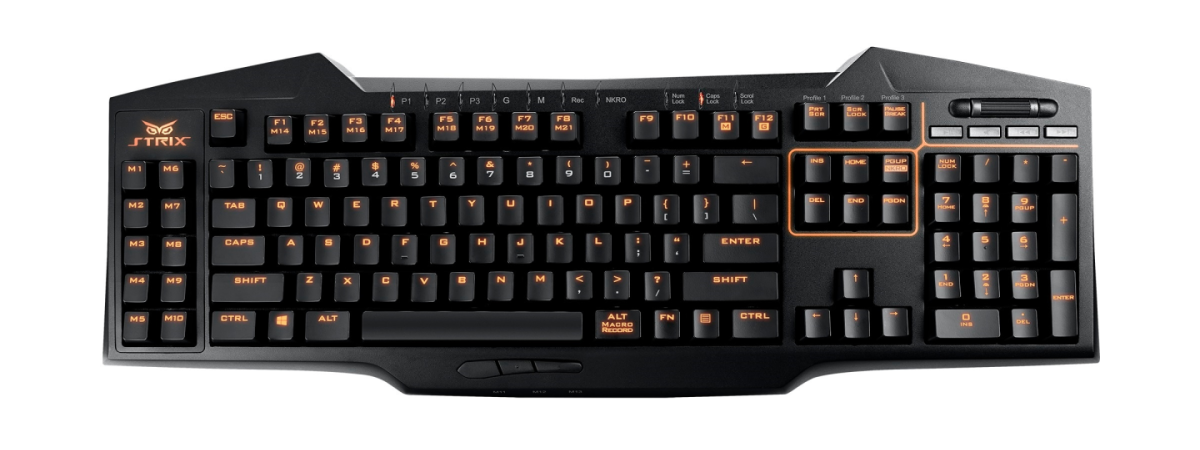
We have recently reviewed the ASUS Strix Claw gaming mouse, a device that we enjoyed using and which managed to set some high expectations for the other peripherals in the Strix line-up. In this review we're taking a look at another member of the Strix family: the ASUS Strix Tactic Pro mechanical gaming keyboard. This is a black gaming keyboard with orange backlight and
review Reviewing The ASUS Strix Claw Mouse & The Strix Glide Control Mousepad

Reviewing The ASUS Strix Claw Mouse & The Strix Glide Control Mousepad

ASUS has launched a new brand of gaming peripherals and hardware components called Strix. The name is taken from the ancient Roman and Greek word for "owl" and it means the keenest hearing and sharpest eyesight. Sounds daring, doesn't it? These devices are not sold under the Republic Of Gamers brand and the whole lineup is a new brand of its own. We were
review ASUS ROG Gladius Review - A Great Mouse From The ASUS Forge

ASUS ROG Gladius Review - A Great Mouse From The ASUS Forge

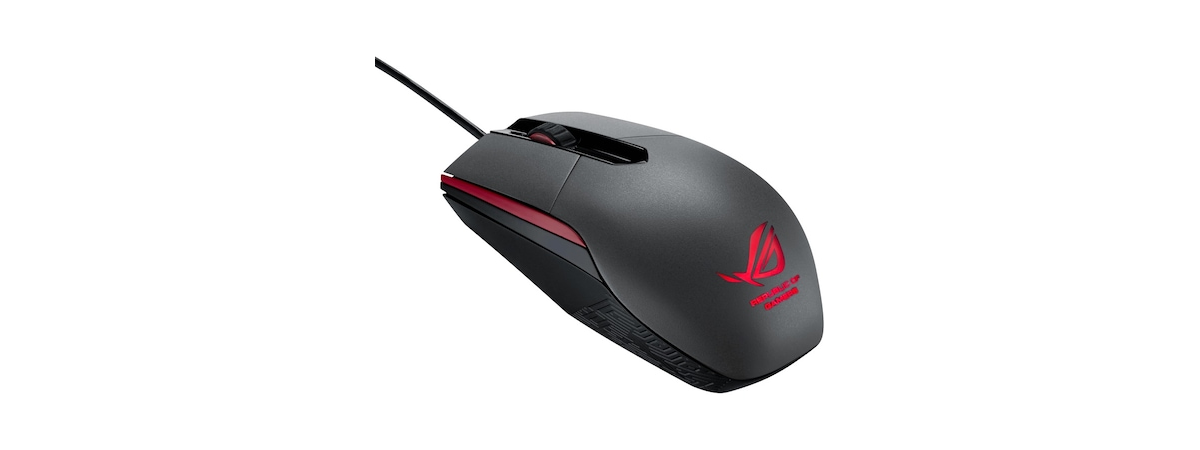
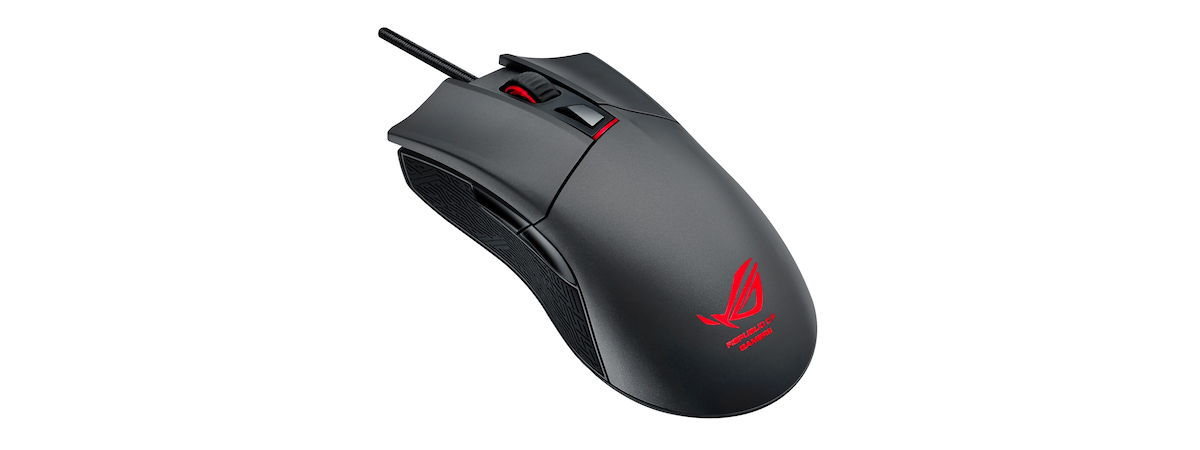
ASUS Republic Of Gamers is one of the most famous brands for gamers worldwide. From motherboards to gaming peripherals, ASUS has always lived up to the expectations of gamers, so we were really curious to see how their latest gaming mouse, ASUS Gladius, behaves in battle, especially when playing fast paced games. We've tested it for more than a week and we're glad to

5 Things You Can Do with the Travel App in Windows 8.1

As summer is coming with quick steps, it is also the time of year to start planning your holiday. The Internet provides a limitless resource for travel information, so much that it feels a bit overwhelming. For this reason, we have decided to test the Travel app that comes by default with Windows 8 and 8.1 and share what you can do with it. Can this app provide all that

Ciprian Rusen - Your Trusted Microsoft MVP, Windows Consumer Expert

On April Fools' day I received the best news of the year and it was no joke: Microsoft has recognized me as MVP, Windows Consumer Expert. This is great news for me and for us, here at 7 Tutorials. That's why I would like to share with you what this award means for me, for us as a team and for you, our readers. [DC-SUMMARY-BREAK] What is Microsoft MVP? Microsoft

How to Use the Video App in Windows 8.1 to Play Movies Stored Locally

I bet most of you enjoy watching movies on your computers and devices, both when at home and while travelling. With the help of the Video app you can watch all kinds of movies both from your PC and your tablet. This friendly modern app also enables you to organize your movies in a digital library. Without further ado, let's see how to use the Video app to play your

Introducing Windows 8.1: Change the Start Screen Wallpaper & Colors

Windows 8.1 offers more personalization options than Windows 8 and Windows 7 do. One of the things that can be configured in more detail is the Start screen itself. For example, in Windows 8.1 you have more options for setting the wallpaper (background image), background and accent colors. You can even set it to use the same wallpaper as the Desktop, which changes every couple of minutes with something new.

Where the Desktop & Lock Screen Wallpapers are Stored in Windows 8

Where can you find the images used by Windows 8 as wallpapers for its default Desktop themes and for the Lock screen? It turns out that they are placed in the same folder and you can copy and paste the images from there with ease. Here's how: [DC-SUMMARY-BREAK] The Wallpapers Used by Windows 8 for the Desktop & the Lock Screen Windows 8 has three default themes: Windows, Earth and

Where are the Start Screen Patterns Located & How to Extract Them?

I like some of the patterns used by Microsoft on Windows 8's Start screen and I thought I could be using them as Desktop wallpapers. But the problem is - where are they located? They are not stored in any of the usual locations used by Windows to store its Desktop wallpapers. It turns out that they are embedded in a special file and you need to use a special

Meet Our Readers: Milan Benes from the Czech Republic

Today, I would like to publish an interview with one of our readers: Milan Benes. He contacted me a few weeks ago and since then we have been in touch on a regular basis. Together we have found some great solutions for Windows 8 puzzles. Milan is the inspiration behind two of our recent articles and because of that, I thought it would be great to introduce him to other

Steelseries Diablo 3 Mouse Review - Is it Worthy of Its Name?

Indifferent if you are a Diablo fan or not, you must have heard about the Steelseries Diablo 3 mouse. This mouse is one of the hottest mice of the year and... I was lucky enough to get my hands on one. After testing it for almost two months, I have lots to share about the quality and performance of this mouse. Is it a great mouse? Does it work well

What Windows 8 Haters Don’t Understand About Windows 8

Lately, I notice a strong debate about Windows 8. People tend to either hate it or love it. There are no moderate verdicts being shared. Those who hate it share mostly the same complaints, many of which I think are wrong. That's why I decided to share my view on those arguments and what I believe is the main thing people don't understand about Windows 8. [DC-SUMMARY-BREAK] The Most Common

The Book Steve Jobs Would Not Have Approved: The Biography of Steve Jobs

Reading the title of this book review - I'm sure you have an ironic smile on your face. Why would a blog about Windows, for Windows users, review a book about Steve Jobs? Because no matter how much he berated Microsoft and Windows, Steve Jobs had a great influence on the tech world and contributed to the exciting & privileged context in which we find ourselves today. Should a Windows

The Geeky Way of Personalizing Windows Themes

Did you know that, beyond the basic personalisation of Windows themes, there's a slightly more hidden but more powerful way to customize visual settings? With the help of the Window Color and Appearance window, you can change the background color used by certain applications, you can increase the size of the scroll bar or change the fonts used for menus. This tutorial will show how you can do all this

How to Play Videos and DVDs in Windows Media Player 12

Windows Media Player 12 plays video clips and DVDs as well as it does audio files. Video clips in your library will automatically be organized for you and can be played easily with a click of a button. In this tutorial, I'll show how to play imported and downloaded video clips and DVDs. [DC-SUMMARY-BREAK] Playing Videos from Your Library Playing videos from your Windows Media Player 12 isn't much different
tutorial How to Burn CDs and DVDs in Windows Media Player 12

How to Burn CDs and DVDs in Windows Media Player 12

Windows Media Player 12 allows computers with built-in CD and/or DVD burners to quickly and easily create audio CDs, data CDs and Data DVDs. This functionality makes creating mix CDs and copying audio CDs for playback in car stereos and other CD players incredibly simple. Alternately, Windows Media Player 12 can burn data CDs for playback in devices that support.mp3 and.wma playback. Windows Media
article Will Austin About His Trip to the Desktop of Millions

Will Austin About His Trip to the Desktop of Millions

One of the great things about Windows 7 is the fact that it has a very strong visual personality. It includes a very diverse set of wallpapers from a long list of visual artists. The funny thing is, the wallpapers which our team likes best are all created by one photographer. His name is Will Austin and we were very fortunate to have him