UP

Entertainment

How to have fun using technology. We deal with tech that can be used for fun: to play games, watch movies, listen to music, and more. Product reviews, useful tech articles, product comparisons, and more.

tutorial How to Play Roblox on a VR Headset

How to Play Roblox on a VR Headset

Roblox supports VR on Meta Quest, PC-VR headsets, and some mobile-VR setups. You only need a compatible headset, the right software, and a quick settings tweak inside Roblox to start exploring worlds in full 3D. This guide walks you through hardware checks, VR setup steps, troubleshooting, and performance tips so you can play Roblox on a VR headset with minimal friction. 1) Check your
tutorial How to Install FuboTV on Samsung Smart TV

How to Install FuboTV on Samsung Smart TV

FuboTV works smoothly on Samsung Smart TVs, and you can install the app in just a few steps. Most modern Samsung models support FuboTV natively, so you can start streaming without extra hardware. If the app does not appear on your TV, this guide also covers compatibility checks and simple fixes. Step 1: Check whether your Samsung TV supports the FuboTV app You must
tutorial How to Download From TikTok Without Watermark

How to Download From TikTok Without Watermark

Downloading TikTok videos without a watermark helps you reuse clips for editing, social posts, or offline viewing. Most methods work quickly once you know where to tap and how to copy the link. This guide shows the fastest ways to save watermark-free TikTok videos on iPhone, Android, Windows, and Mac. It also covers tool comparisons, safety notes, and fixes for common download errors. 1)
tutorial How To Port Forward A Minecraft Server For Multiplayer

How To Port Forward A Minecraft Server For Multiplayer

Port forwarding is required when you want players outside your home network to join your Minecraft server. Without an open port, traffic cannot reach the device running your server. This updated guide explains how to port forward a Minecraft server at the time of writing, how to set your server port, how to allow the port through your firewall, and how to configure your
tutorial How To Download Games For Xenia Emulator (Windows Guide)

How To Download Games For Xenia Emulator (Windows Guide)

If you want to play Xbox 360 games on a Windows PC, learning how to download games for Xenia Emulator is a key step. Xenia is a free, open source Xbox 360 emulator for Windows that can run many commercial titles at the time of writing. With the right setup, you can enjoy your library on modern hardware instead of relying on an aging
article Is Kinguin Legit And Should You Trust Its Cheap Game Keys?

Is Kinguin Legit And Should You Trust Its Cheap Game Keys?

When you see Windows and game keys on Kinguin for a fraction of the official price, it is natural to ask one thing first: Is Kinguin legit, and should you trust it with your money? Kinguin is a gray market game key marketplace where third-party sellers list cheap digital keys for games, operating systems, and software. The savings can be real, but so are the risks,
tutorial Plantronics Headset On PC: Essentials For Work and Gaming

Plantronics Headset On PC: Essentials For Work and Gaming

Using a Plantronics headset on computer can transform calls, meetings, games, and streaming. Whether you use a wired Plantronics USB headset, a 3.5 mm model, or a wireless Plantronics Bluetooth headset, a few setup essentials keep everything sounding clear on Windows or Mac. This guide walks through the Plantronics headset setup from the first connection to audio fine-tuning and simple troubleshooting. You learn how
tutorial How To Manually Download From Steam Workshop

How To Manually Download From Steam Workshop

If you love modding your games, knowing how to manually download from Steam Workshop gives you far more control than just clicking Subscribe in the Steam client. A manual download lets you back up mods, install them on non-Steam copies of games you legally own, and avoid surprise auto updates that might break saves. This guide explains how to manually download Steam Workshop mods
tutorial How to Unlock Baraka in Mortal Kombat X

How to Unlock Baraka in Mortal Kombat X

Baraka remains one of the most recognizable fighters in the Mortal Kombat series, so players often look for a way to unlock him in Mortal Kombat X. The confusion usually comes from his appearance in story mode and early rumors that suggested his roster slot could be opened through gameplay. This guide explains Baraka’s actual availability on all platforms, how PC players can access
tutorial How to Download SFM Models From Steam

How to Download SFM Models From Steam

Downloading models for Source Filmmaker helps you build scenes faster and work with higher-quality assets. Most creators use the Steam Workshop because it handles downloads automatically. Manual installation still matters when you work with models from outside Steam or need stricter folder control. This guide shows the full workflow, from subscribing on Steam to fixing missing textures and locating your files on Windows. But
tutorial Where is the App Store on my Samsung Smart TV?

Where is the App Store on my Samsung Smart TV?

If you can’t find the App Store on your Samsung Smart TV, the menu layout or the model year likely caused the confusion. Samsung places app downloads inside the Apps section of Smart Hub, and the interface varies across models. This guide shows you where to find the App Store on every Samsung TV generation, why it may be missing, and how to fix
tutorial How to Delete Games on PC (Step-by-Step Guide)

How to Delete Games on PC (Step-by-Step Guide)

Removing old games frees up valuable disk space and helps Windows run smoothly. Large titles often store gigabytes of data across Program Files, AppData, and launcher folders. This guide shows you the fastest ways to delete Windows, Steam, Epic Games, Xbox, or Microsoft Store, and other launcher titles, plus how to remove leftover files and save data. Method 1: Remove games using Windows Settings
tutorial How to Make Fermented Spider Eye in Minecraft

How to Make Fermented Spider Eye in Minecraft

A fermented spider eye gives you access to several important potions in Minecraft. You only need three ingredients, but each one comes from different biomes and mobs. This guide shows you how to gather every ingredient, craft the item, and use it for brewing on any platform. 1) Ingredients you need You only need three items: a spider eye, sugar, and a brown mushroom.
tutorial How to Get Good at Kahoot in a Short time

How to Get Good at Kahoot in a Short time

Kahoot rewards players who react fast, read quickly, and use the right setup. You gain an edge when you understand how scoring works, trim device lag, and build steady practice habits. This guide shows simple steps that help you score higher and win more games. 1) Understand how Kahoot scoring works Speed vs accuracy Kahoot gives more points when you answer correctly and submit
tutorial How Much does Minecraft Realms Cost

How Much does Minecraft Realms Cost

Minecraft Realms offers simple, always-online worlds you can share with friends across devices. The cost depends on whether you play on Java Edition or Bedrock Edition and whether you choose the basic Realms subscription or the upgraded Realms Plus tier. This guide explains every pricing option and helps you decide which plan fits your group. 1) Minecraft Realms pricing at a glance Realms uses
tutorial How to Download Movies From Soap2Day on PC

How to Download Movies From Soap2Day on PC

Soap2Day attracts people who want free movies on their PC, but the platform creates legal and security risks. It never provides genuine download features, and pop-ups or redirects often push unsafe files. You stay safe when you avoid those links and switch to legal tools that give you the same offline viewing experience. 1) Understanding Soap2Day and why downloads don’t work Soap2Day looks convenient,
tutorial How to Make a Dispenser in Minecraft

How to Make a Dispenser in Minecraft

Crafting a dispenser gives you a powerful utility block you can use for traps, farms, and automation. The process only requires basic resources, and you can build one early in the game if you gather the right materials. This guide walks you through every step so you understand how it works, how to place it correctly, and how to fix common issues. 1) Materials
article Smart TV Vs Google TV: Key Differences Explained

Smart TV Vs Google TV: Key Differences Explained

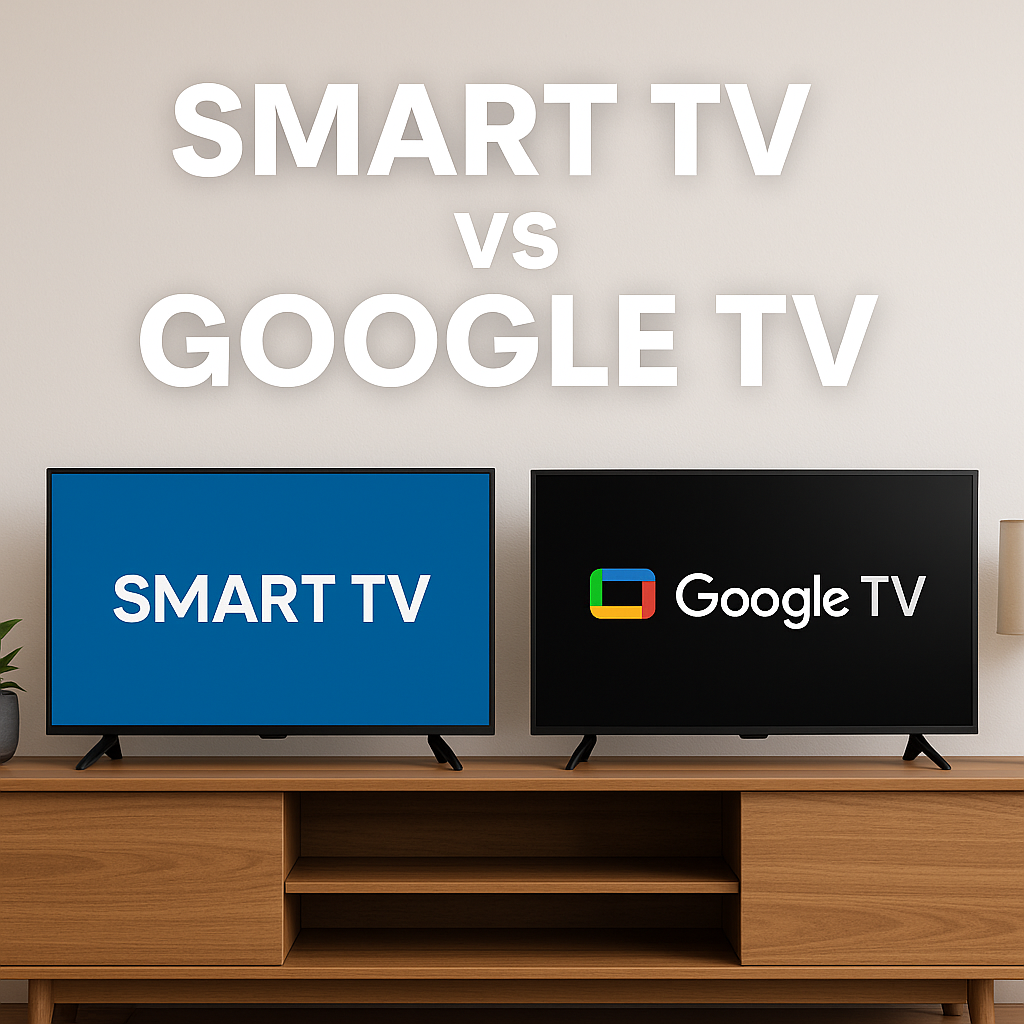
The question what is the difference between a Smart TV and a Google TV pops up a lot when you shop for a new screen. Both can stream Netflix, YouTube, and your other favorite apps, but they do not work in exactly the same way. Understanding how Smart TV vs Google TV platforms differ helps you avoid buying the wrong set for your living
tutorial How to Watch Showtime Anytime on Samsung Smart TV

How to Watch Showtime Anytime on Samsung Smart TV

Showtime merged its standalone Showtime Anytime platform into Paramount+ with Showtime. Samsung Smart TVs now use this updated app to stream the full Showtime catalog. Older Samsung TVs may show legacy Showtime Anytime branding, but the app redirects to the new experience. If your TV does not support the app, you can still stream Showtime through casting or a streaming device. This guide shows
tutorial How to Watch ABC Live Without Cable for Free

How to Watch ABC Live Without Cable for Free

Watching ABC without a cable plan has become easier, especially as more people cut monthly TV costs. ABC carries major news, sports, and primetime entertainment, so free access matters. This guide shows step-by-step methods anyone can use on a TV, laptop, or phone. ABC availability often depends on your ZIP code and local affiliate. Some methods give you the full local station while others